Accept donations
What it is
Donations are gifts of money from supporters to the club, made with the “Support” button on the club page. You use this page to see what the club has received.
Configuring donations
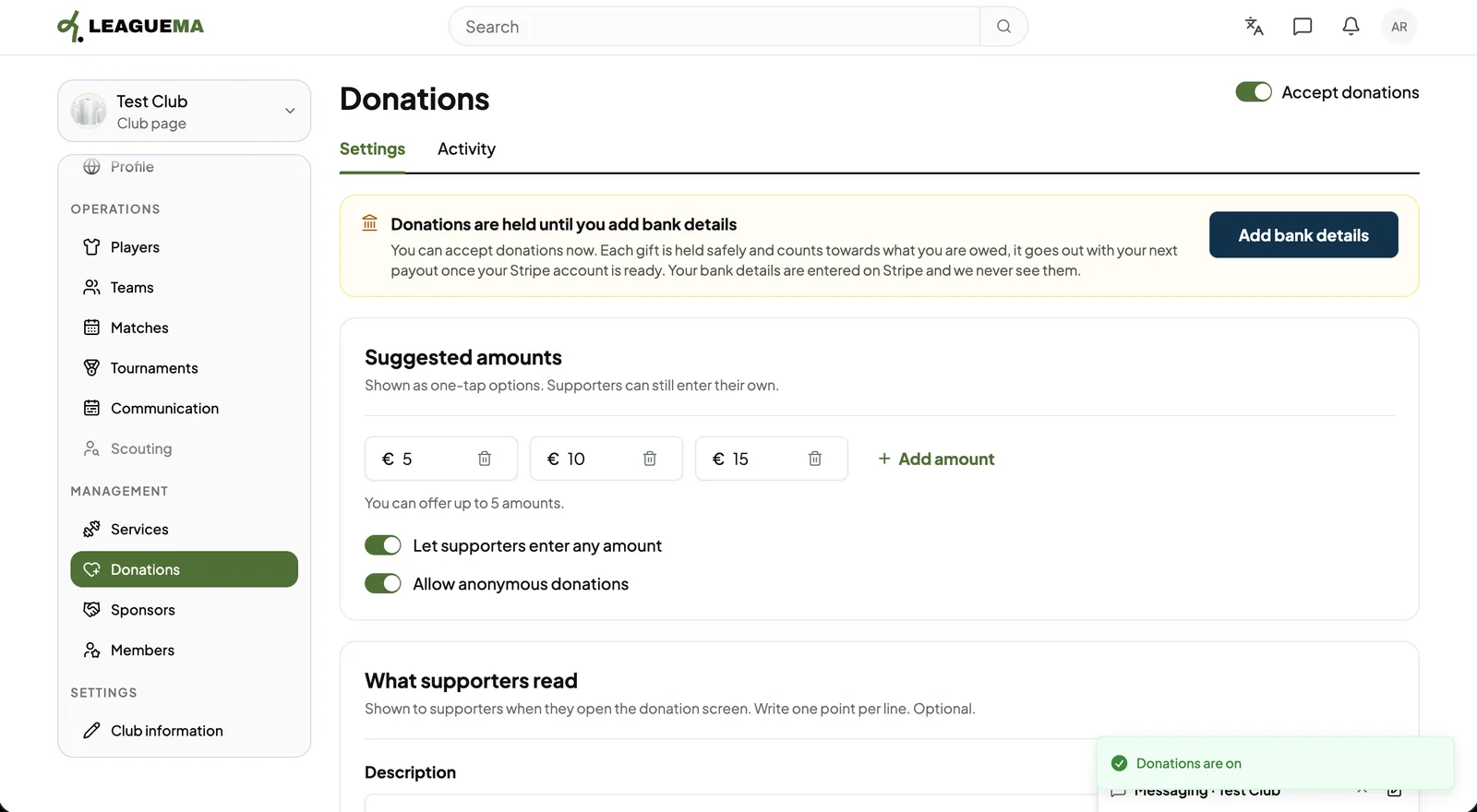
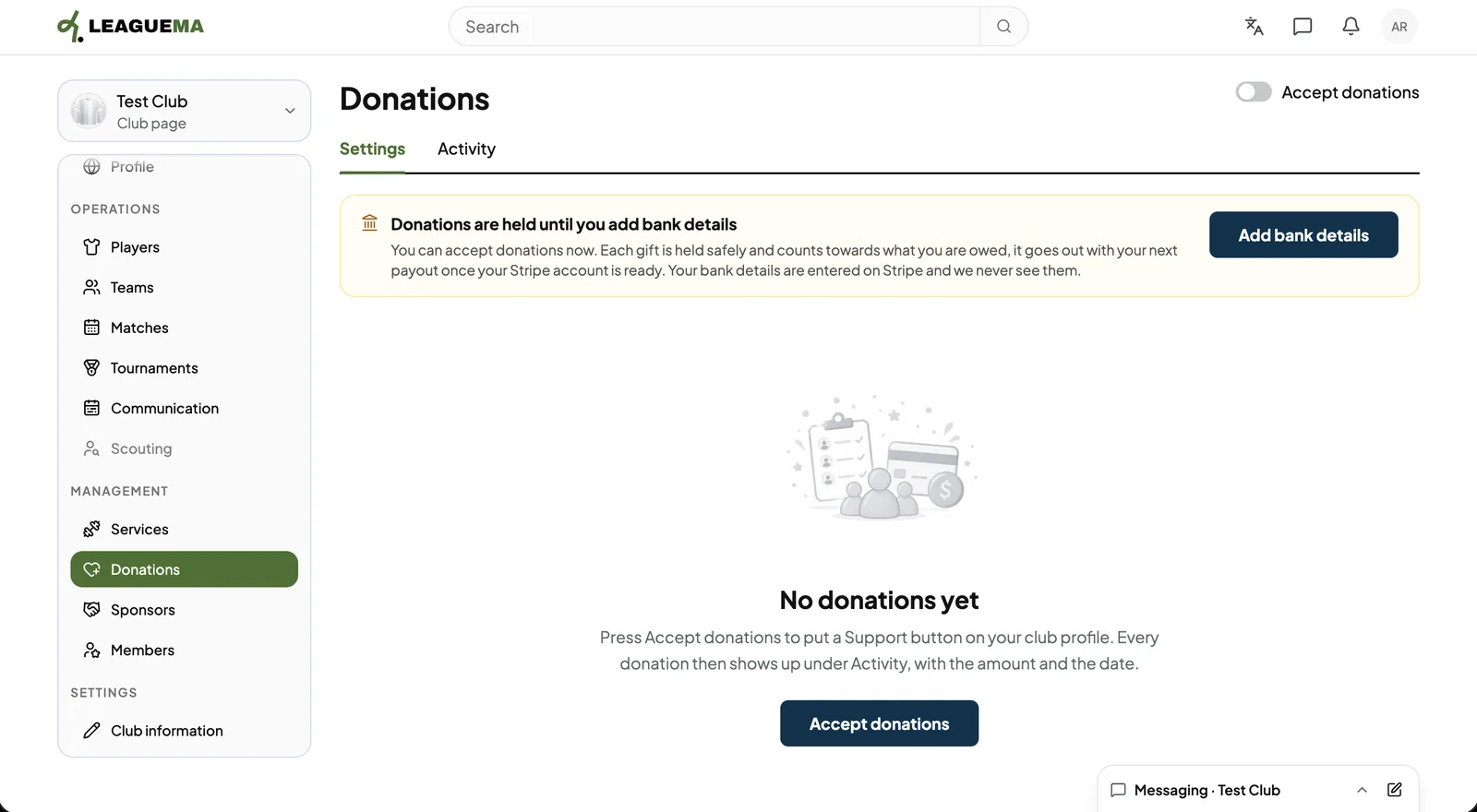
Donations are gifts of money from supporters to the club, made with the “Support” button on the club page. You use this page to see what the club has received.
Previous: Manage service members · Next: Record sponsors