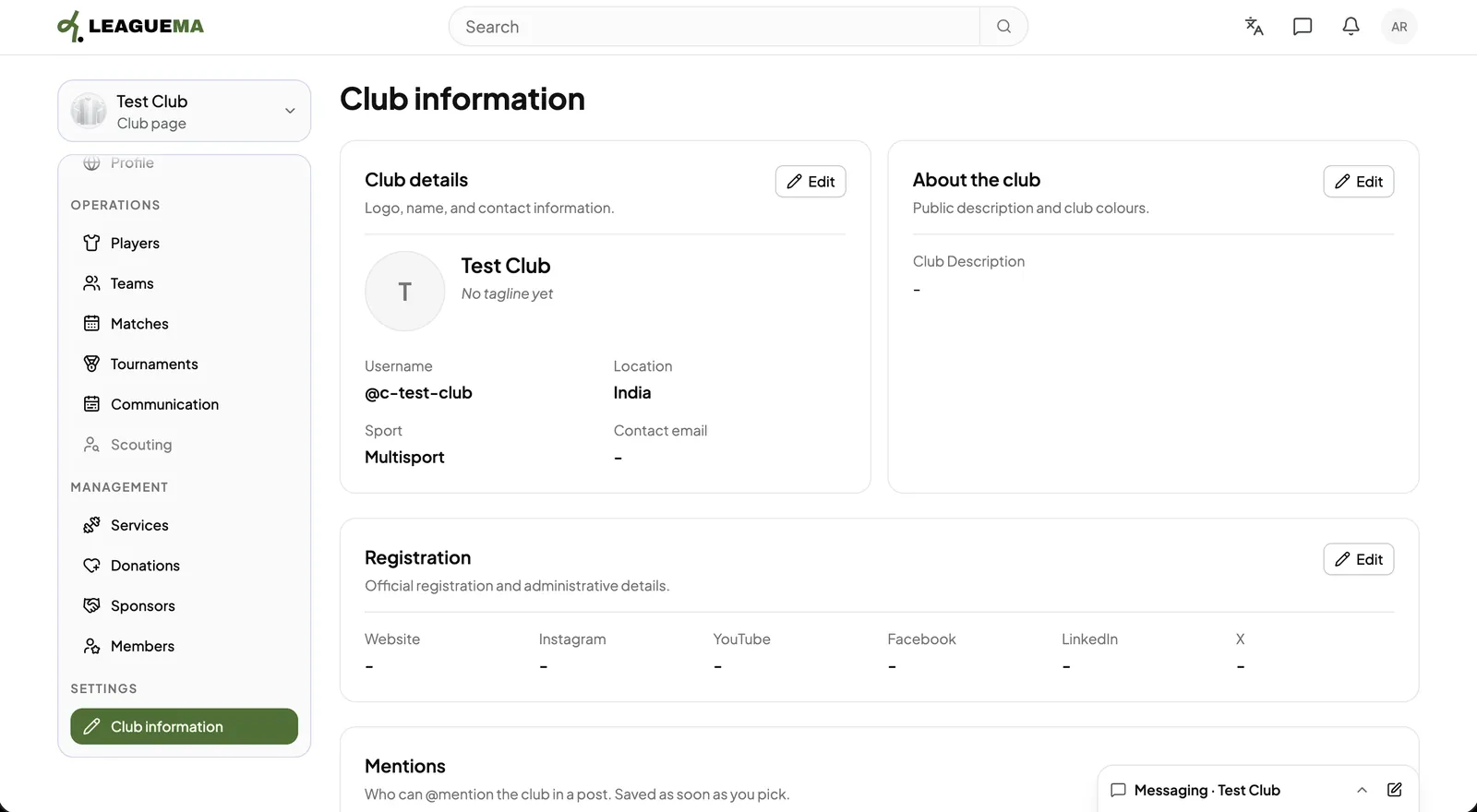
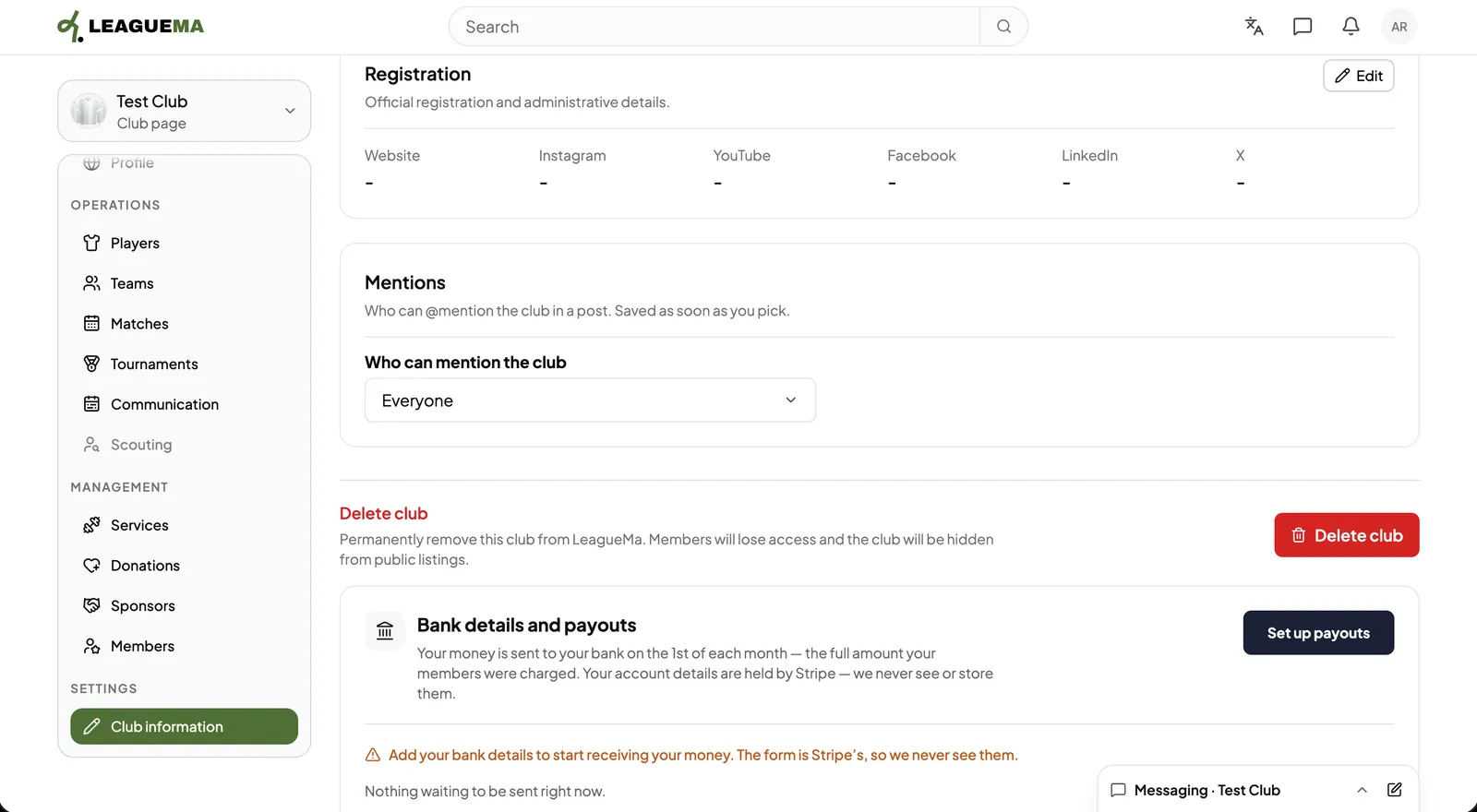
Club information is the club's settings page. You use it to edit the club's public identity, description and official links, and to manage mentions, payouts and deleting the club.
Editing the information
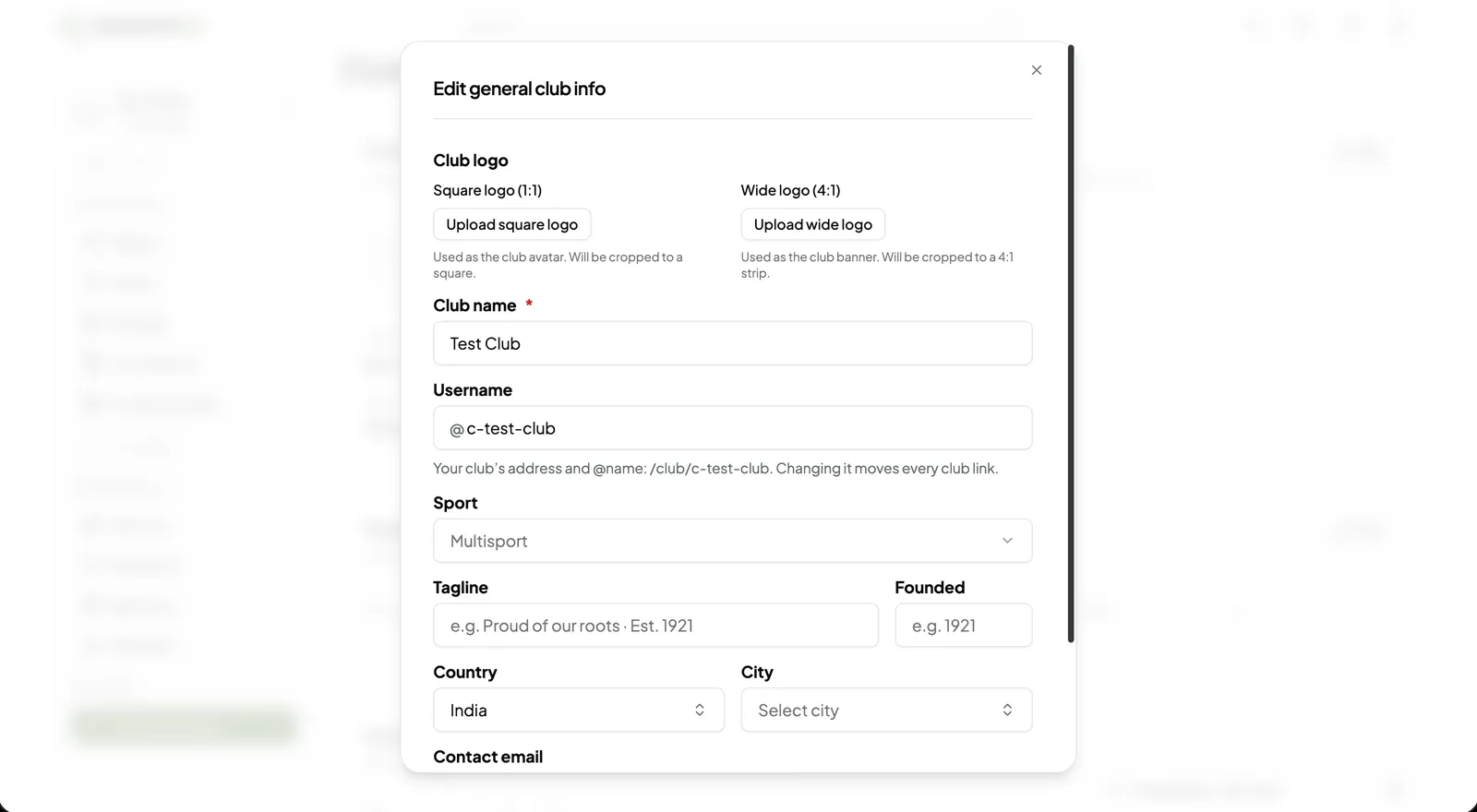
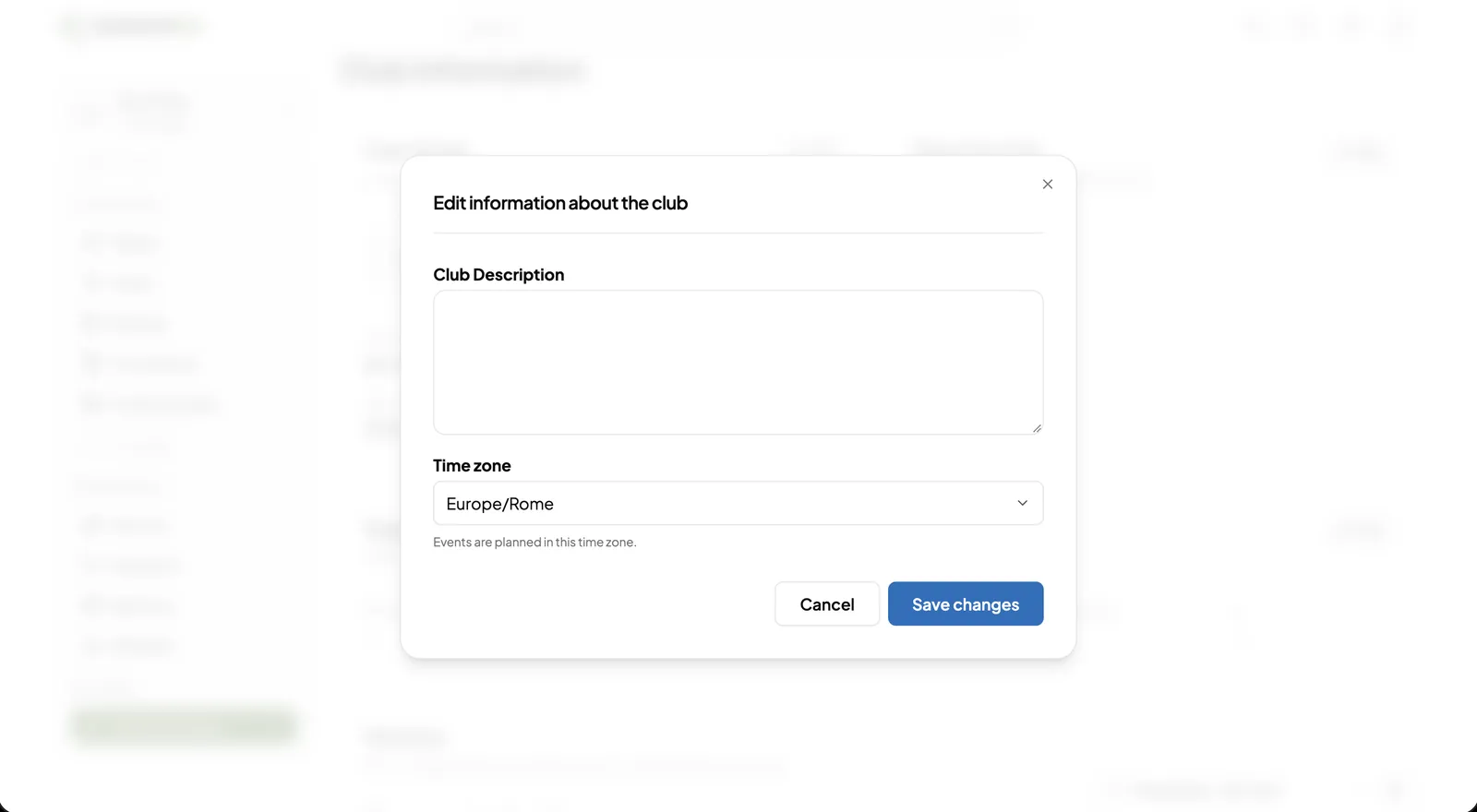
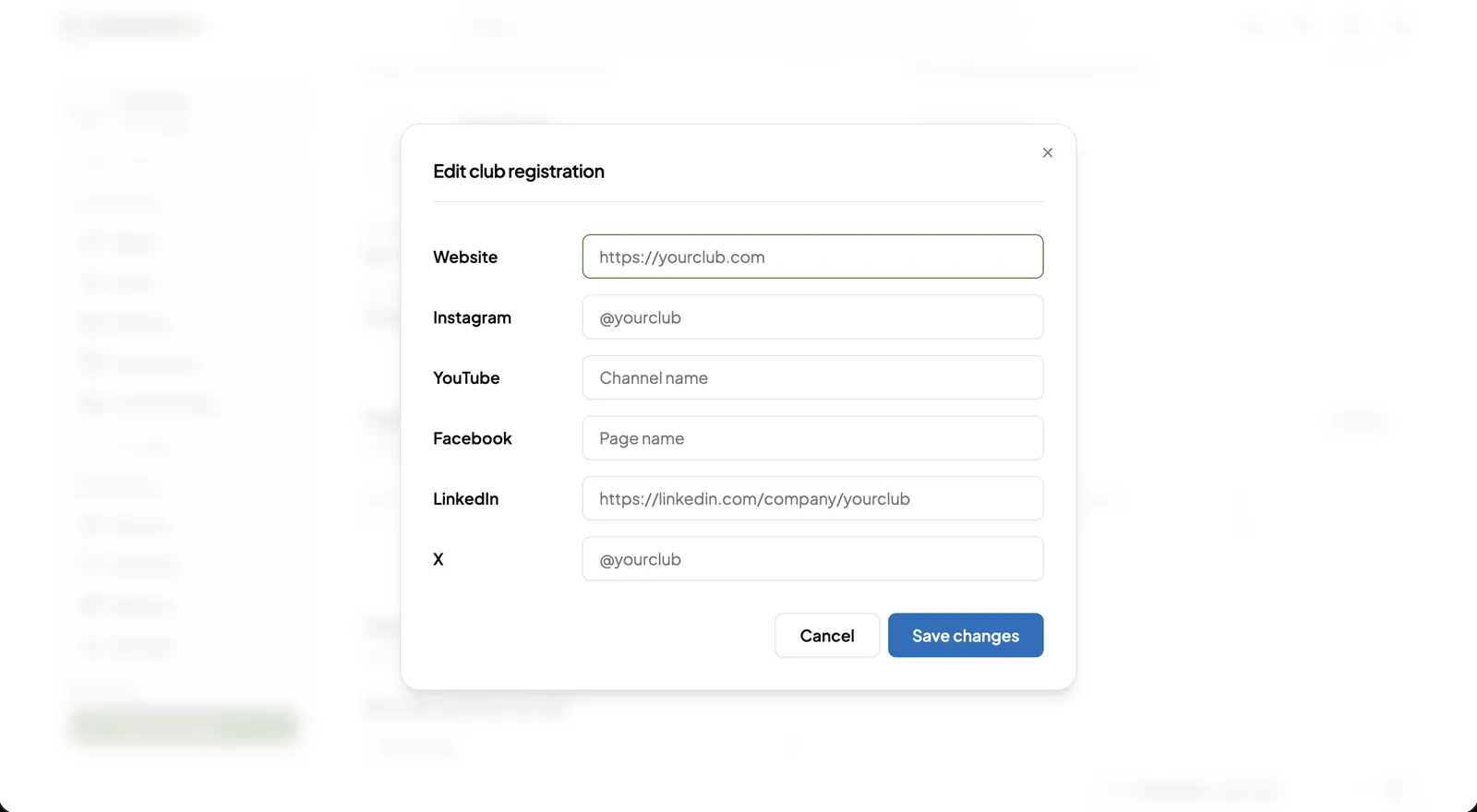
1. Opening Club information Click “Club information” under “Settings”. Each card has an “Edit” button.2. Editing the club details Upload the square and wide logos, and edit the name, username, sport, motto, founding year, country and city. Changing the username changes every link to the club.3. Editing the description Enter the club description and time zone, then click “Save changes”. Events are scheduled in this time zone.4. Editing the registration links Enter the website, Instagram, YouTube, Facebook, LinkedIn and X links, then click “Save changes”.5. Mentions and deletion Choose who can @mention the club; the setting saves when selected. “Delete club” permanently removes the club after confirmation.
Bank details and payouts
Click “Set up payments” to enter the club's bank details in Stripe's secure form. LeagueMa never stores bank details. Payouts are sent automatically between the 1st and 3rd of each month.
Service group chats
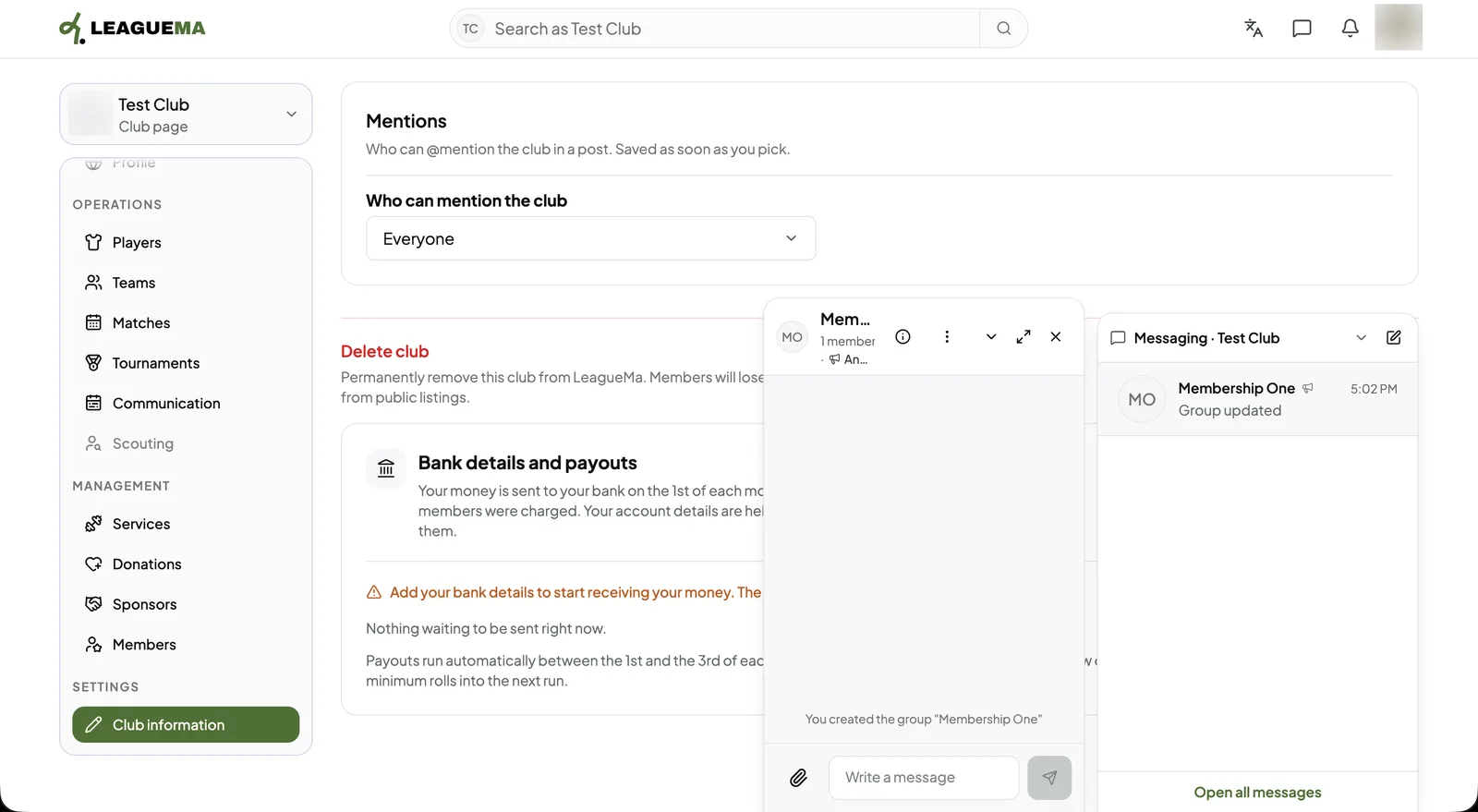
1. Opening a group chat A service with a group chat appears in the club's messaging panel. Members are added and removed by LeagueMa as they join and leave.