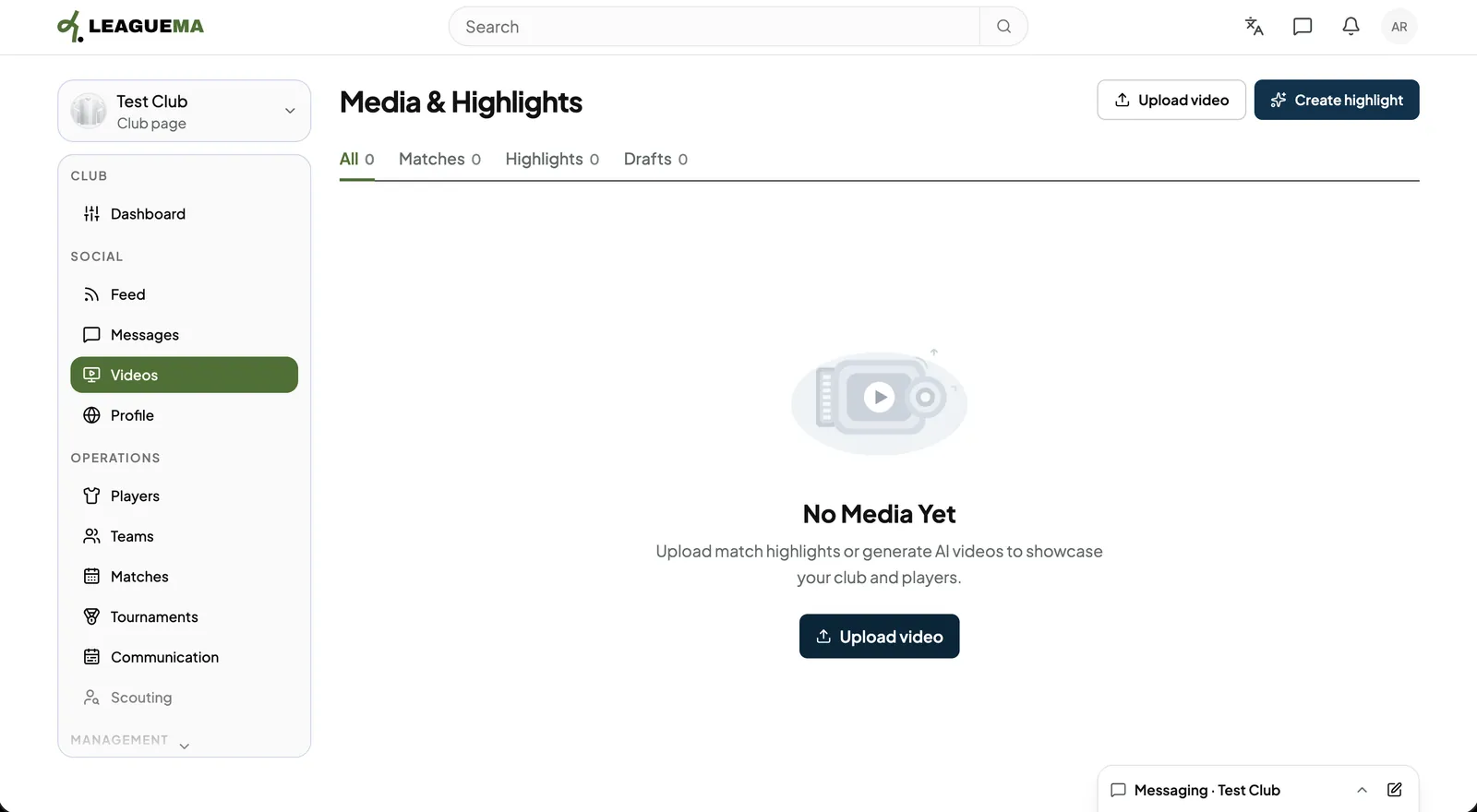
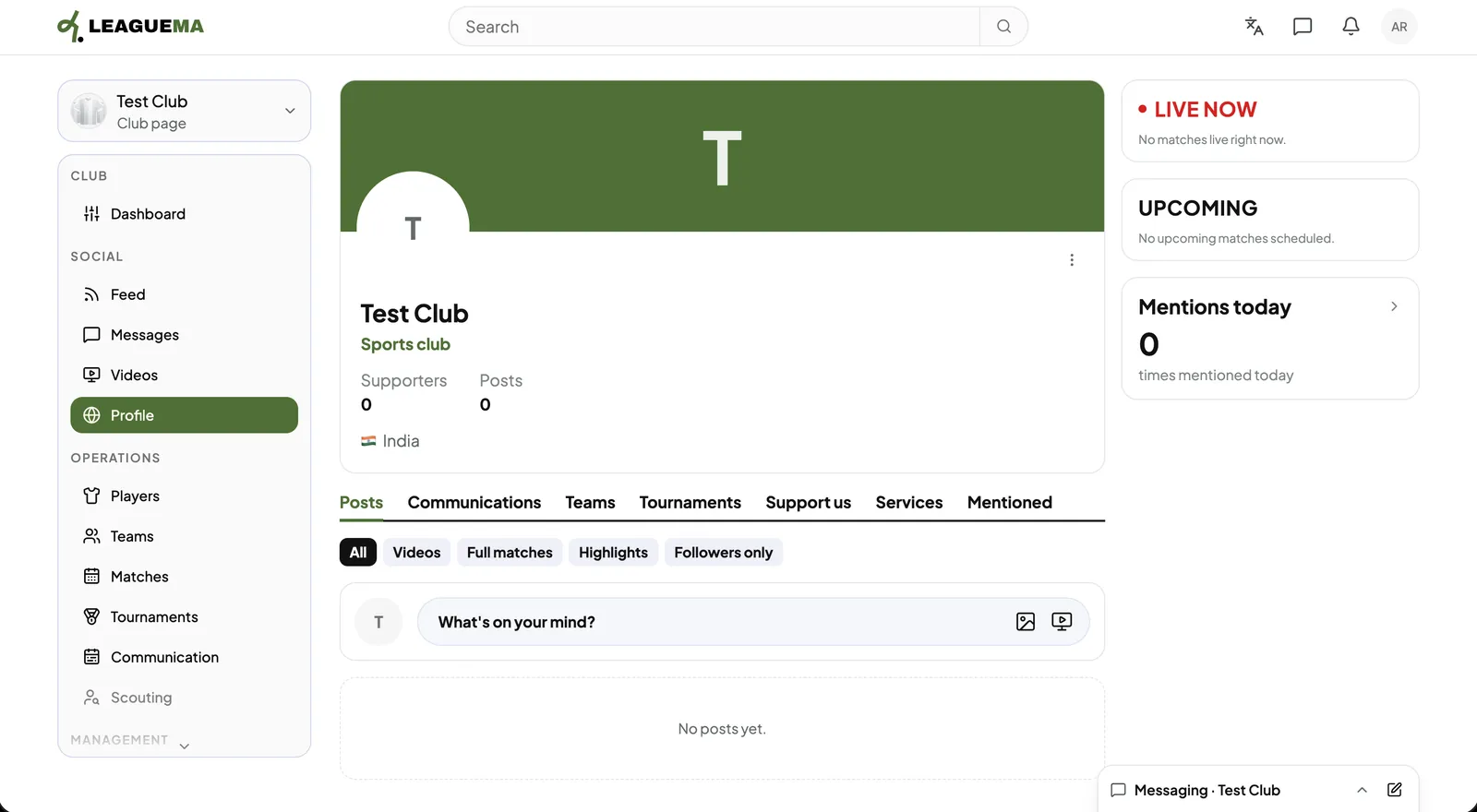
Media & Highlights is the club's library of videos and match highlights, and the club profile is the public page visitors see. You use them to show the club to the outside world.
Managing media
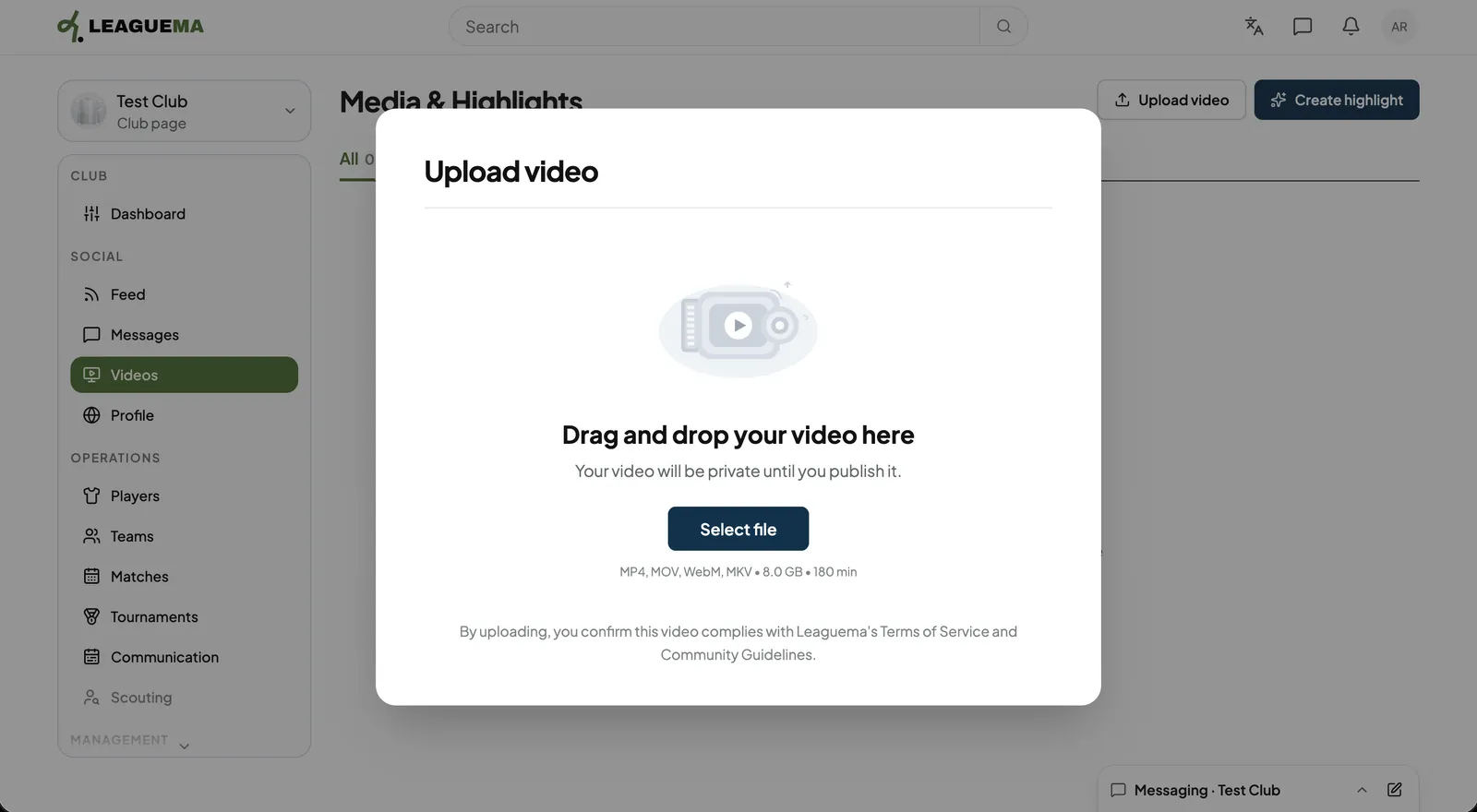
1. Opening Media & Highlights Click “Videos” under “Social”. The tabs filter all media, matches, highlights and drafts.2. Uploading a video Click “Upload video”, then drag the file into the window or click “Select file”. The video remains private until it is published.3. View the club profile Click “Profile” to view the public page with its posts, communications, teams, tournaments, supporters and services.