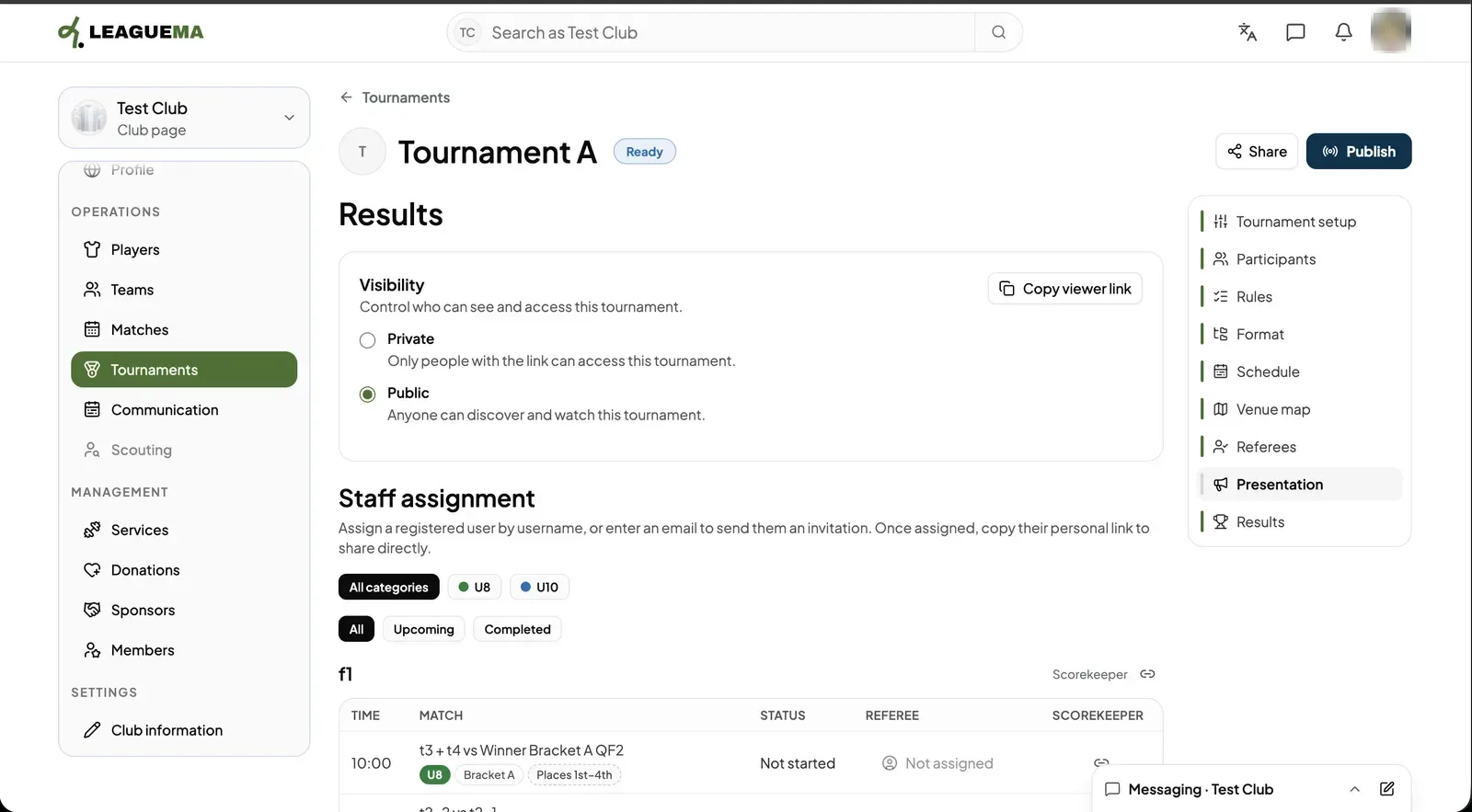
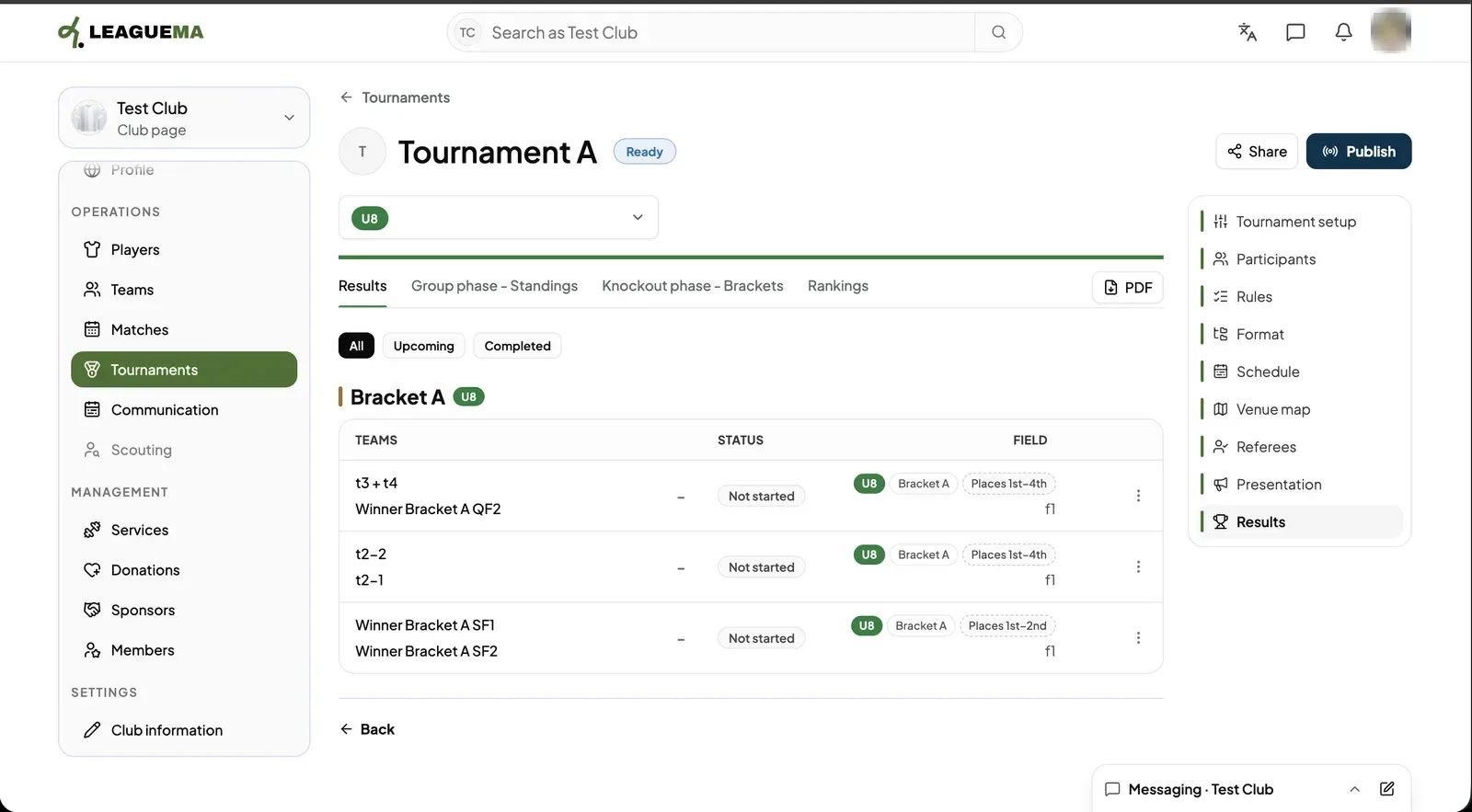
Presentation decides who can see the tournament and which staff work each match. Publishing turns the tournament live so the public can follow it. Results shows the score of every match, the group standings, the brackets and the overall ranking. You use these pages to open the event to the public and follow it as it is played.
Visibility and staff
1. Setting visibility and staff Click “Presentation”. Under “Visibility” choose “Private” (only people with the link) or “Public” (anyone can find and watch it); “Copy viewer link” copies the link. Under “Staff assignment” give each match a referee and a scorekeeper, by username or by email to send an invitation.
Results
1. Opening Results Click “Results” and pick the category. The tabs show “Results”, the group standings, the brackets and “Rankings”. Filter matches with “All”, “Upcoming” and “Completed”. “PDF” downloads the current view.
Publishing
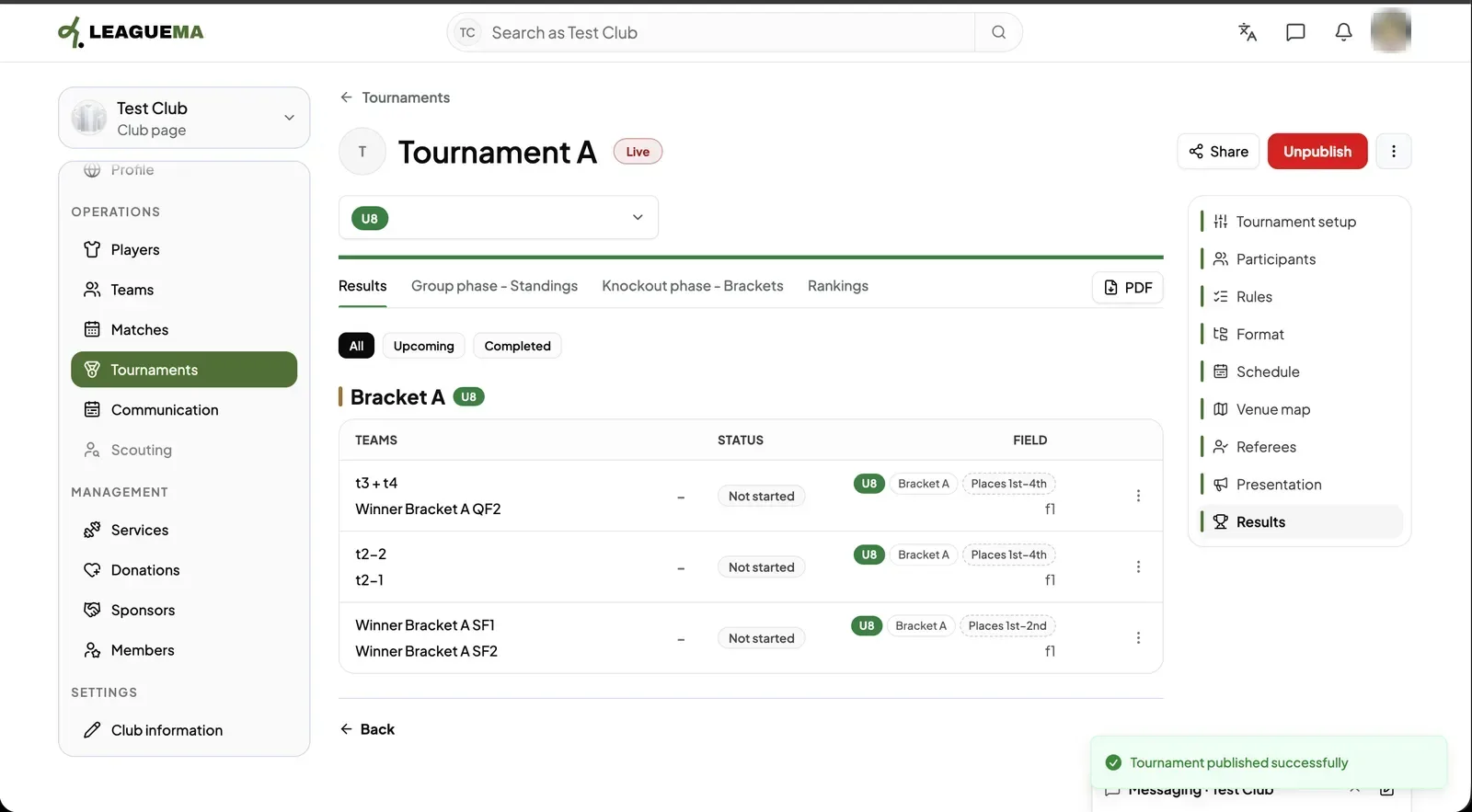
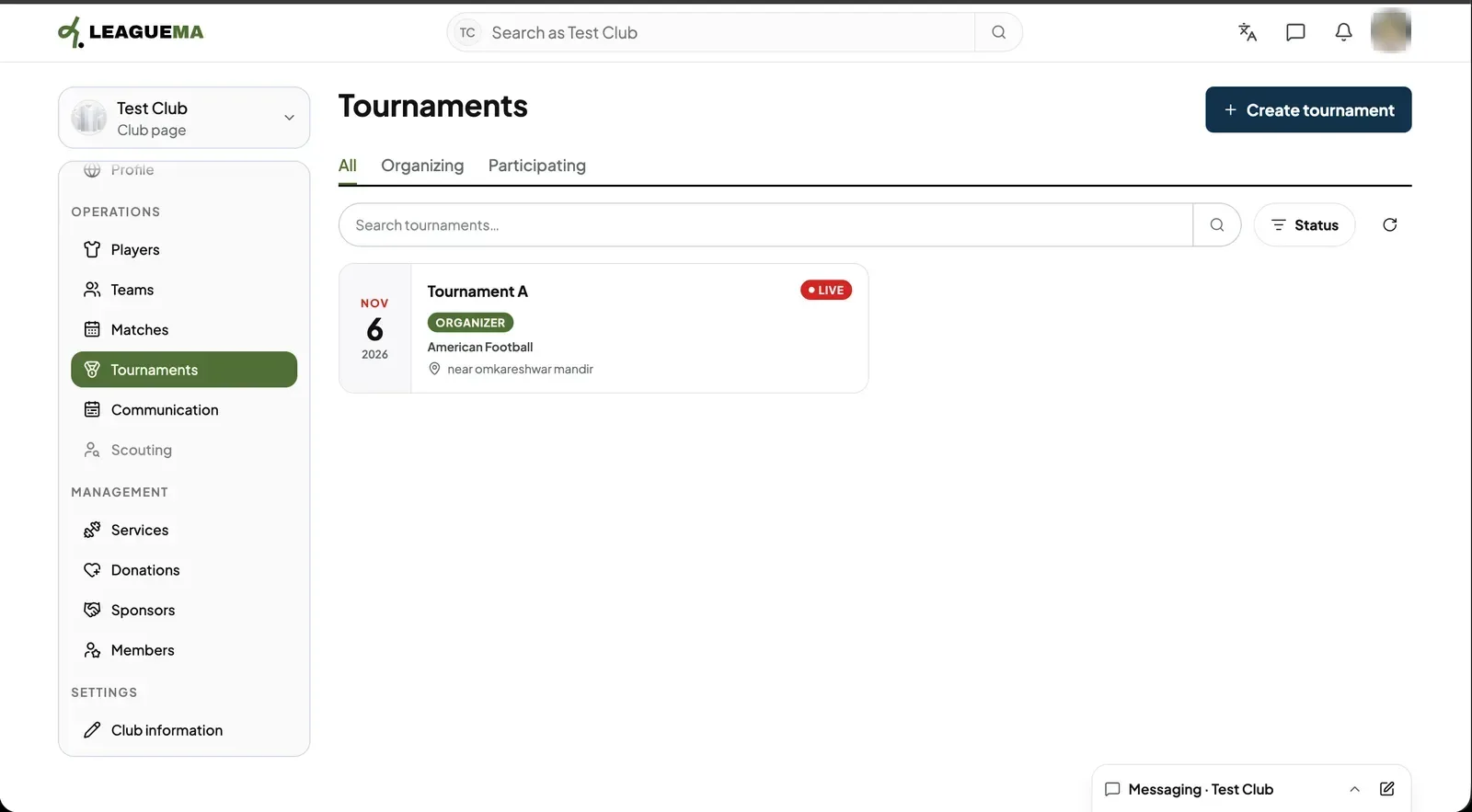
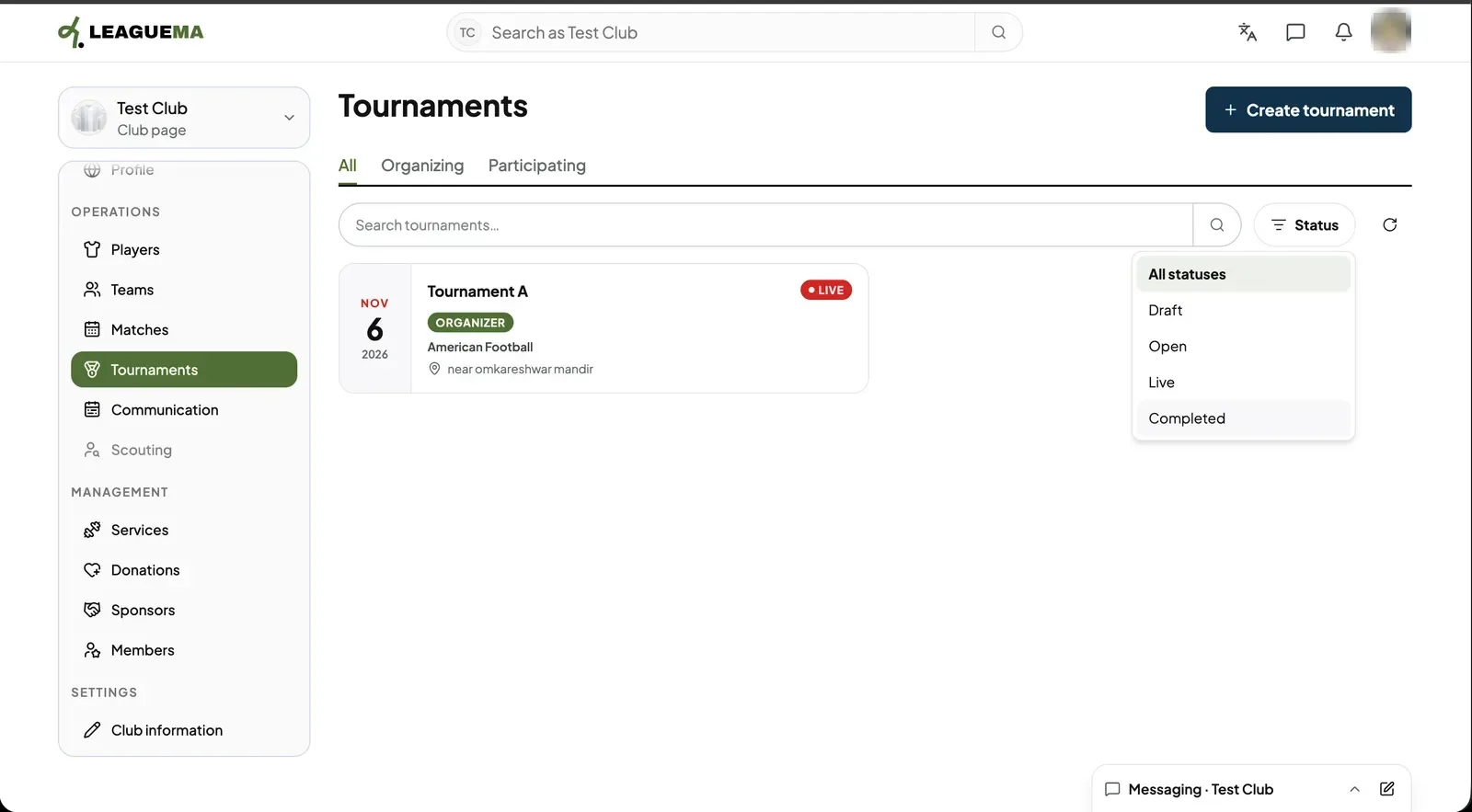
1. Publishing the tournament When the badge shows “Ready”, click “Publish”. A confirmation appears, the badge changes to “Live” and the button becomes “Unpublish”.2. Result The tournament list shows the tournament with the “LIVE” and “ORGANIZER” labels, its sport and its address.3. Filtering by status Click “Status” to show only “Draft”, “Open”, “Live” or “Completed” tournaments.