Publish posts as the club

What it is

The club feed is the club's own timeline. You use it to read posts relevant to the club and to publish new posts under the club's name.

Publishing a post
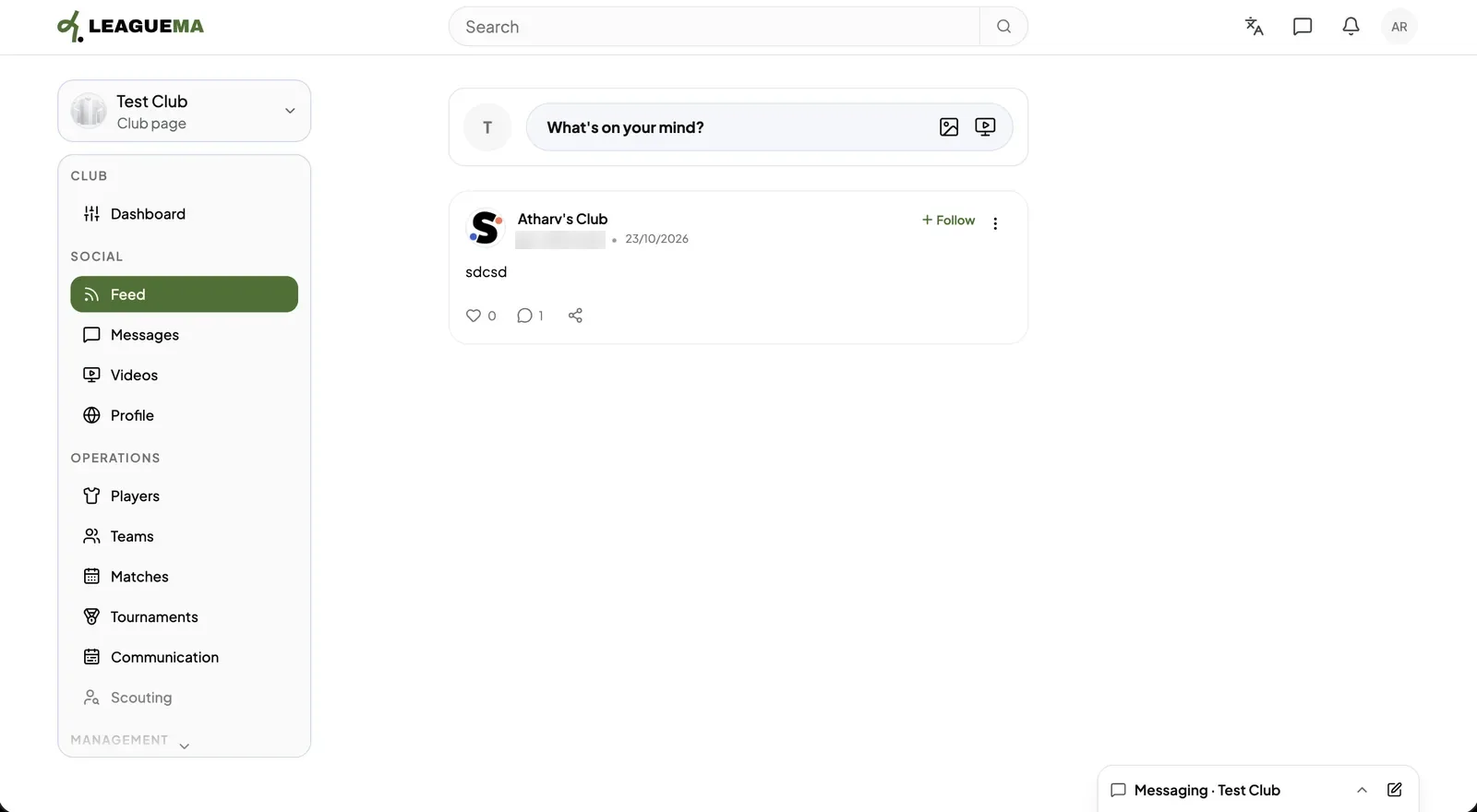
1. Opening the feed Click “Feed” under “Social” in the club sidebar.
Publish posts as the club: Opening the feed
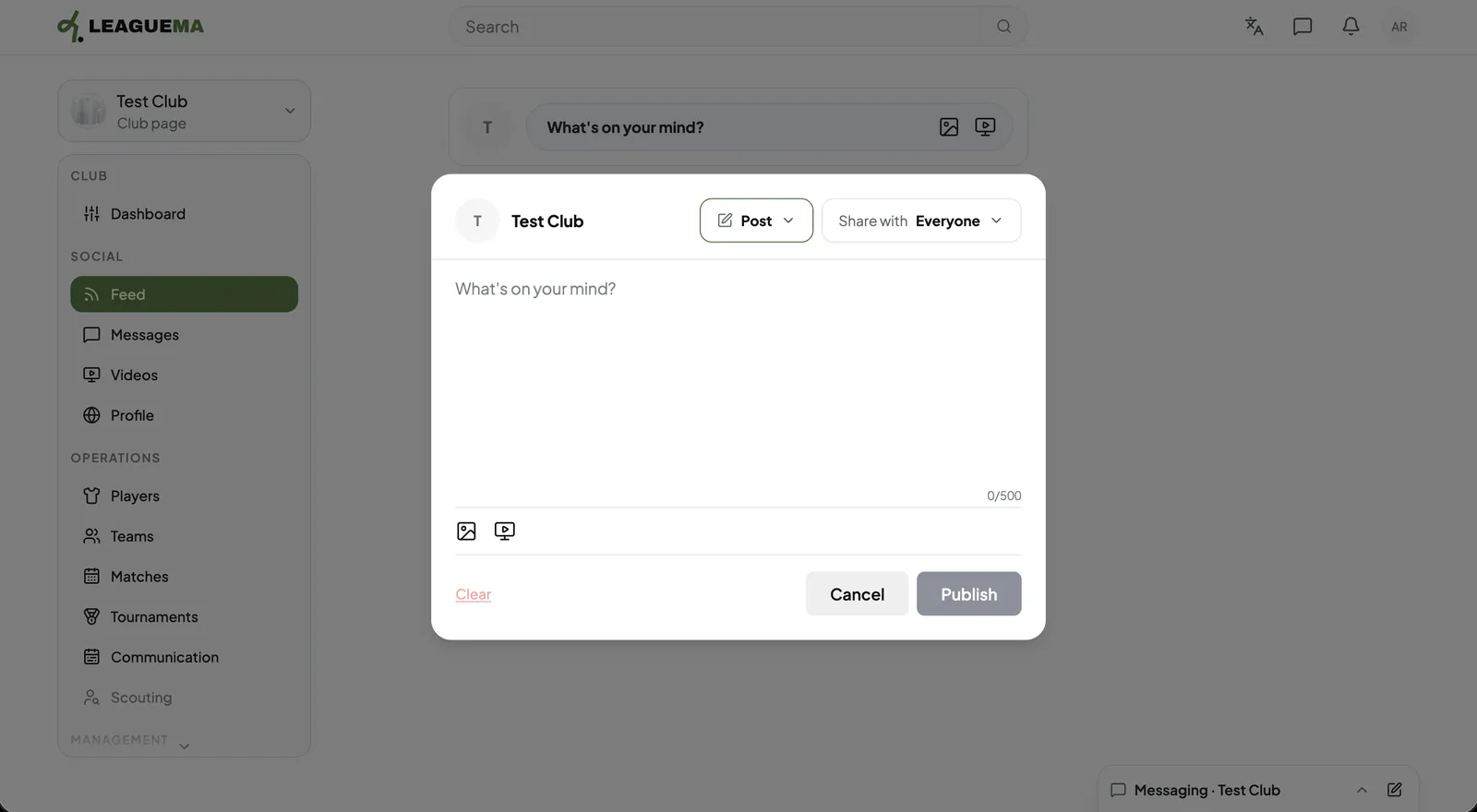
2. Opening the composer Click “What's on your mind?”. Then, choose “Post” and the audience in “Share with”.
Publish posts as the club: Opening the composer
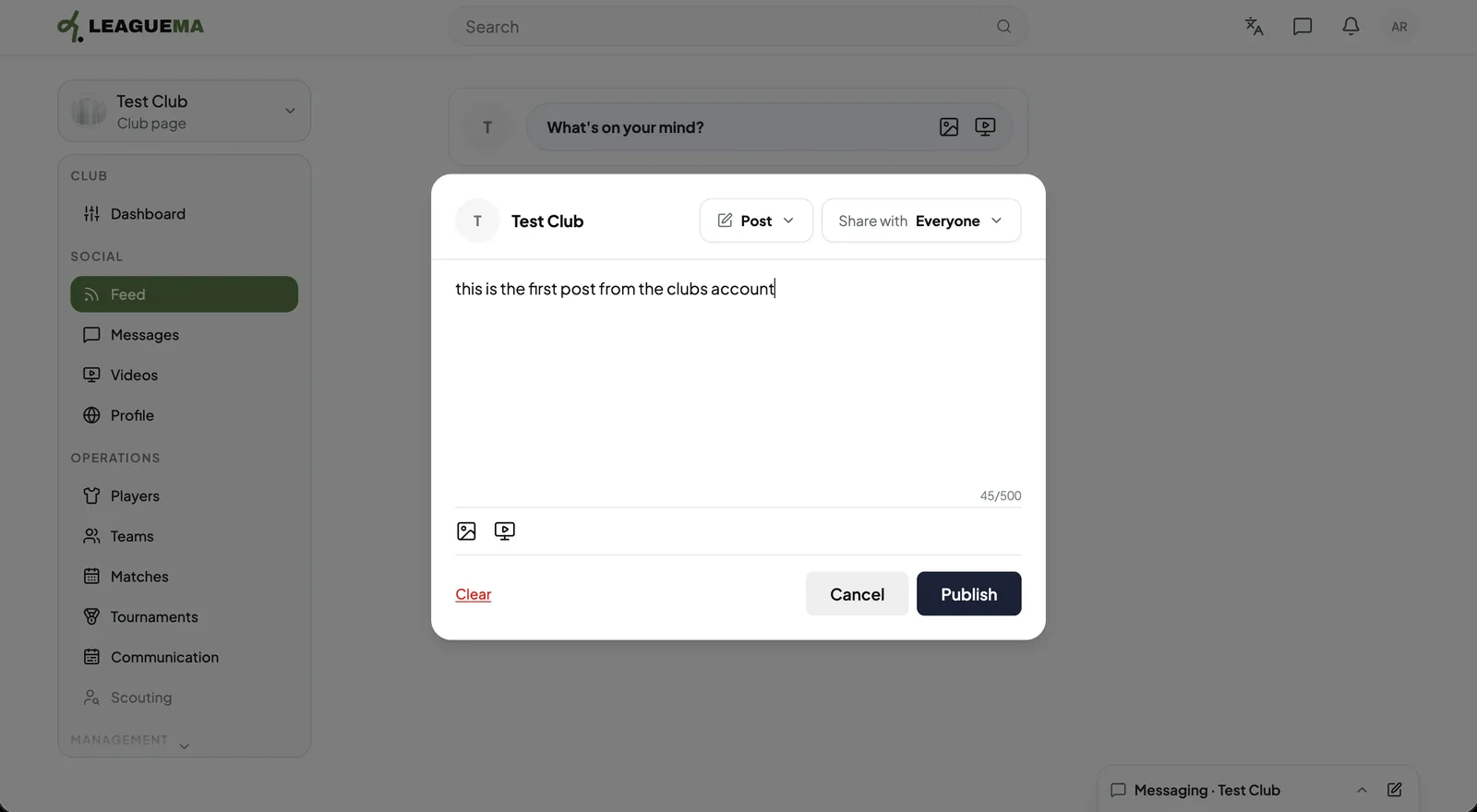
3. Writing and publish Enter the text, optionally attach a photo or video, and click “Publish”.
Publish posts as the club: Writing and publish
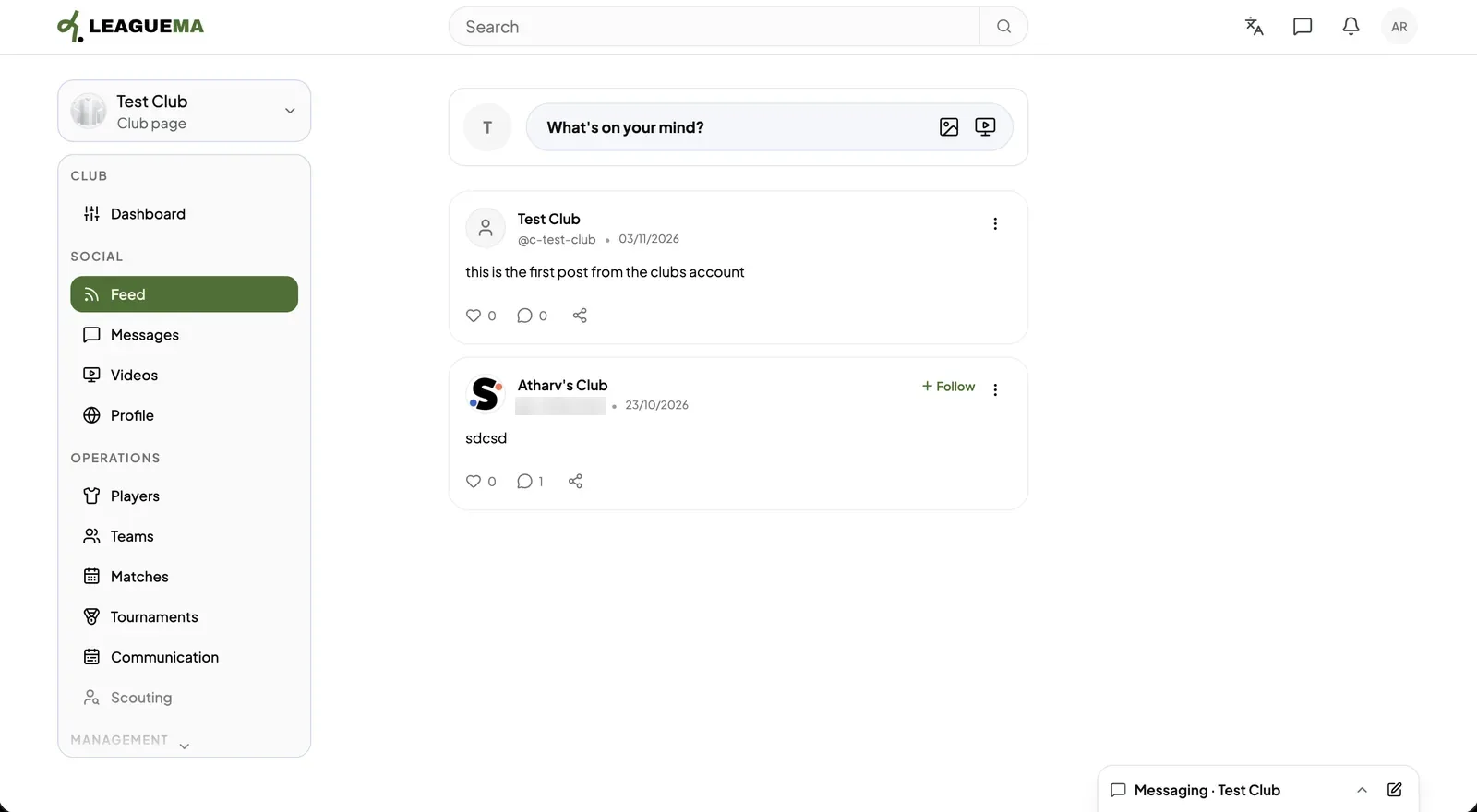
4. Result The post appears at the top of the club feed.
Publish posts as the club: Result

Leggi in italiano

Related articles

Previous: Create a club · Next: Send messages as the club