The roster is the list of players on a team. You use it to decide who plays for that team. Every player added to a team also appears on the club's Players list.
Inviting by email
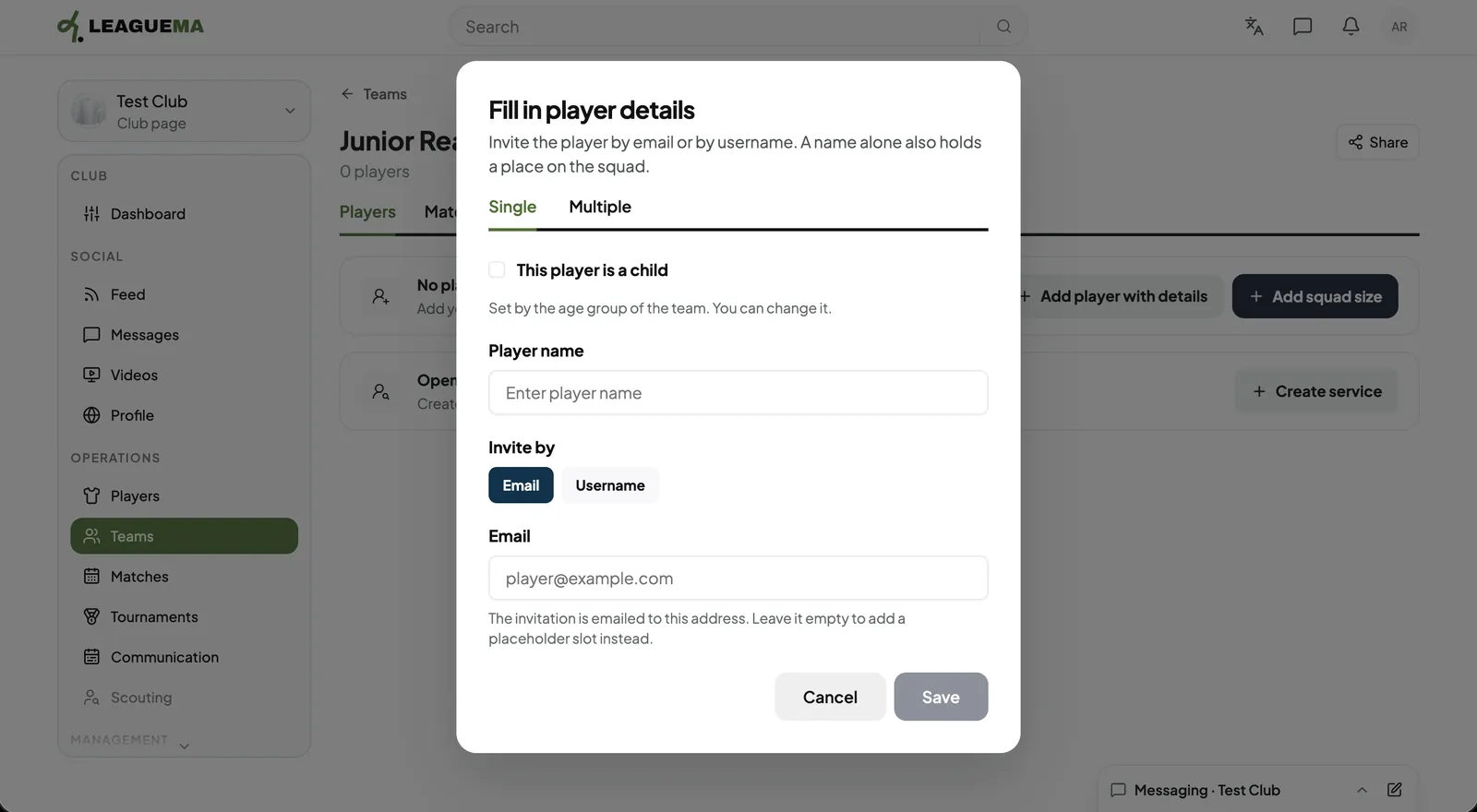
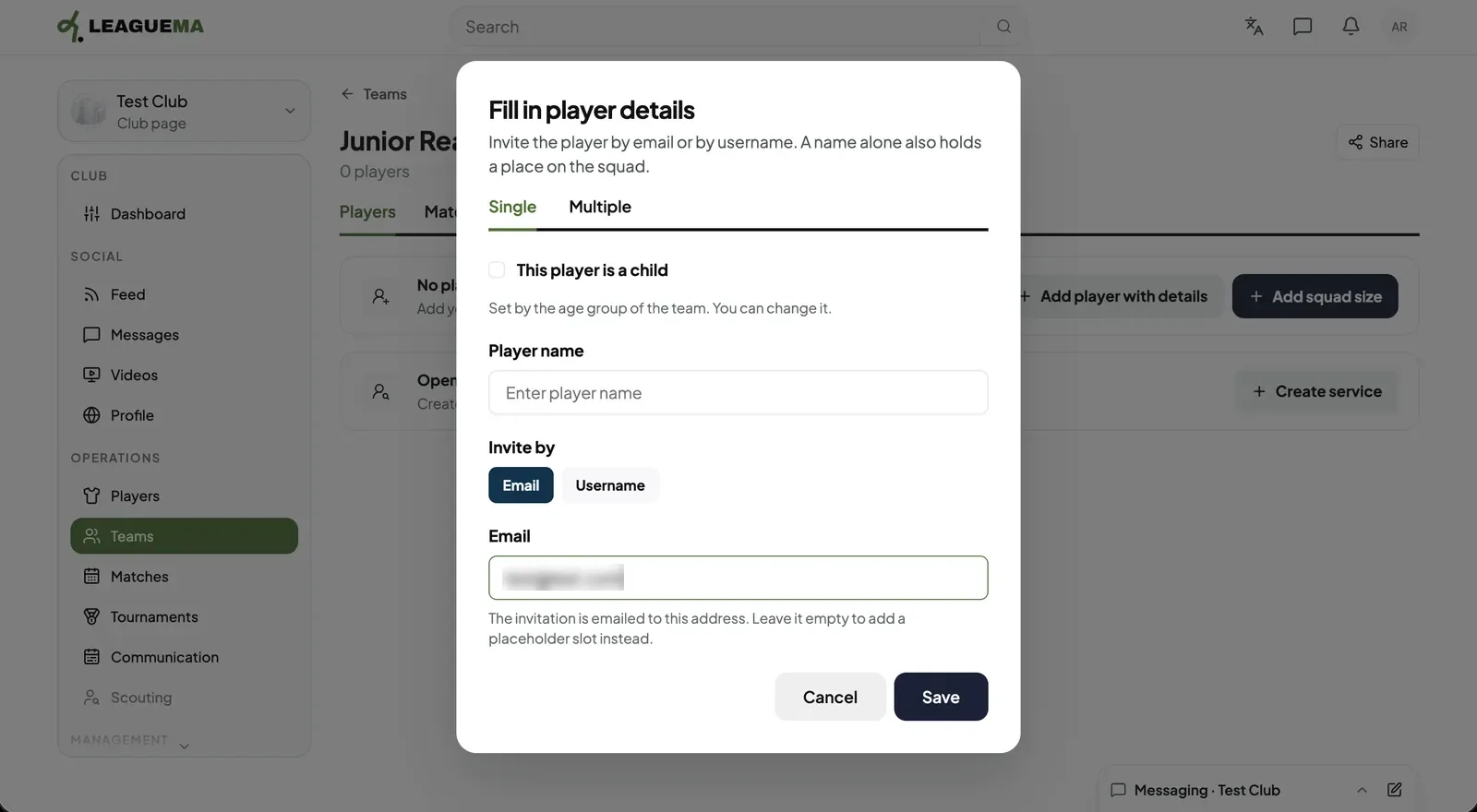
1. Opening the player form On the team page, click “Add player with details”. Enter the player name and click “Email”.2. Entering the email and save Enter the email address and click “Save”. Leaving it empty reserves a roster place without an invitation.
Inviting by username
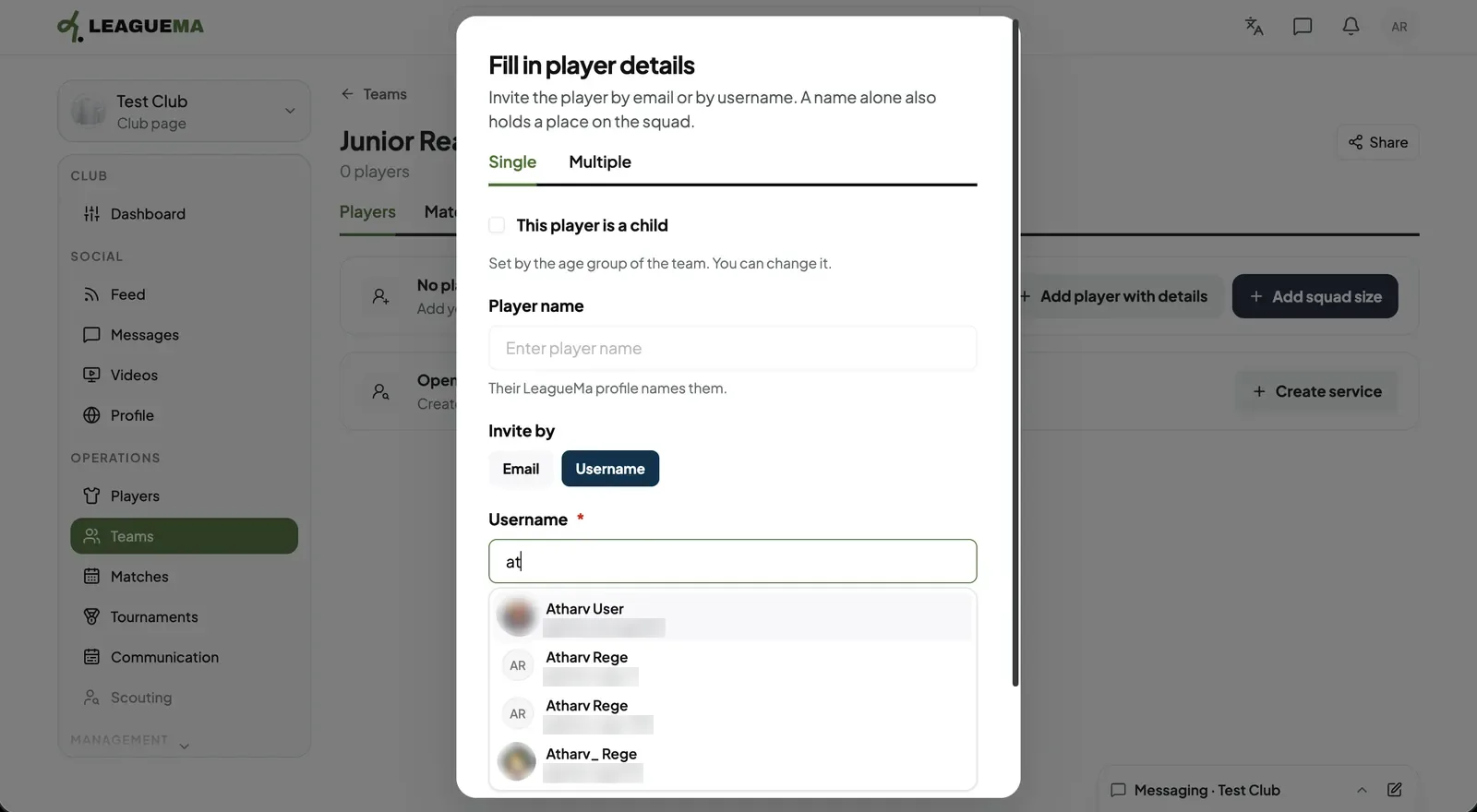
1. Selecting the account Click “Username”, type the name and select the account from the list.
Adding a child
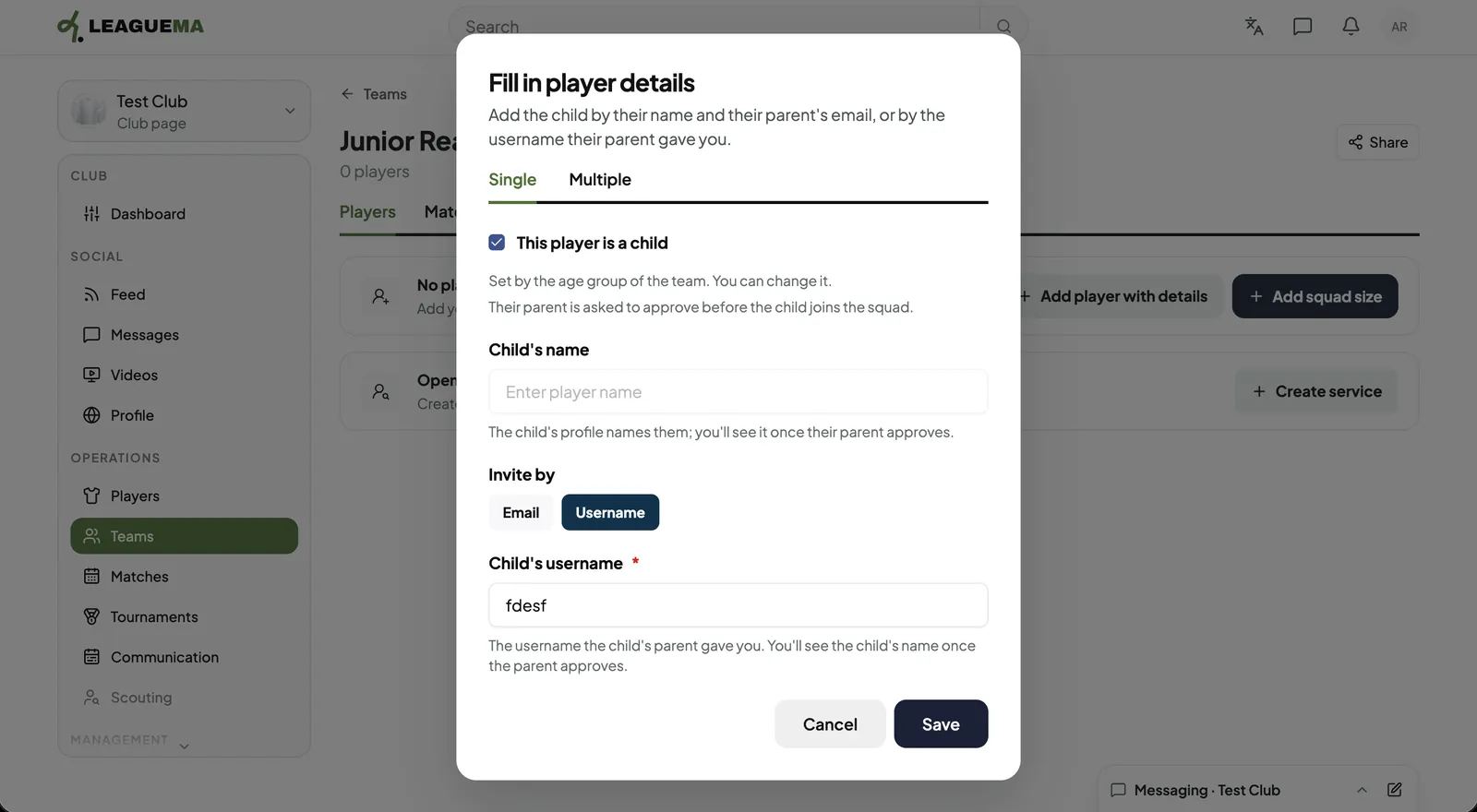
1. Inviting through the parent Tick “This player is a child”, enter the child's name and the parent's email or username, and click “Save”. The parent must accept before the child joins the roster.
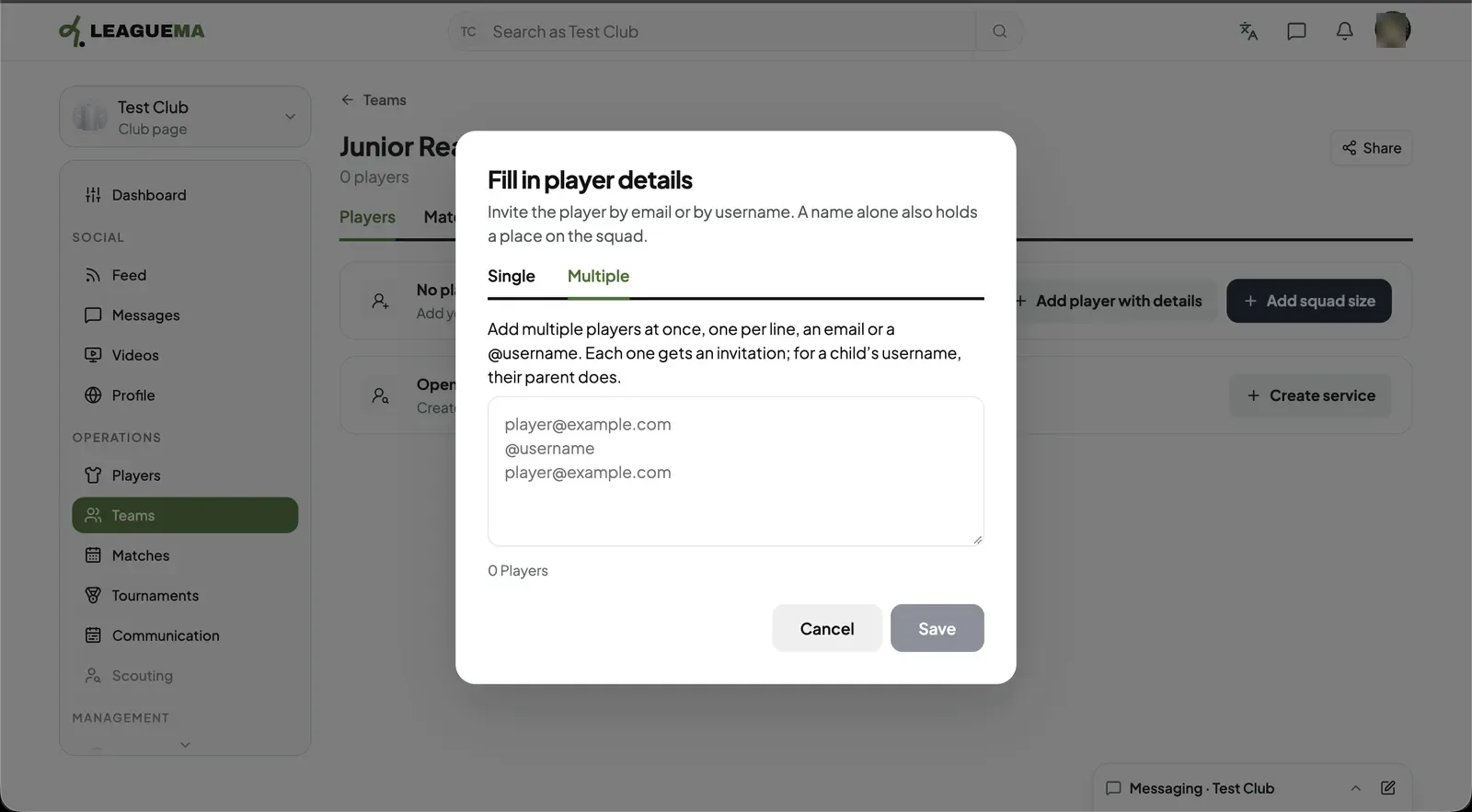
Adding several players
1. Using the Multiple tab On the “Multiple” tab, enter one email or @username per line. For a child, the parent's username receives the invitation.