Complete your account
What it is
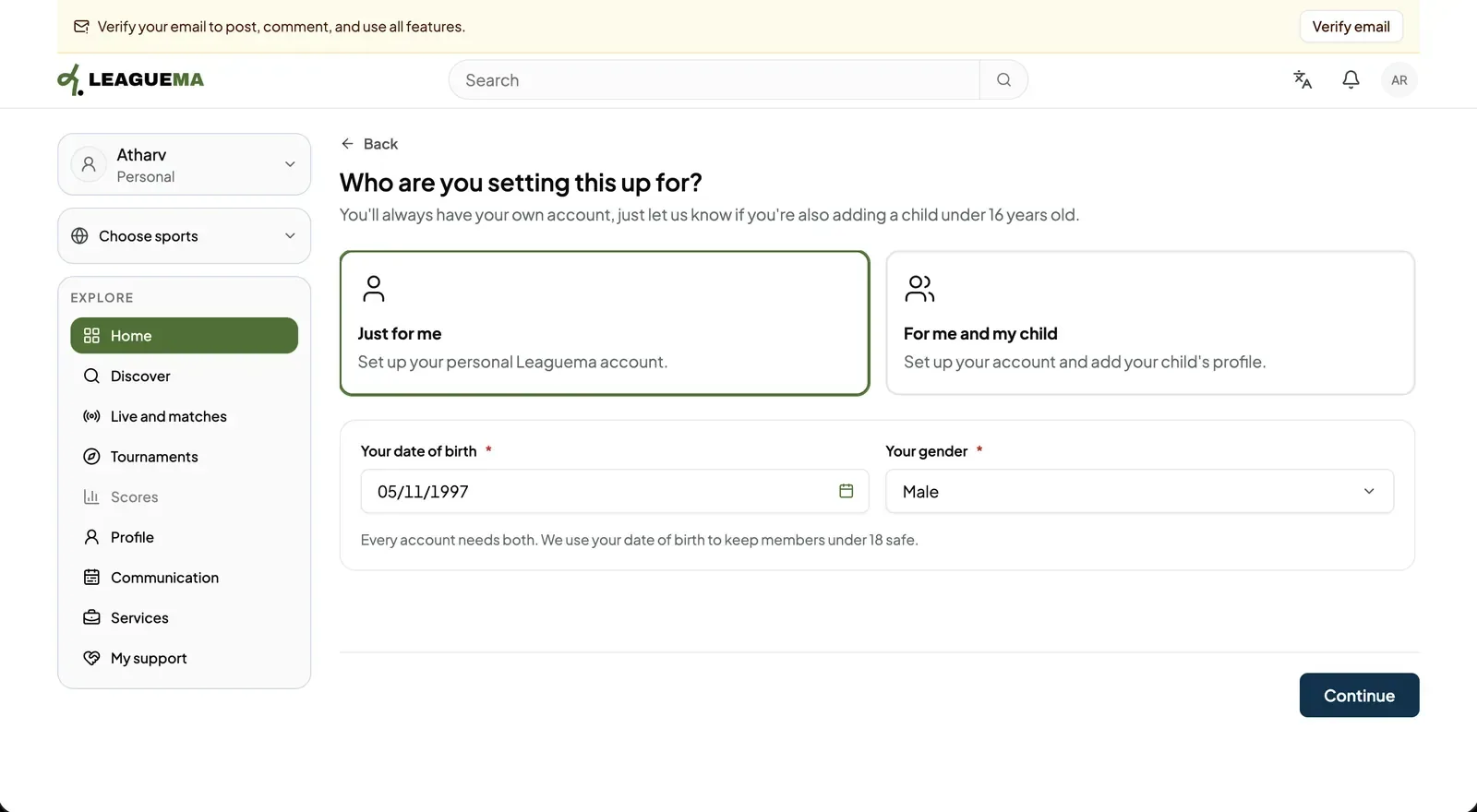
The account screen is the last onboarding step for a personal account. You use it to say who the account is for and, if they are missing, to add the account holder's date of birth and gender.
Completing the account
Adding a child during onboarding
- After “For me and my child”, enter the child's first name, last name, nickname, date of birth and gender. A second parent or guardian may be invited by email.
- Read the broadcast consent, tick both declarations and confirm.
- The application creates the child profile and opens it.