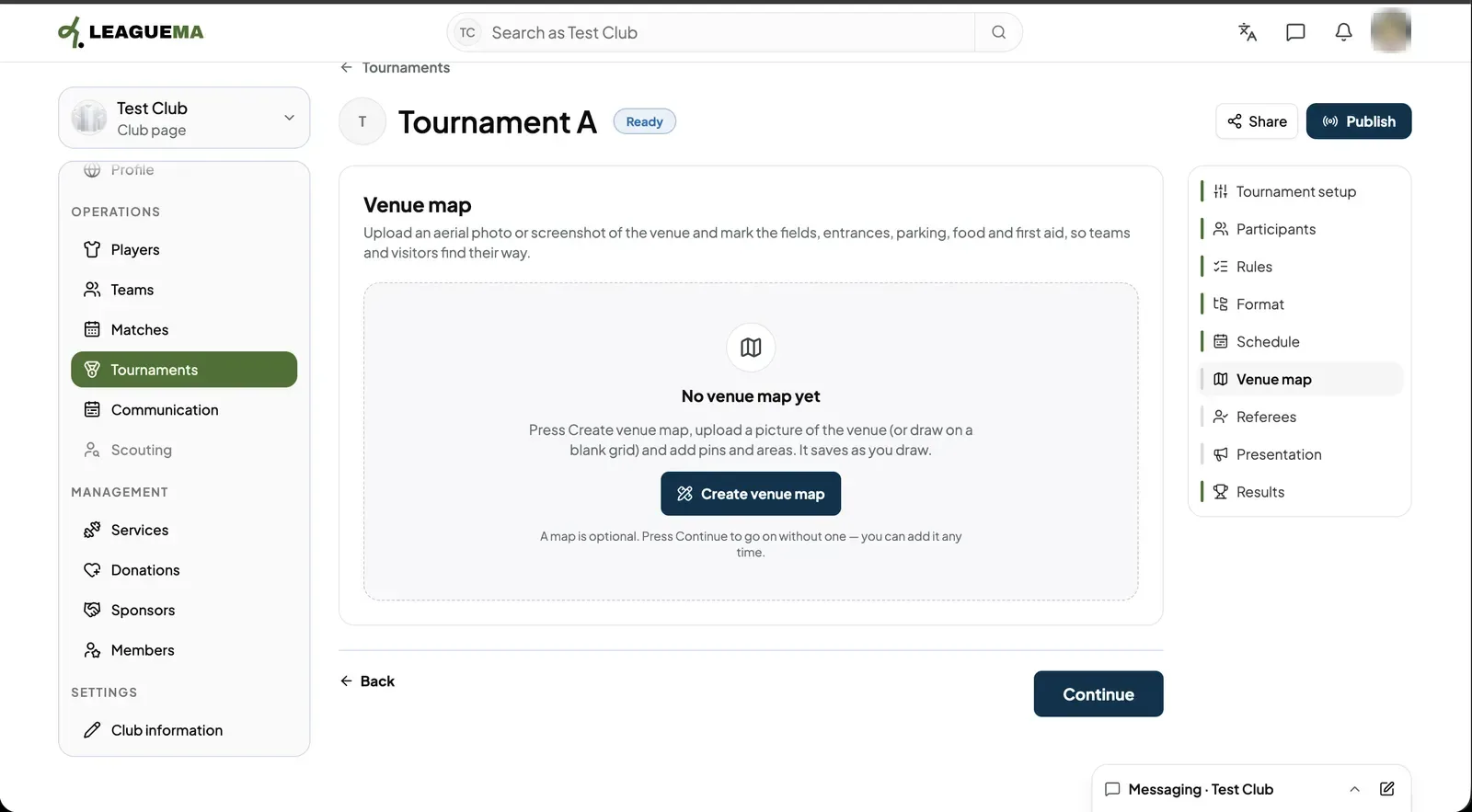
A venue map is a picture of the venue with the fields, entrances, parking, food and first aid marked on it. You use it so teams and visitors find their way on the day. It is optional: you can skip it with “Continue” and add it later.
Creating the map
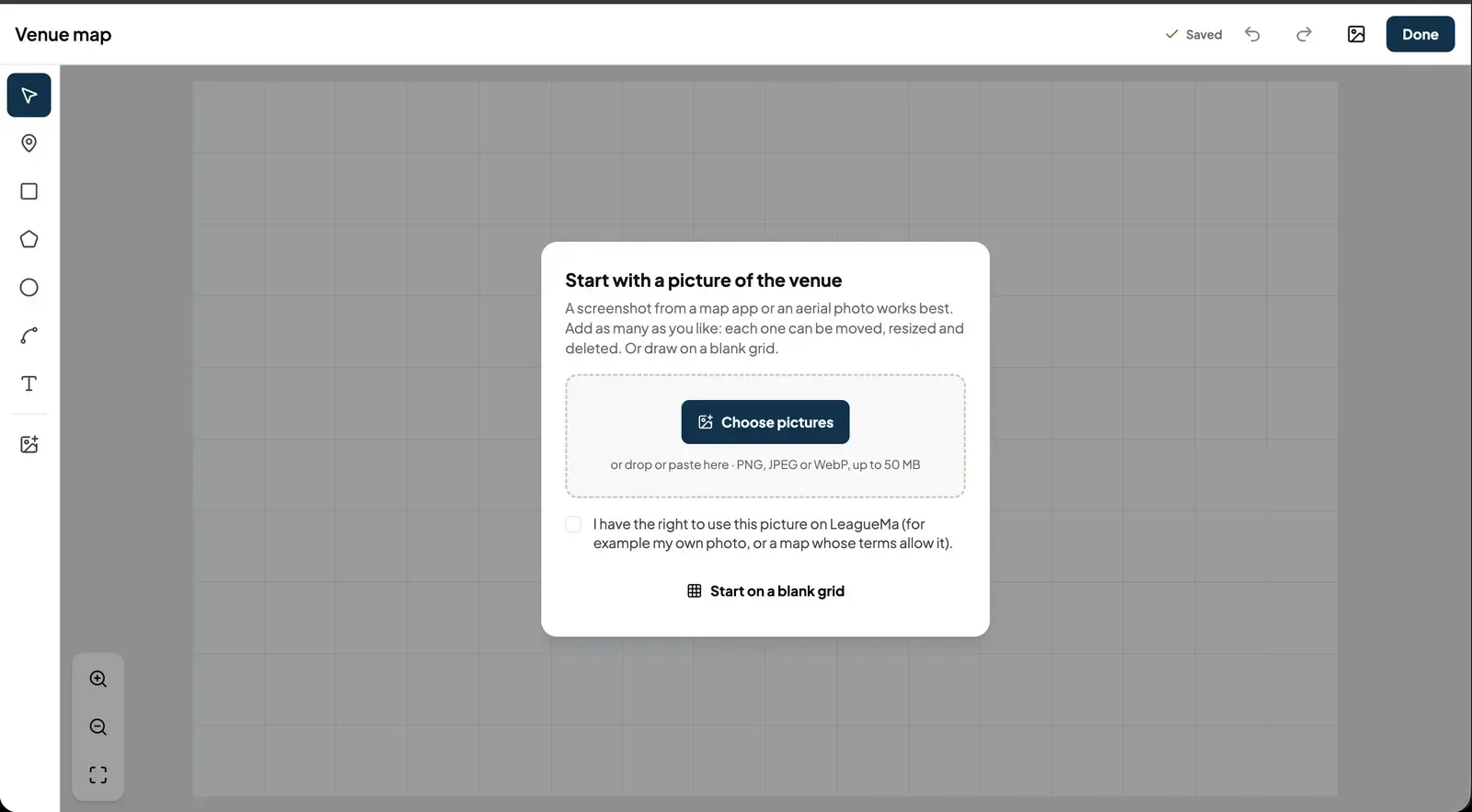
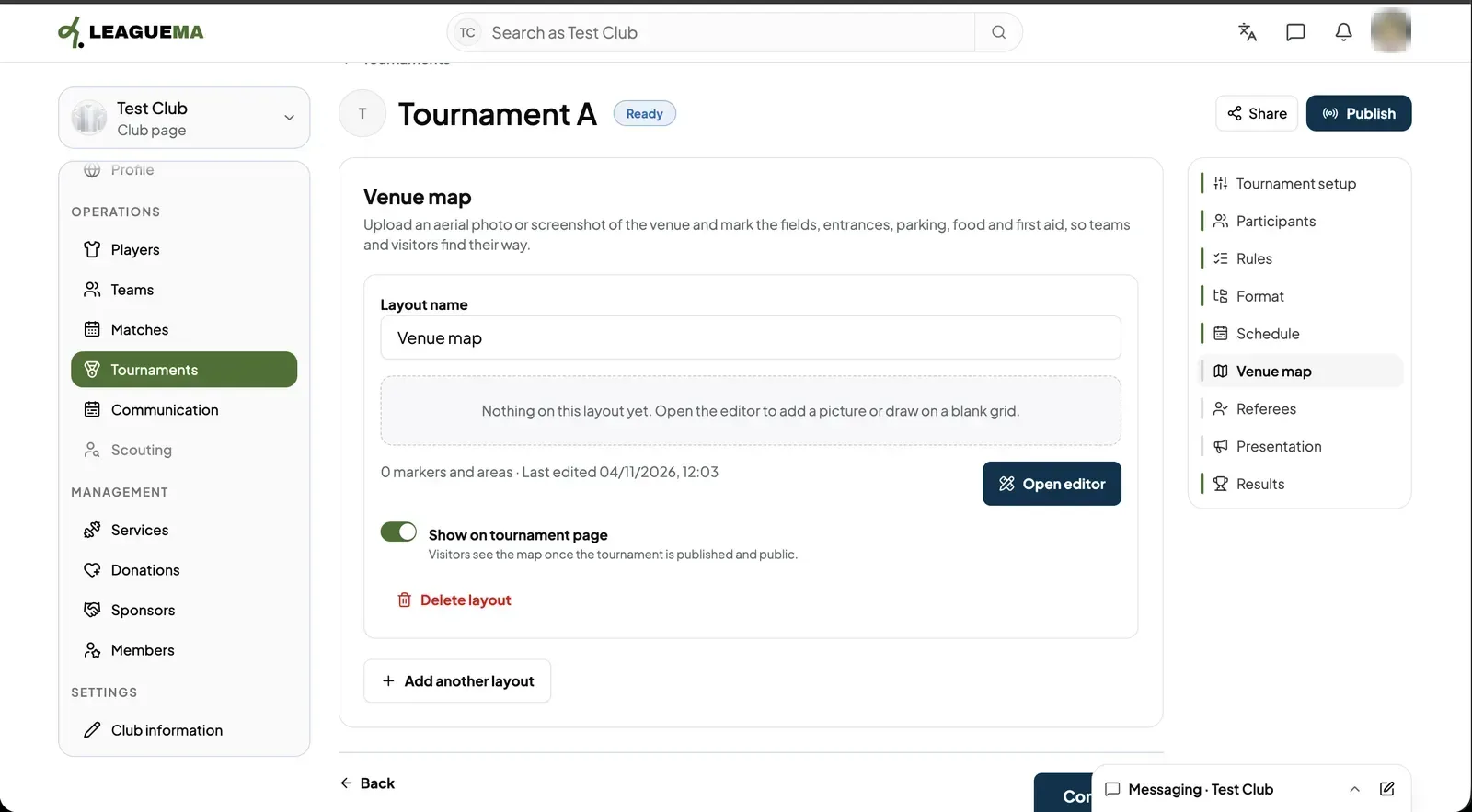
1. Opening Venue map Click “Venue map” and then “Create venue map”.2. Adding a picture or a blank grid Click “Choose pictures”, or drop or paste an image (PNG, JPEG or WebP, up to 50 MB). Tick “I have the right to use this picture on LeagueMa”. To draw from scratch, click “Start on a blank grid”. Use the tools on the left to add pins, areas, lines and text, then click “Done”. The editor saves as you work.3. Showing the map on the tournament page The layout is listed with its name and number of markers. Click “Open editor” to change it. Keep “Show on tournament page” on so visitors see it once the tournament is published. “Add another layout” adds a second map.