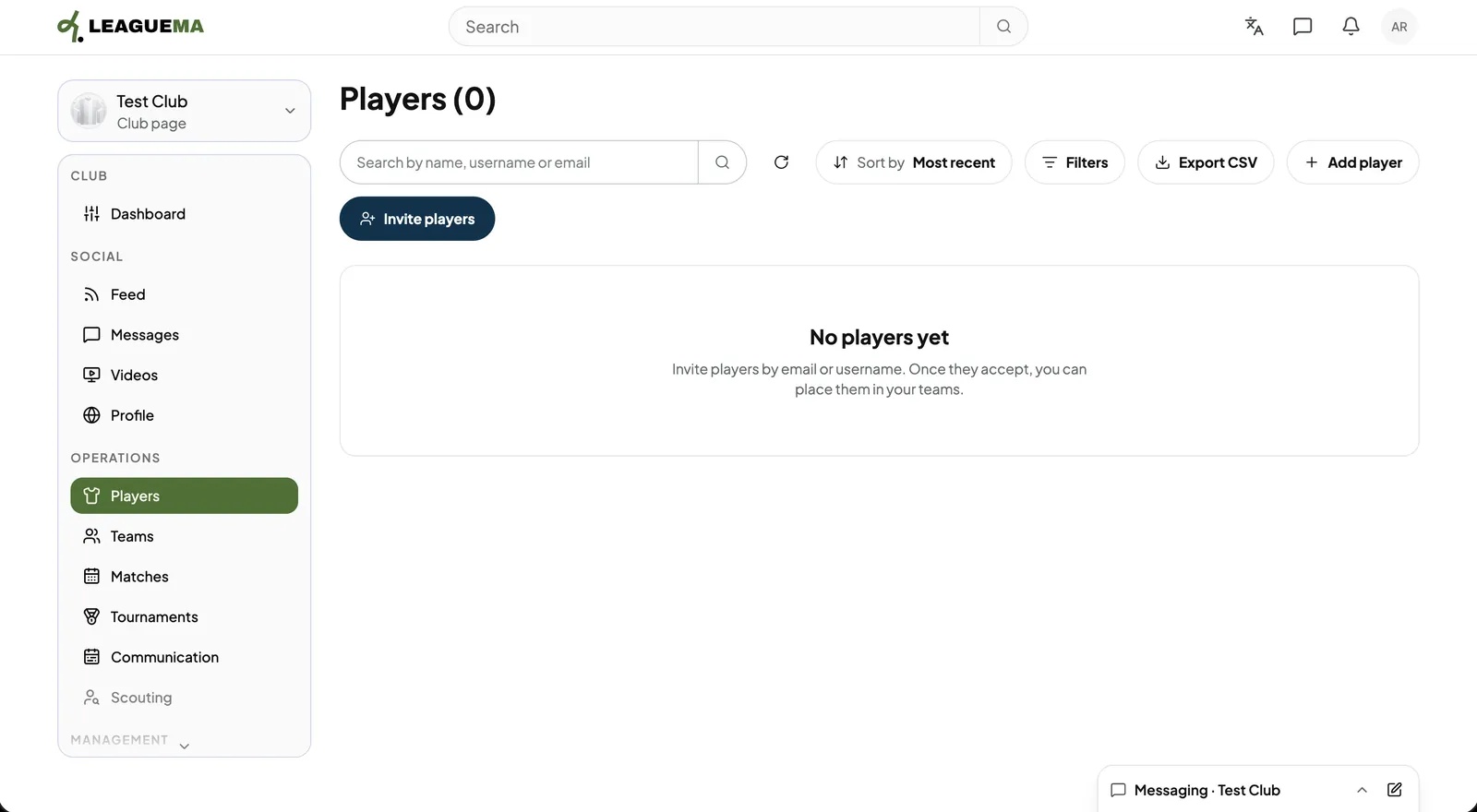
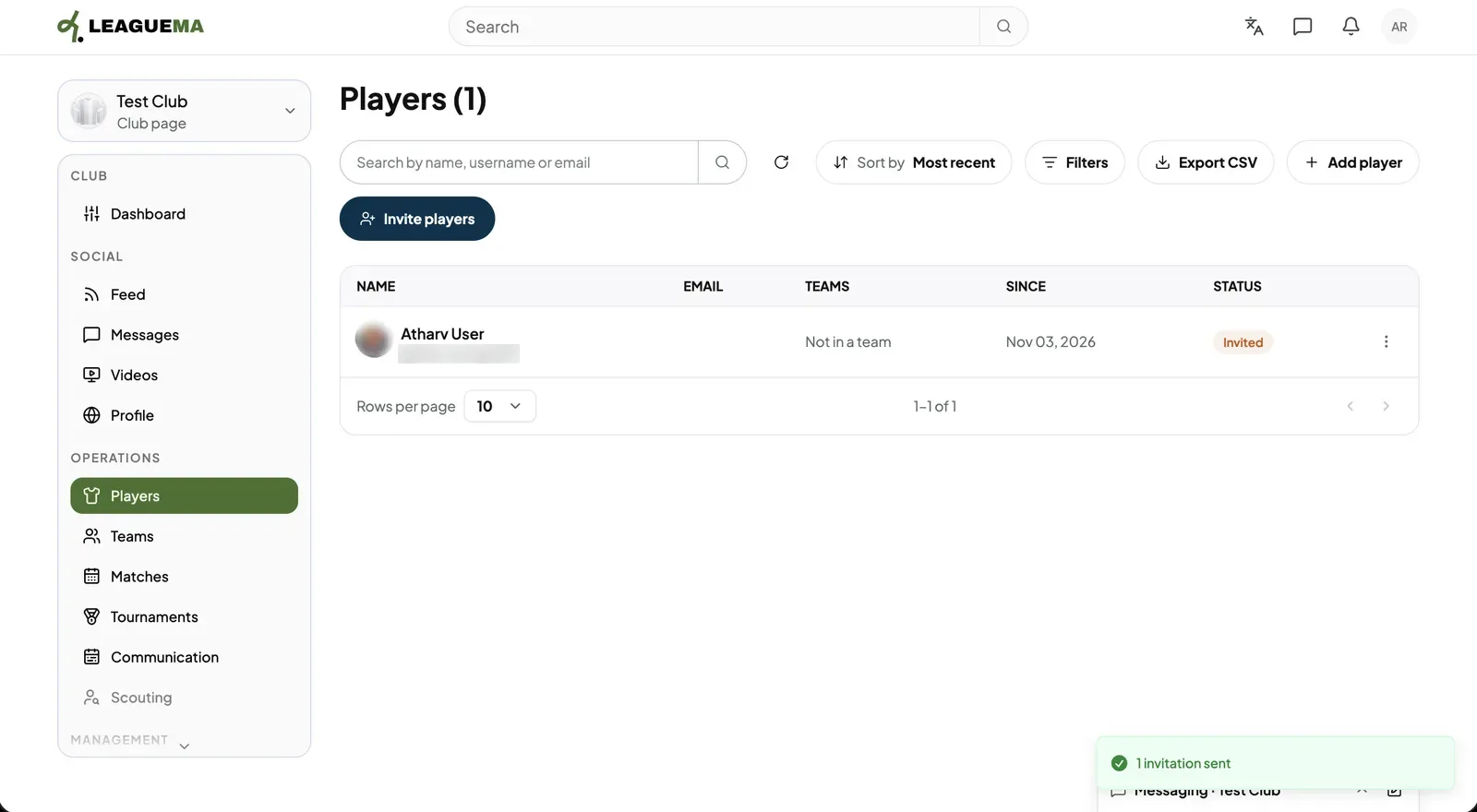
The Players list is the register of everyone on the club's books, on a team or not. You use it to invite players and keep track of them. An invited player becomes active once they accept and can then be placed in a team.
Inviting one player
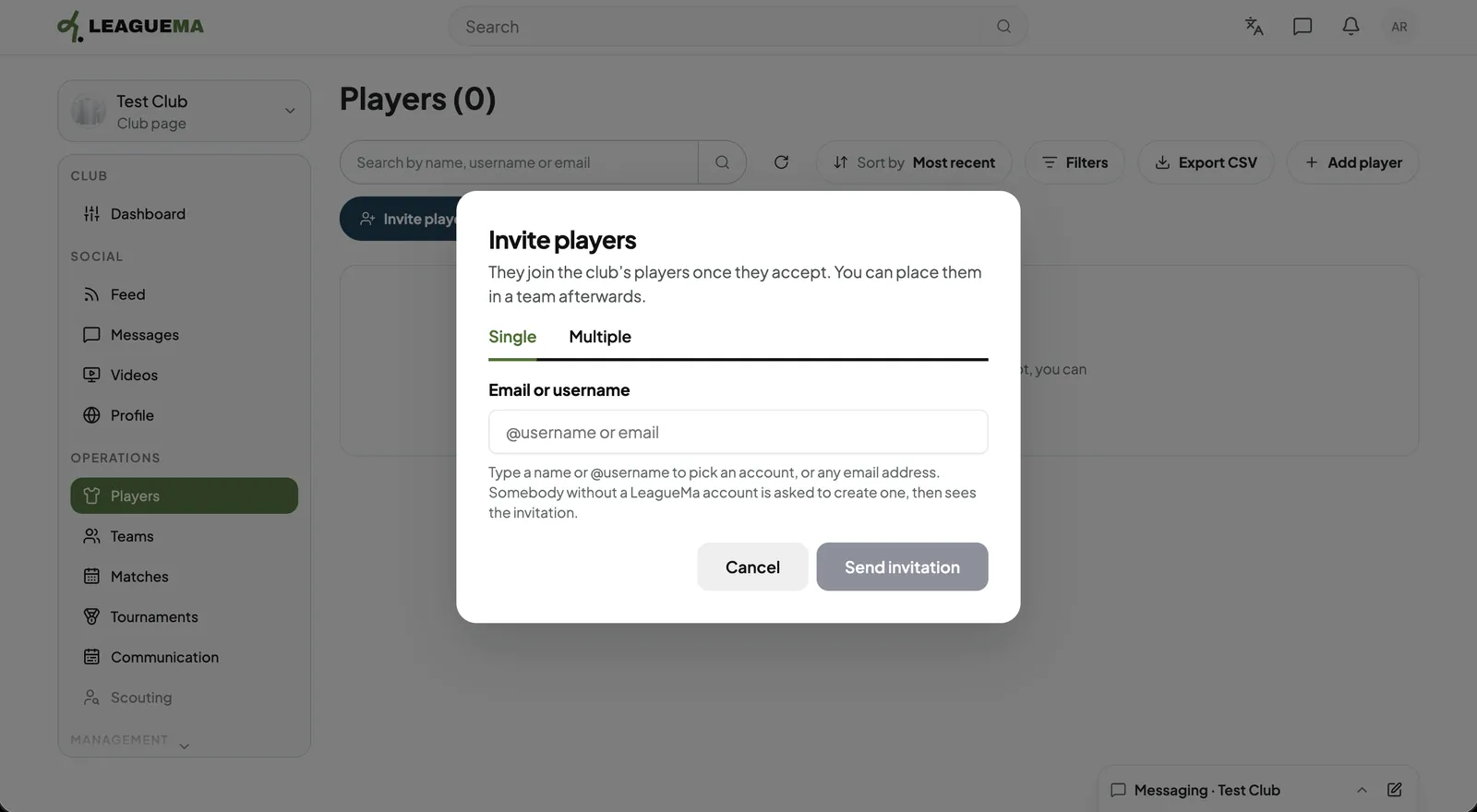
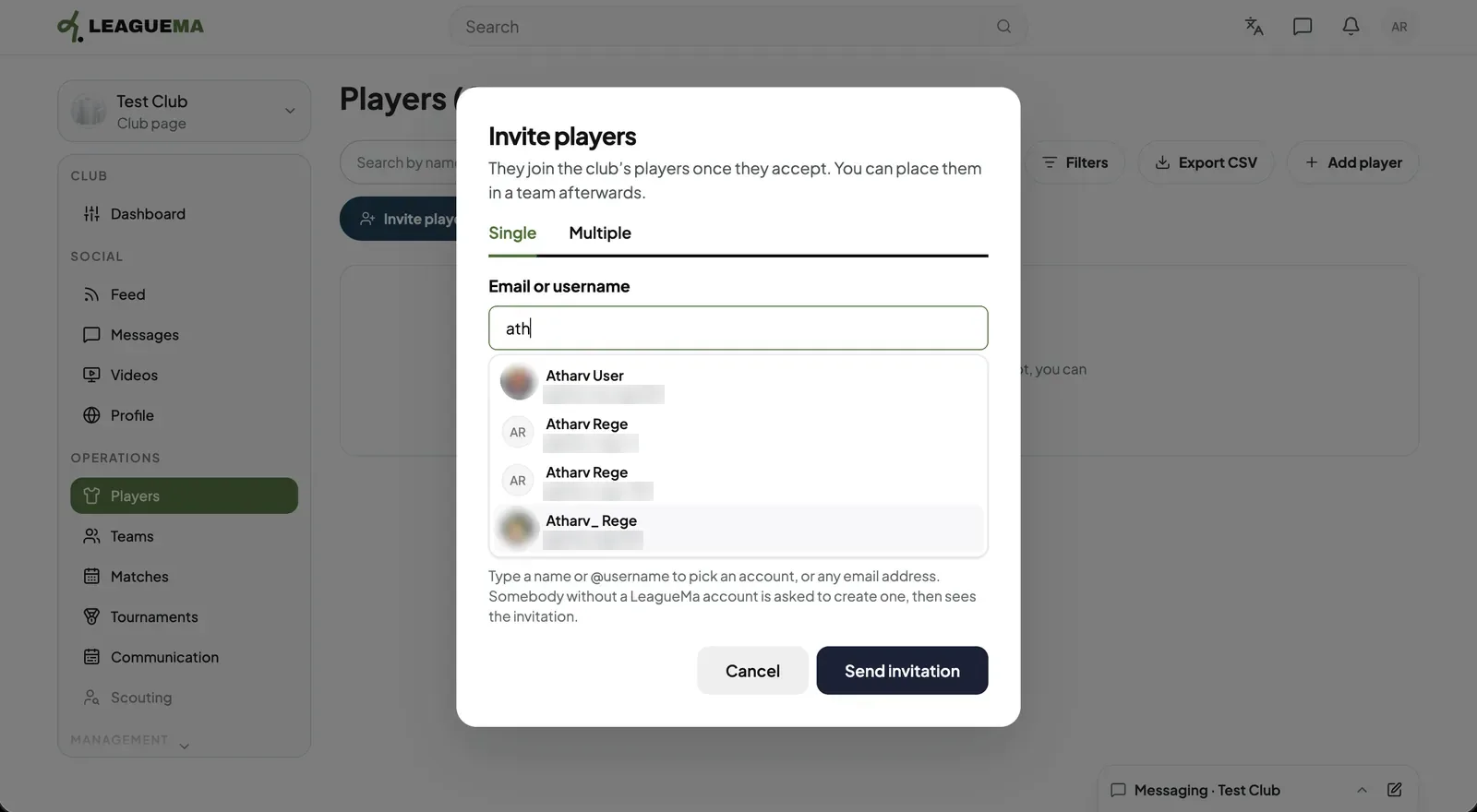
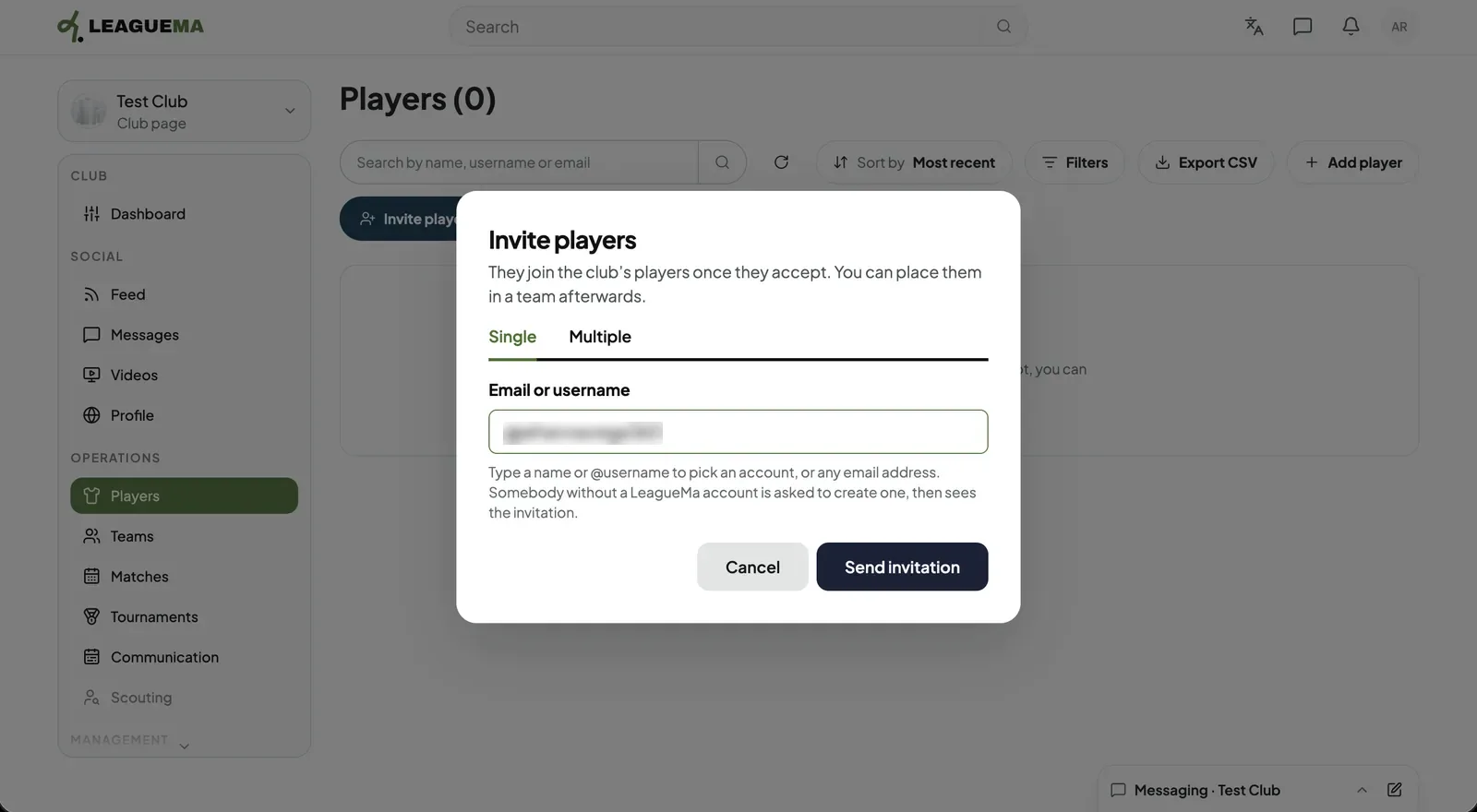
1. Opening Players Click “Players” under “Operations” and click “Invite players”.2. Using the Single tab On the “Single” tab, enter a name, an @username or any email address. A person without an account receives an email invitation to create one.3. Selecting the account Typing a name lists matching accounts. Select the correct one.4. Sending the invitation Click “Send invitation”.5. Result The player appears in the list as invited, and as active after accepting.
Inviting several players
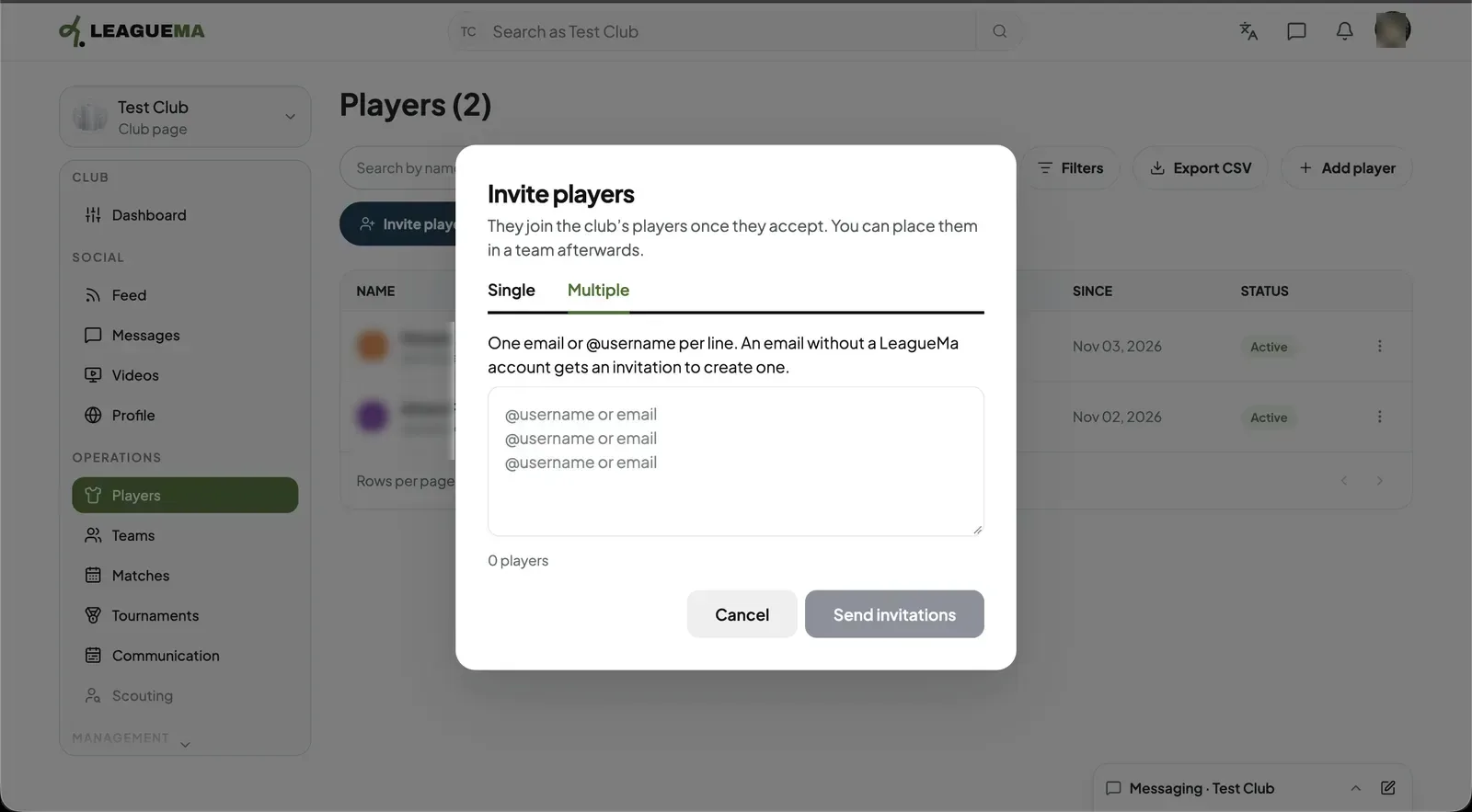
1. Using the Multiple tab On the “Multiple” tab, enter one email address or @username per line, then send the invitations.
Adding a player by name only
“Add player” lists a player by name without an account and without sending an email. An account can be linked to that player later.