A tournament is a competition your club organises on LeagueMa. It holds the categories (for example U8 and U10), the participating teams, the format, the schedule, the referees and the results. You use it to run the whole event in one place, from the first invitation to the final ranking. Only a club can organise a tournament, so you create it from the club's own sidebar. It stays a private draft until you publish it.
Creating the tournament
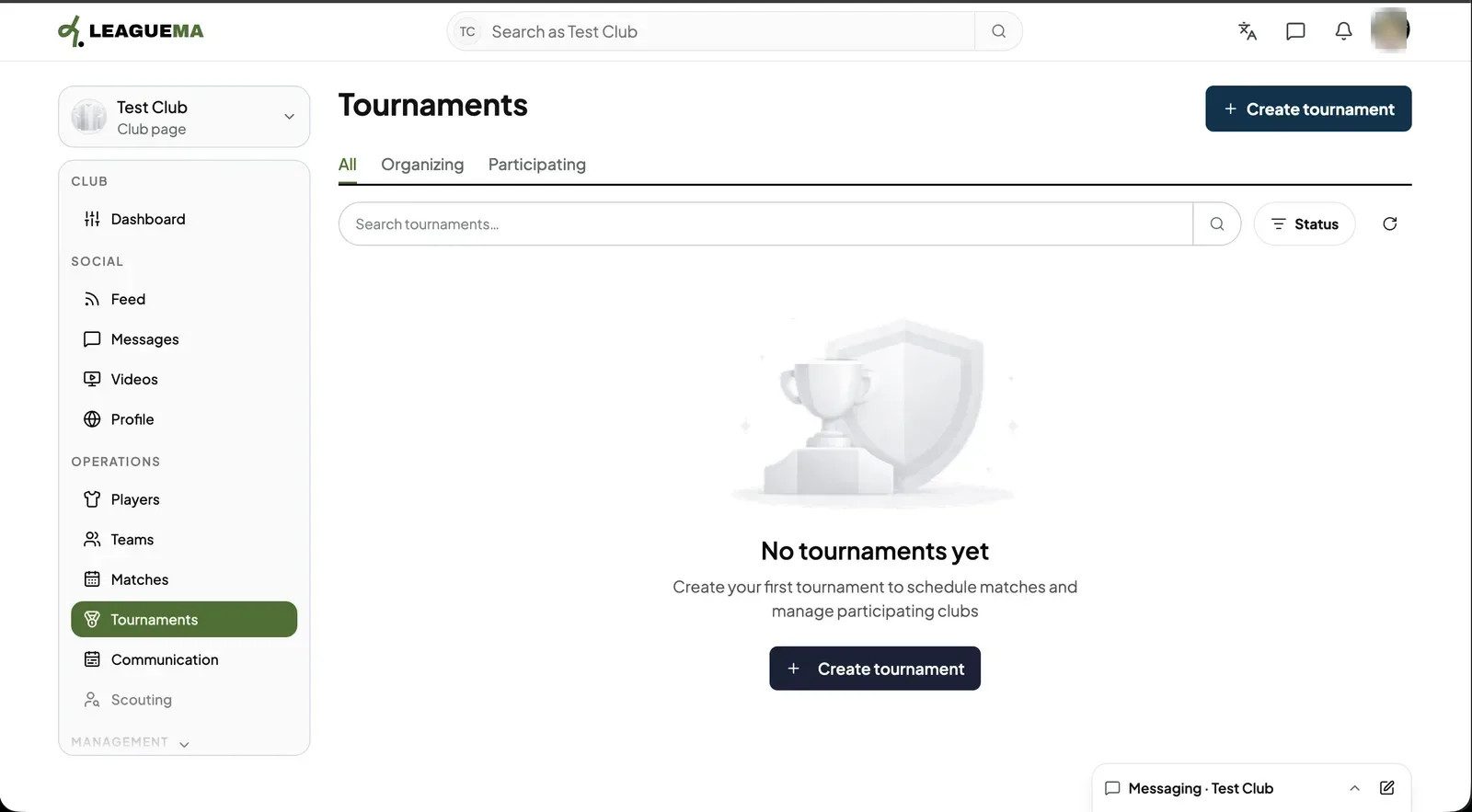
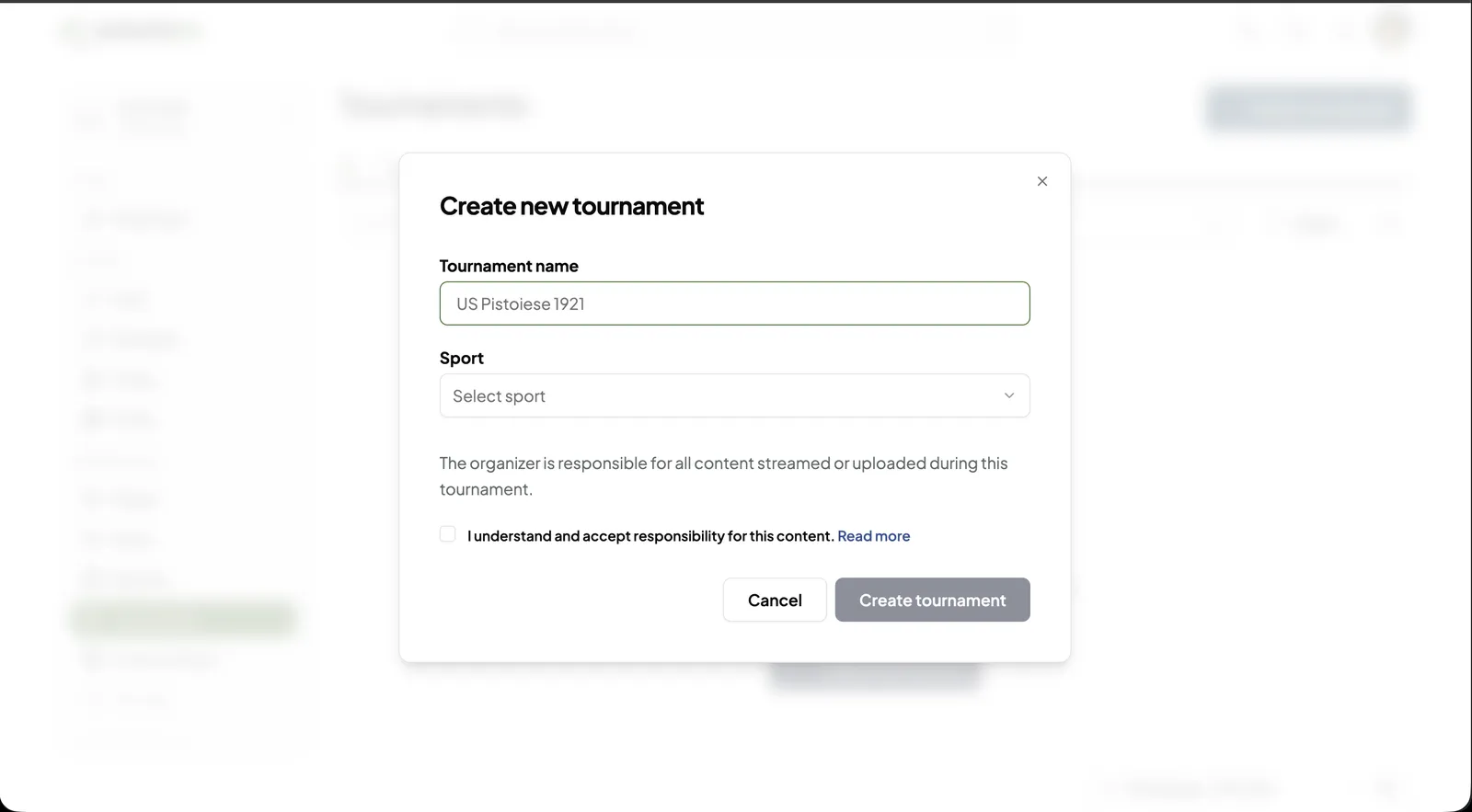
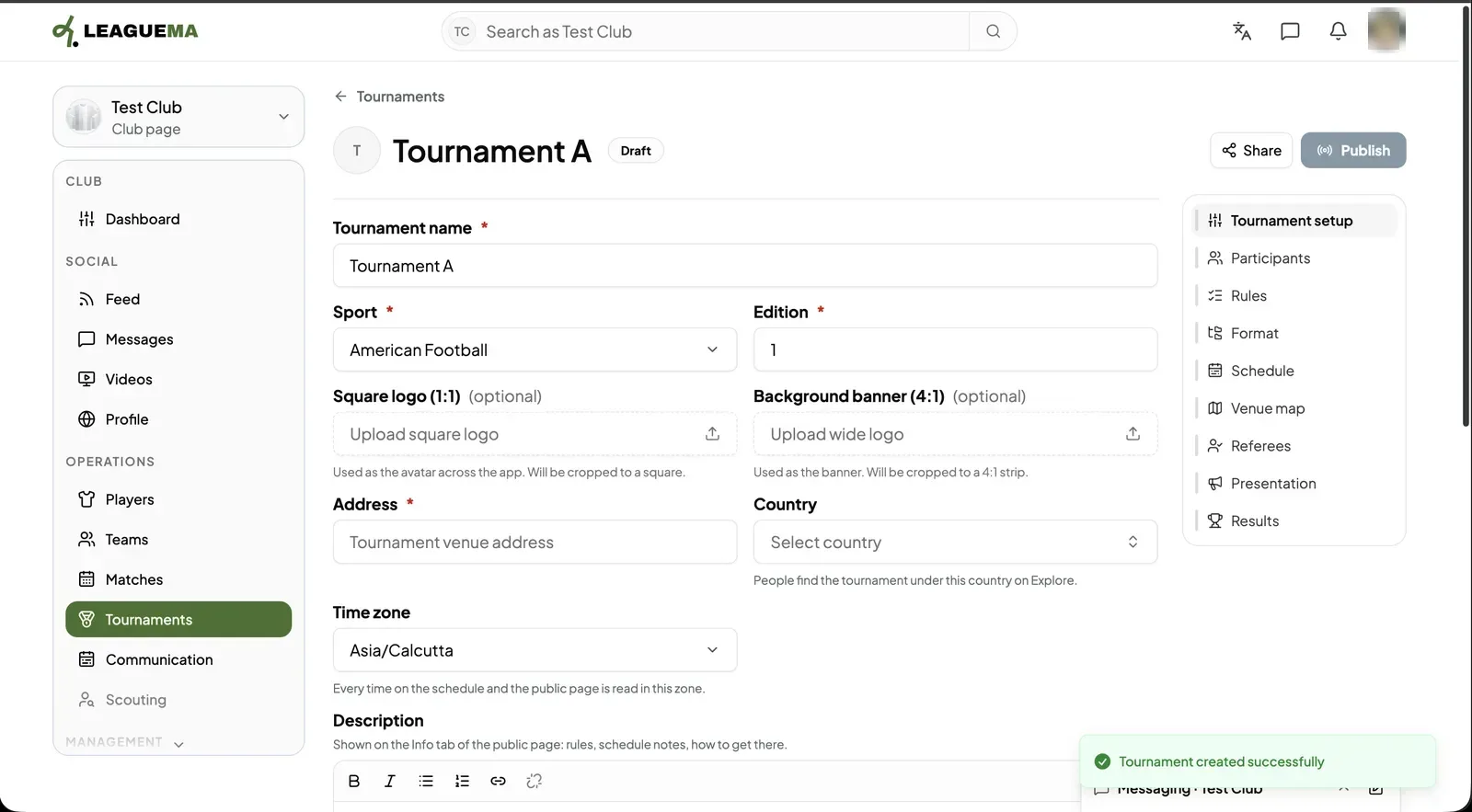
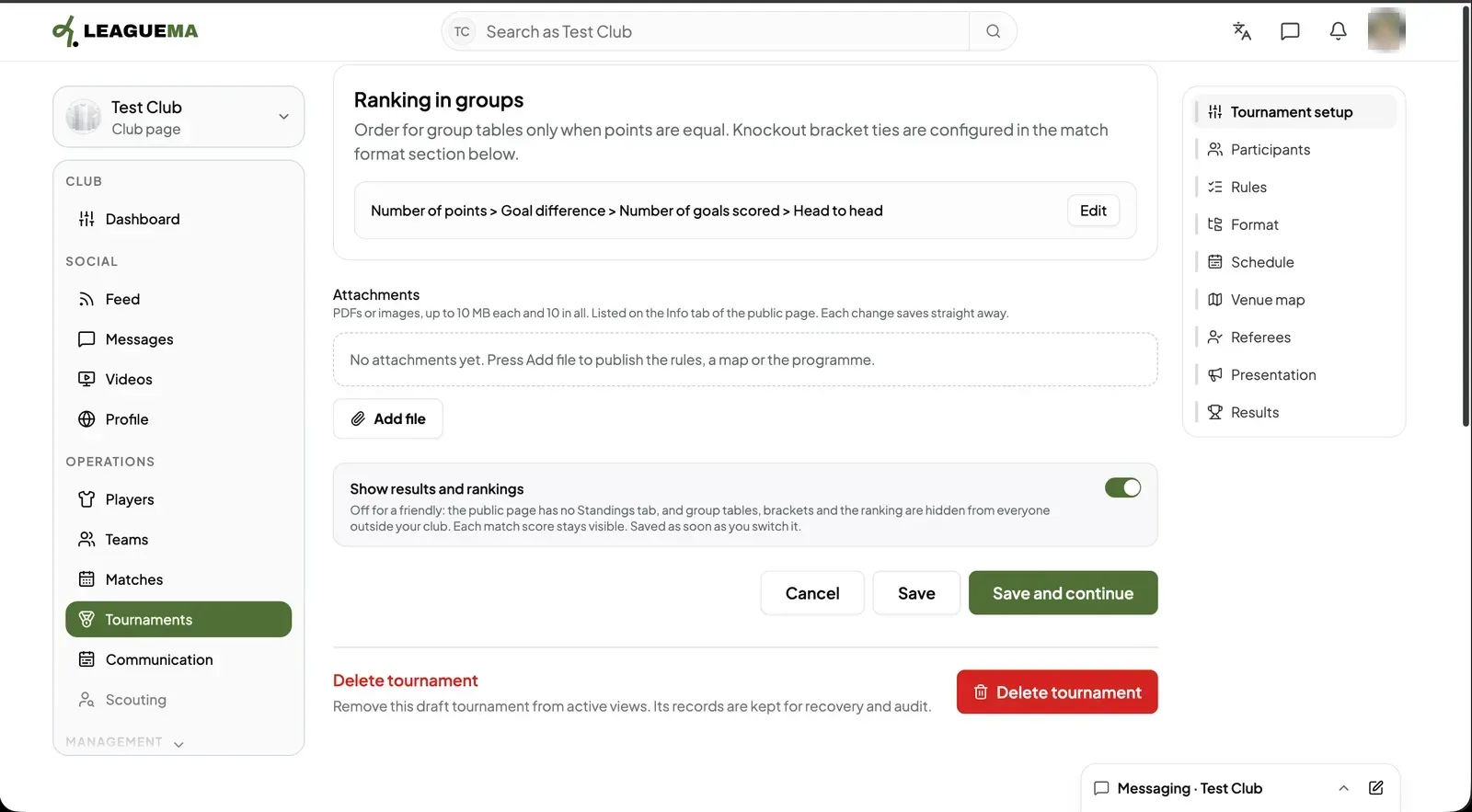
1. Opening Tournaments Switch to your club, then click “Tournaments” in the club sidebar. The tabs “All”, “Organizing” and “Participating” split the list. Click “Create tournament”.2. Entering the name and sport Enter the “Tournament name” and choose the “Sport”. Tick “I understand and accept responsibility for this content.” and click “Create tournament”. The button stays disabled until the box is ticked.3. Filling in the tournament setup After you click “Create tournament”, the form opens on “Tournament setup” with the “Draft” badge. Fill in the required “Tournament name”, “Sport”, “Edition” and “Address”, then choose the “Country” (people find the tournament under it on Discover) and the “Time zone” (every time on the schedule and the public page is read in it). A “Square logo (1:1)”, a “Background banner (4:1)” and a “Description” are optional. The menu on the right lists every setup page in order.4. Rankings, attachments and saving “Ranking in groups” sets how tied teams are ordered; click “Edit” to change it. Click “Add file” to attach rules, a map or the programme (PDF or image, up to 10 MB each and 10 in total). “Show results and rankings” can be switched off for a friendly. Click “Save and continue” to go to Participants.
Sharing the tournament
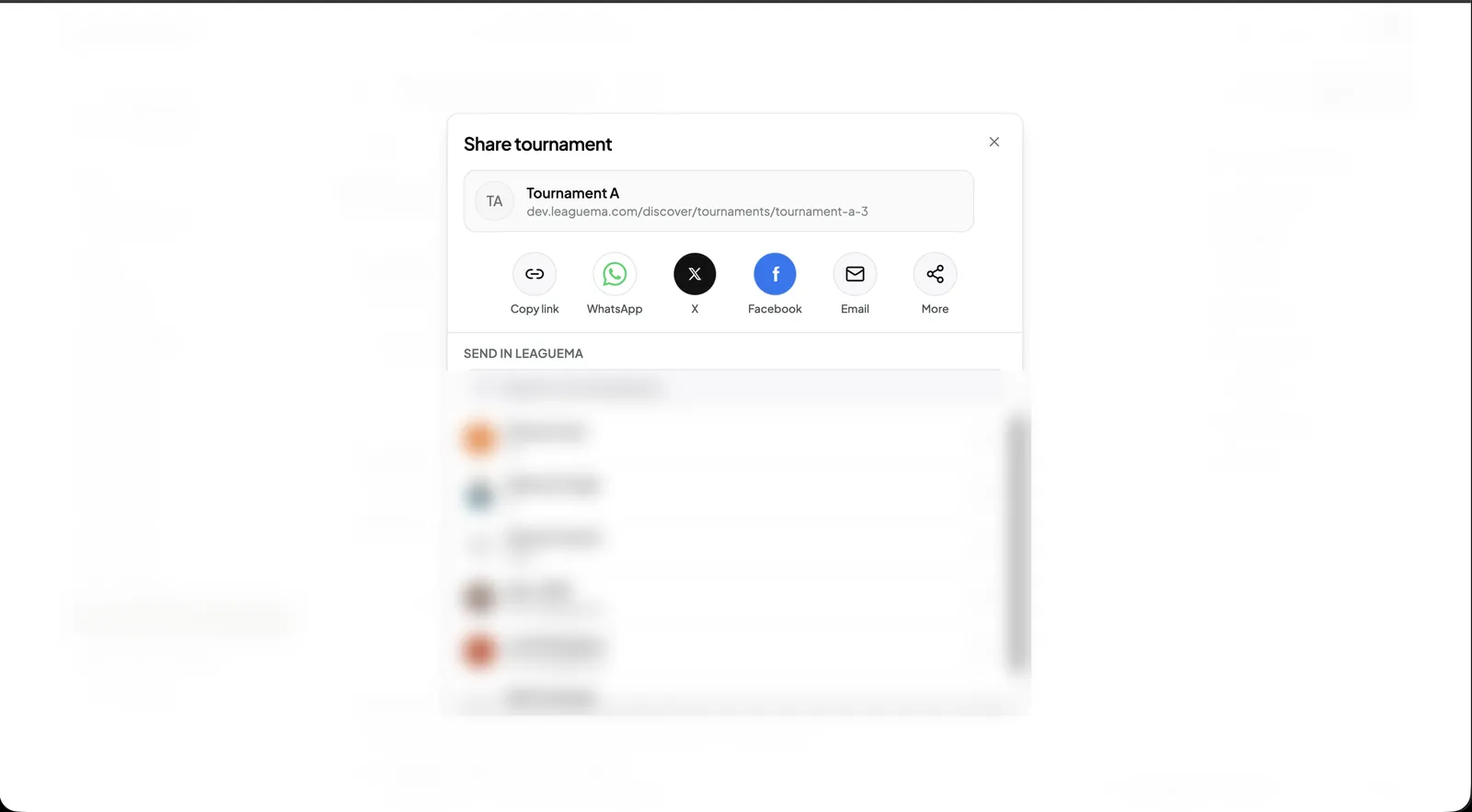
1. Sharing the link Click “Share” at the top of any setup page. Copy the link, send it on WhatsApp, X, Facebook or by email, or pick a LeagueMa conversation to send it in.
Status and deleting
“Delete tournament” at the bottom of Tournament setup removes a draft from the active lists. Its records are kept for recovery and audit.