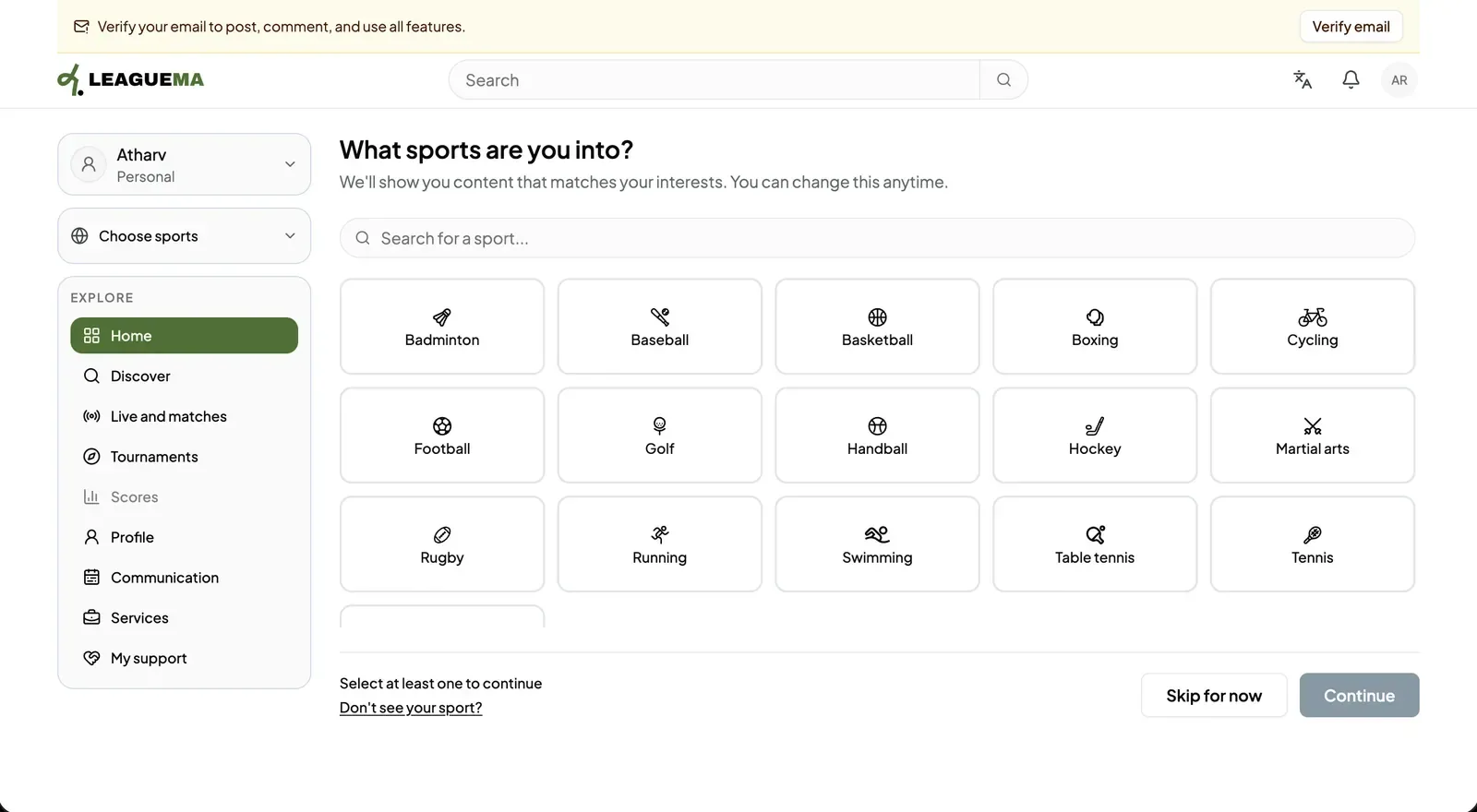
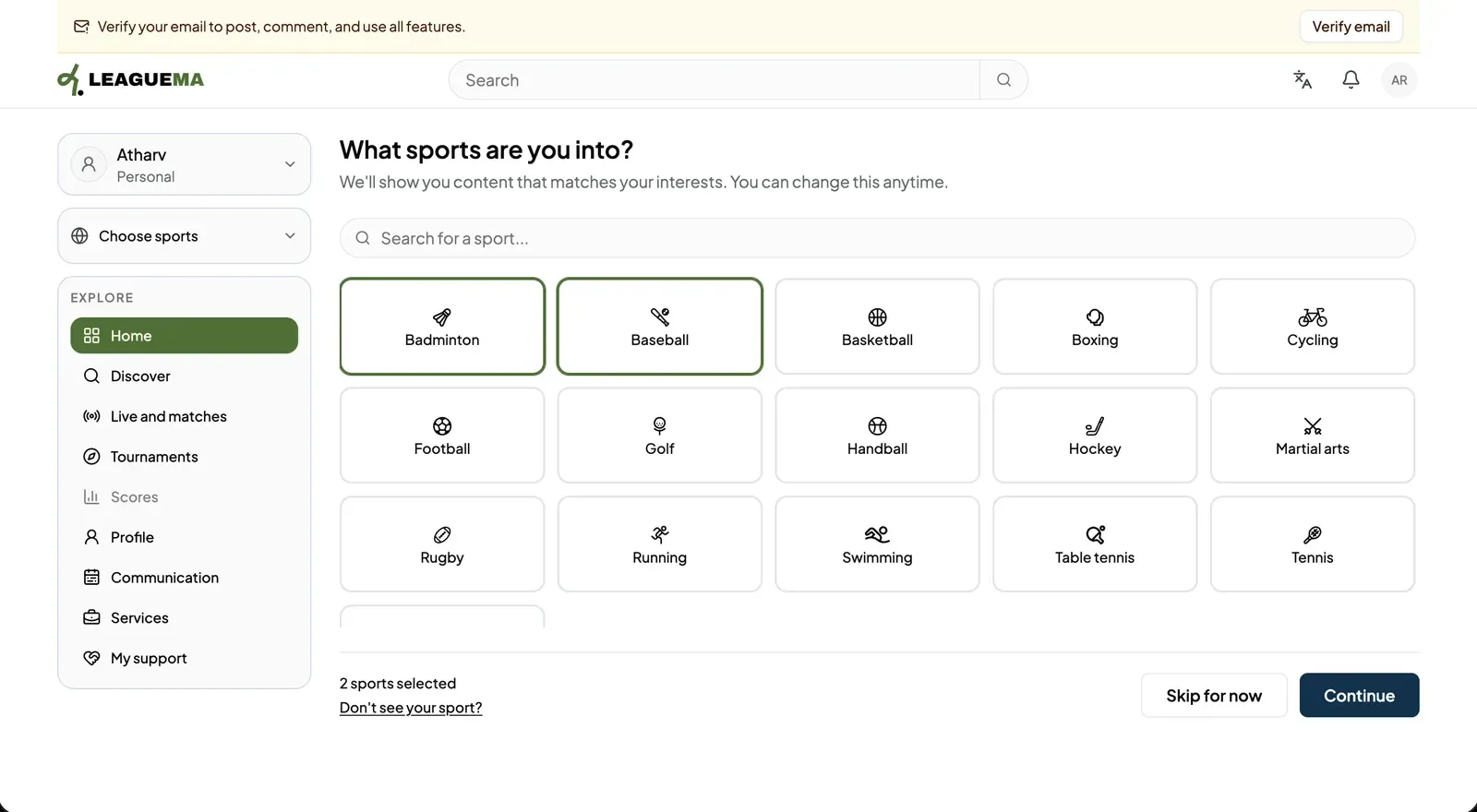
The sports selection is the first onboarding screen: the list of sports you follow or play. LeagueMa uses it to decide which matches, tournaments and posts to show you first. You can change it at any time.
Selecting sports
1. Reviewing the available sports The screen lists the sports LeagueMa supports: Badminton, Baseball, Basketball, Boxing, Cycling, Football, Golf, Handball, Hockey, Martial arts, Rugby, Running, Swimming, Table tennis, Tennis and Volleyball. Type in “Search for a sport…” to narrow the list.2. Selecting one or more sports Select each sport to follow. A selected sport is outlined, and the counter below the list shows how many are selected. To remove a sport, select it again.3. Continuing Click “Continue”. The button is available once at least one sport is selected. The application moves to the account type screen.