The club calendar

What it is

The club calendar is the view of every event the club has planned. You use it to see and plan training, matches and meetings. Each event also reaches the calendars of the people it is addressed to.

Creating an event
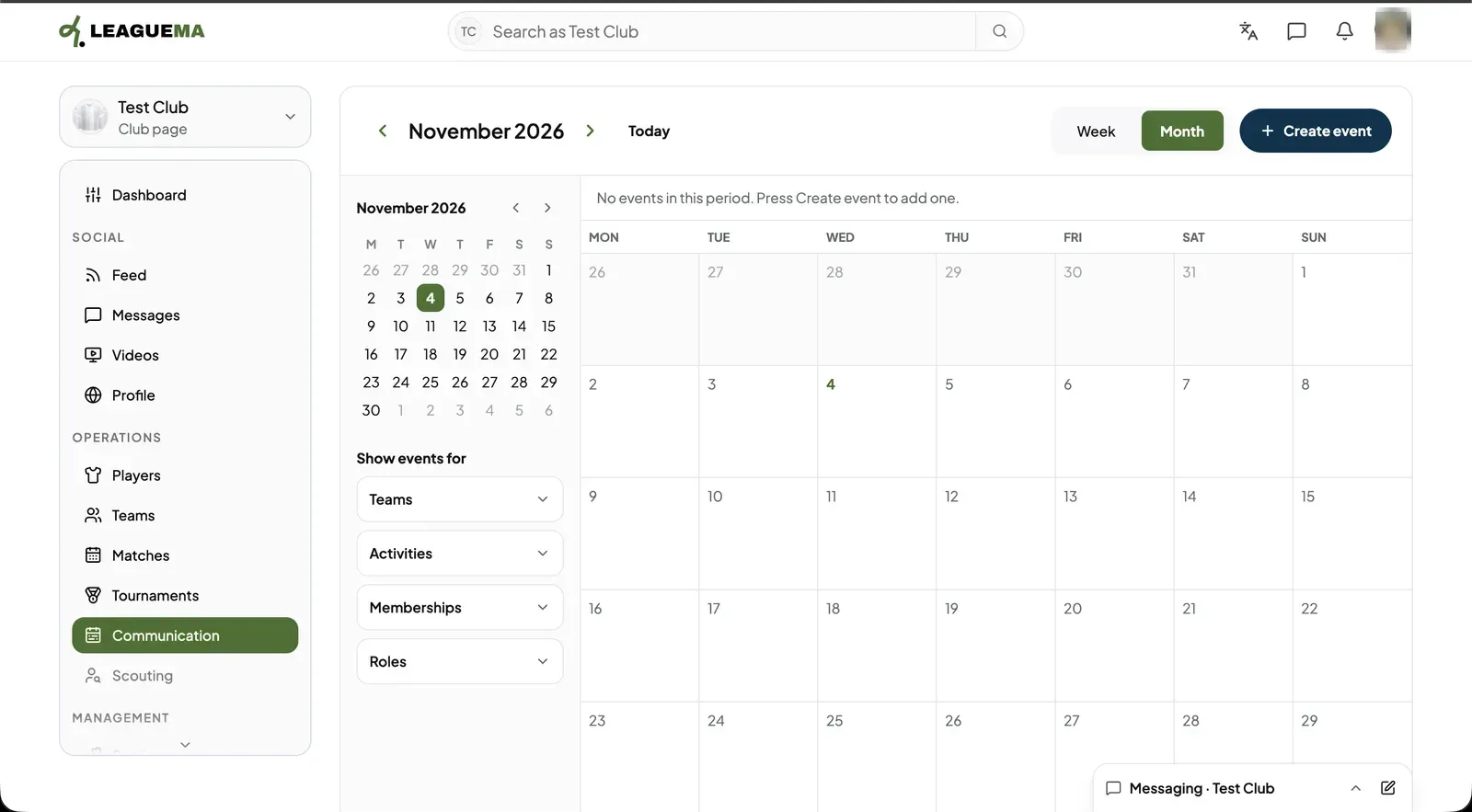
1. Opening the calendar Click “Communication” in the club sidebar. You may switch between “Week” and “Month” and filter the events by teams, activities, memberships and roles. To add an event, click “Create event”.
The club calendar: Opening the calendar
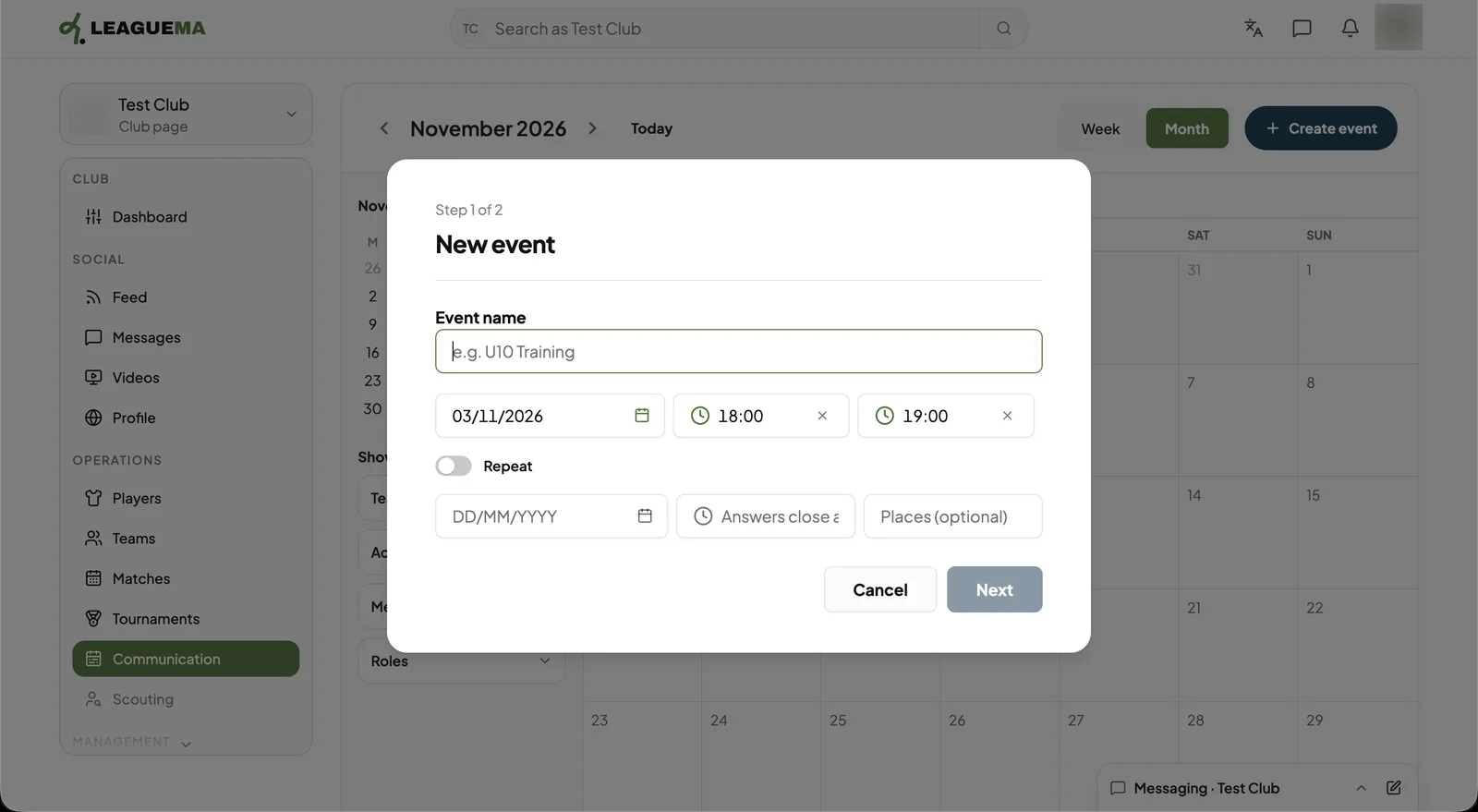
2. Entering the event details Step 1 of 2: enter the “Event name”, date, start and end times. Switch on “Repeat” for a weekly event, with an end date. Then, click “Next” to choose who receives it.
The club calendar: Entering the event details
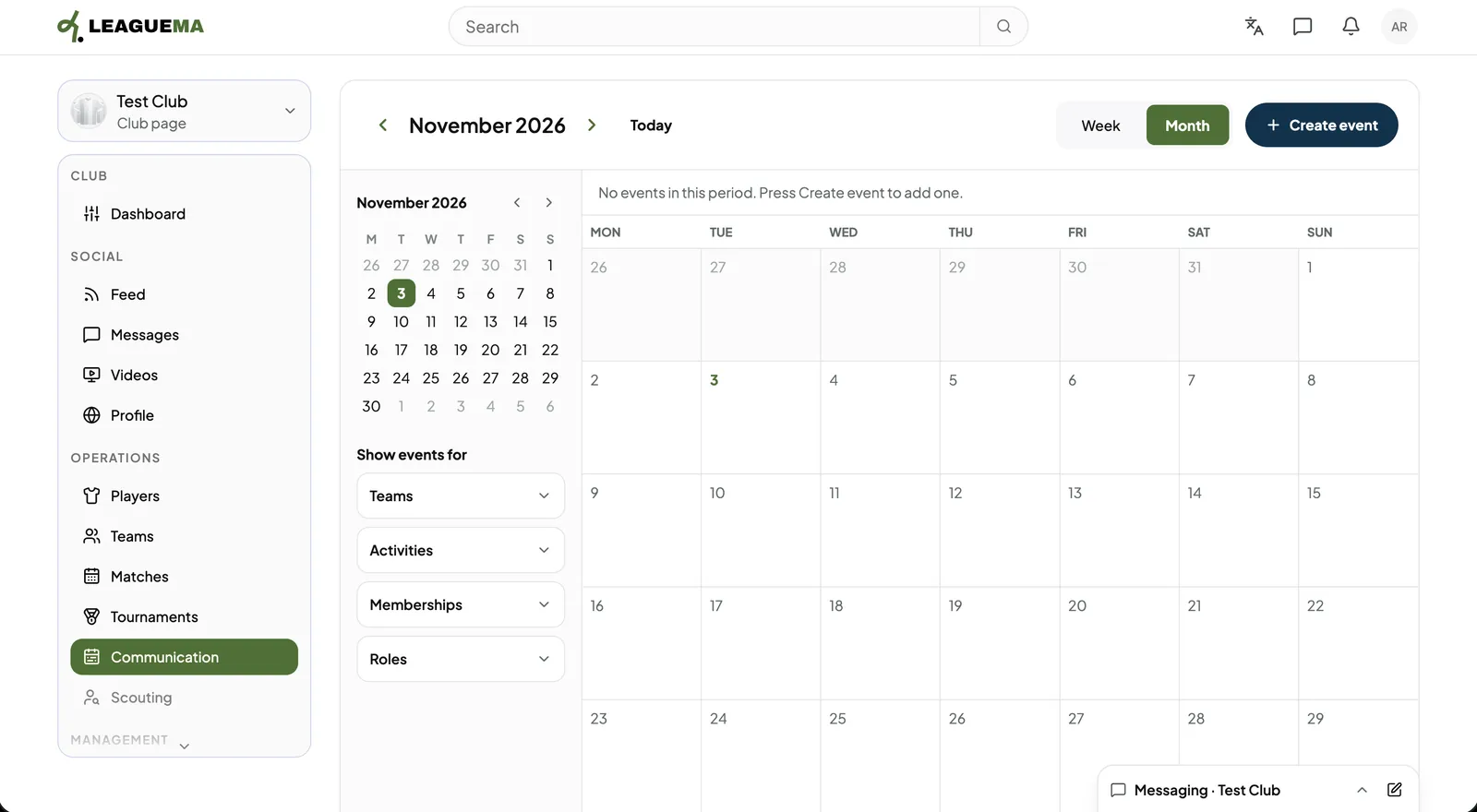
3. Reviewing communications Below the calendar, the club's communications are listed with the “All”, “Today”, “Upcoming” and “Past” filters.
The club calendar: Reviewing communications

Leggi in italiano

Related articles

Previous: Publish and follow results · Next: Send a communication