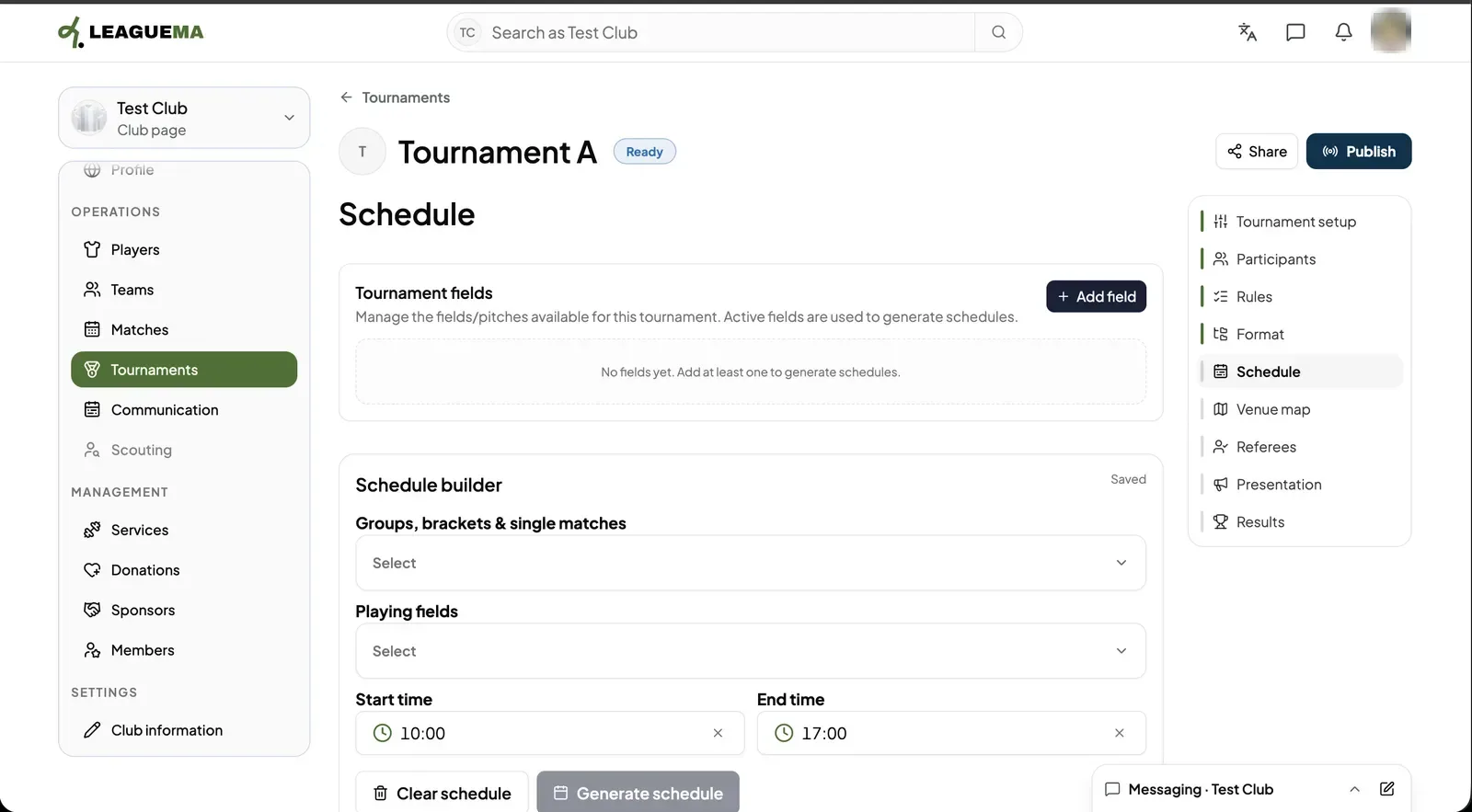
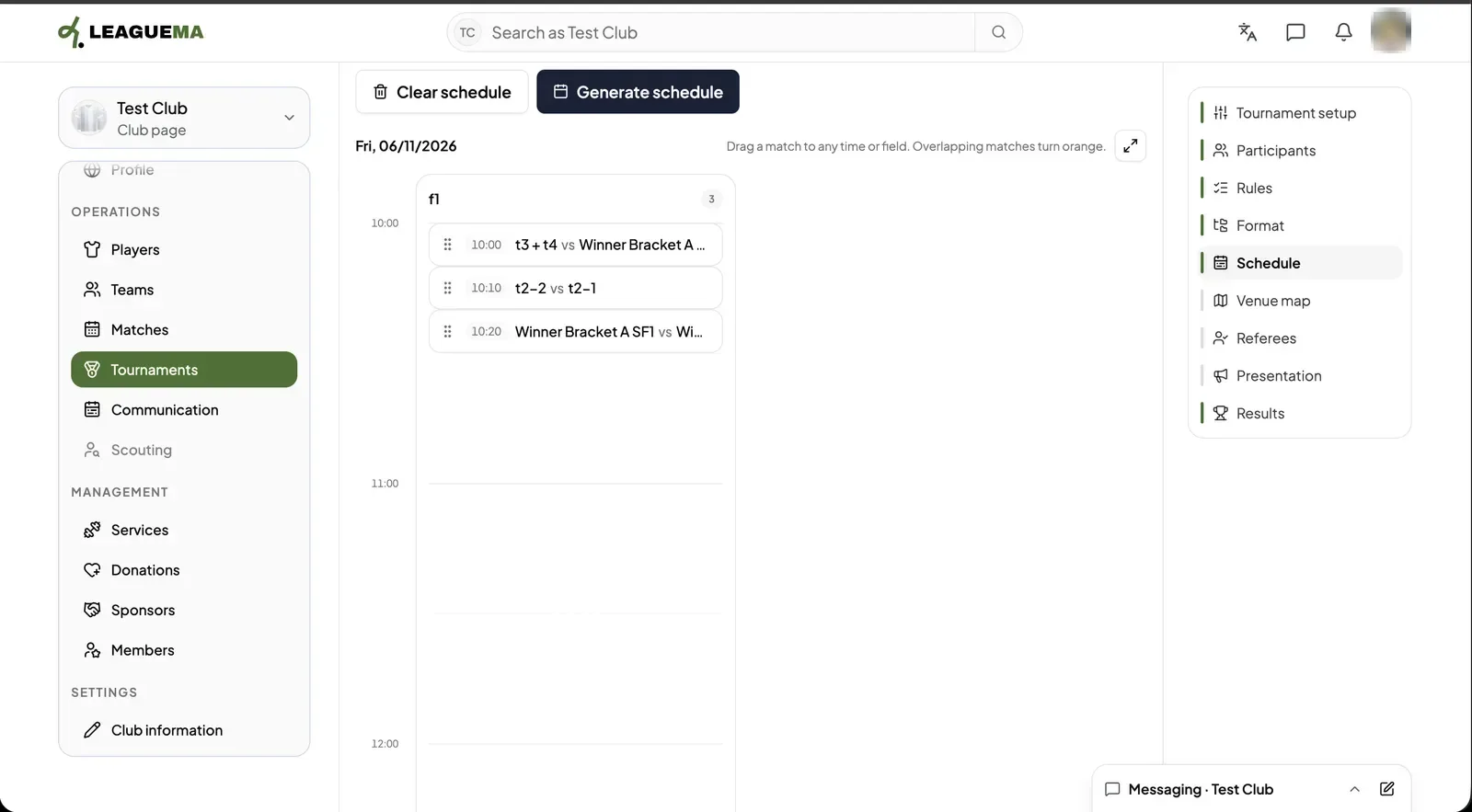
The schedule is the timetable of every match: the day, the time and the field. You use the schedule builder to place the matches of your groups, brackets and single matches on the tournament's fields within a start and end time, then adjust them by dragging.
Building the schedule
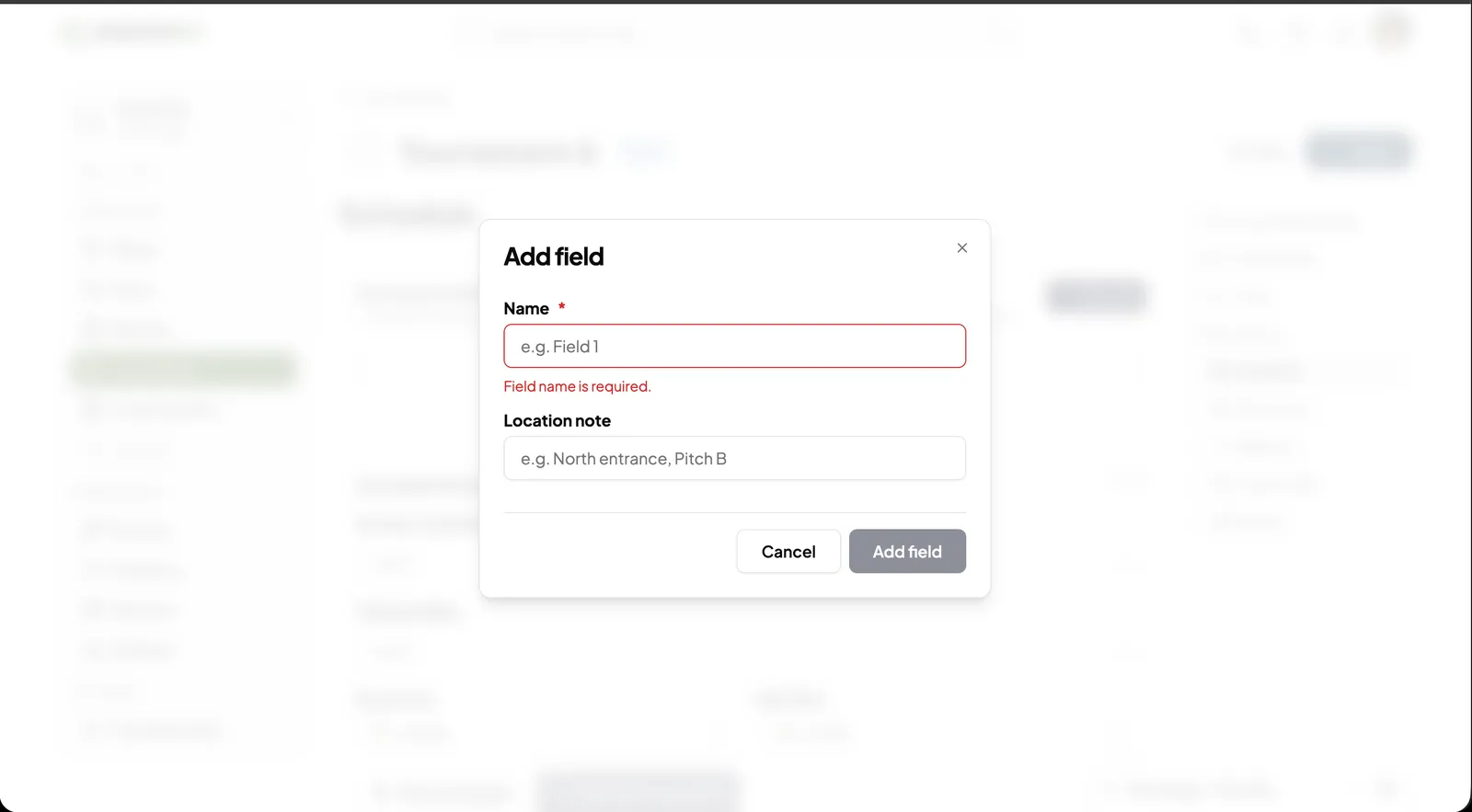
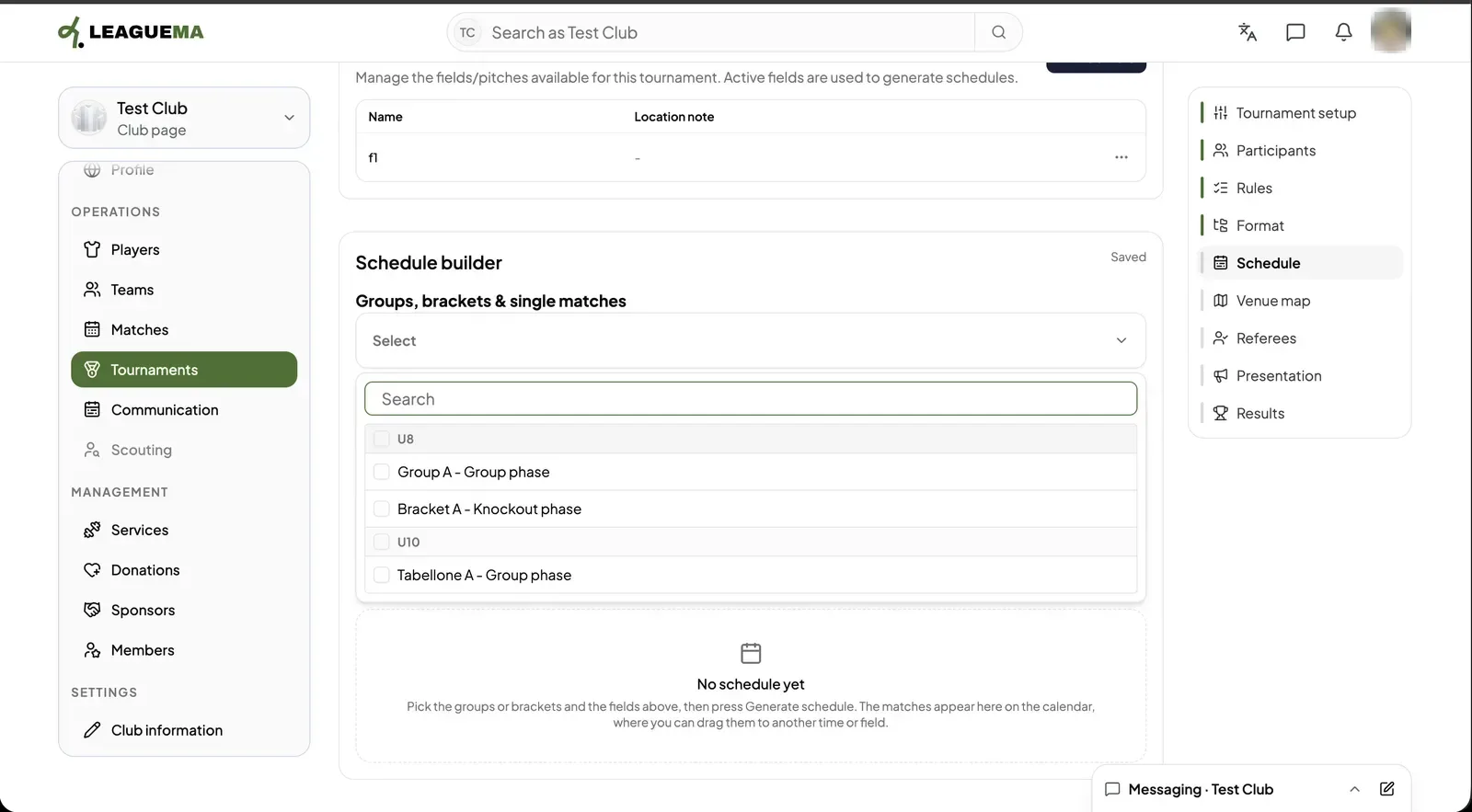
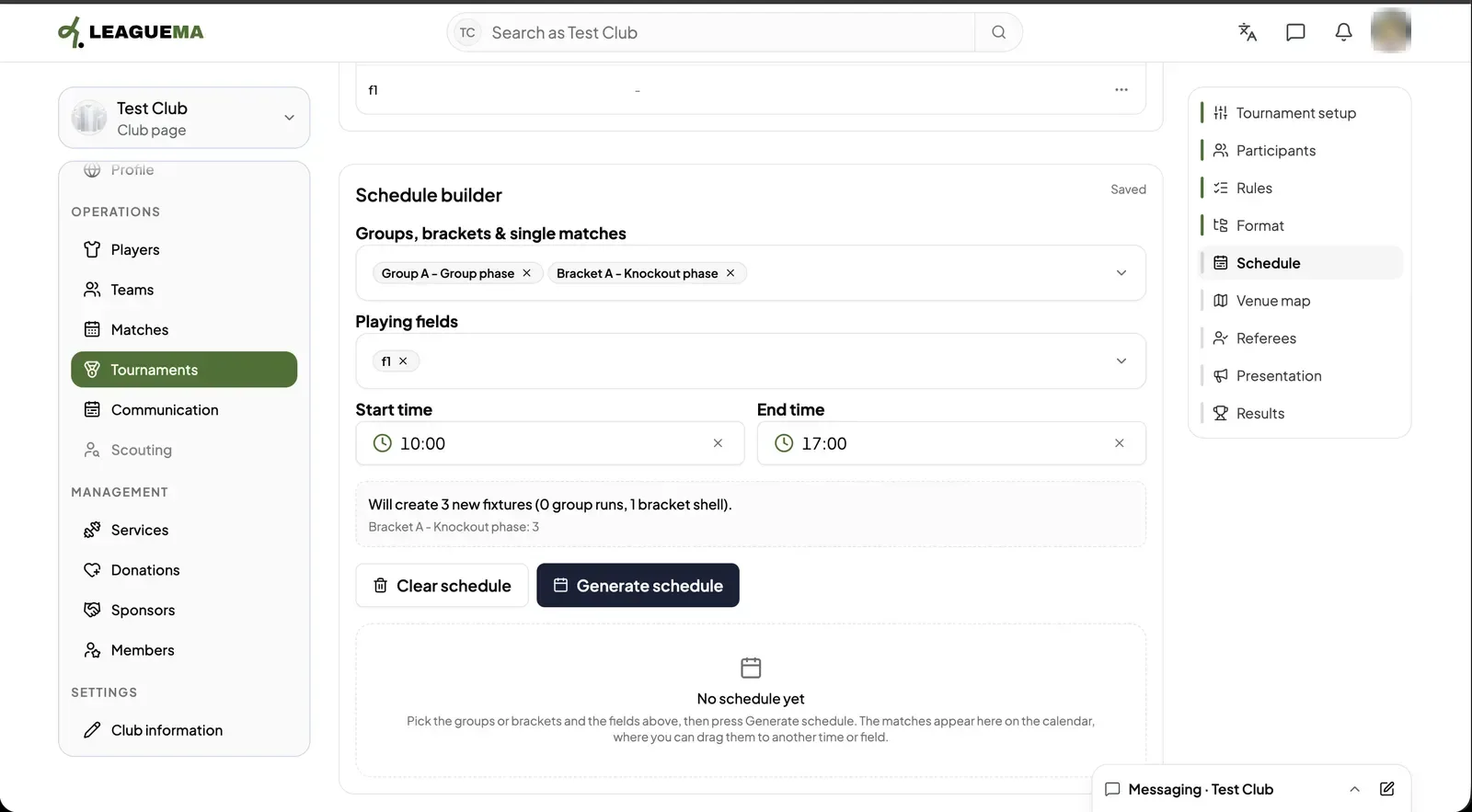
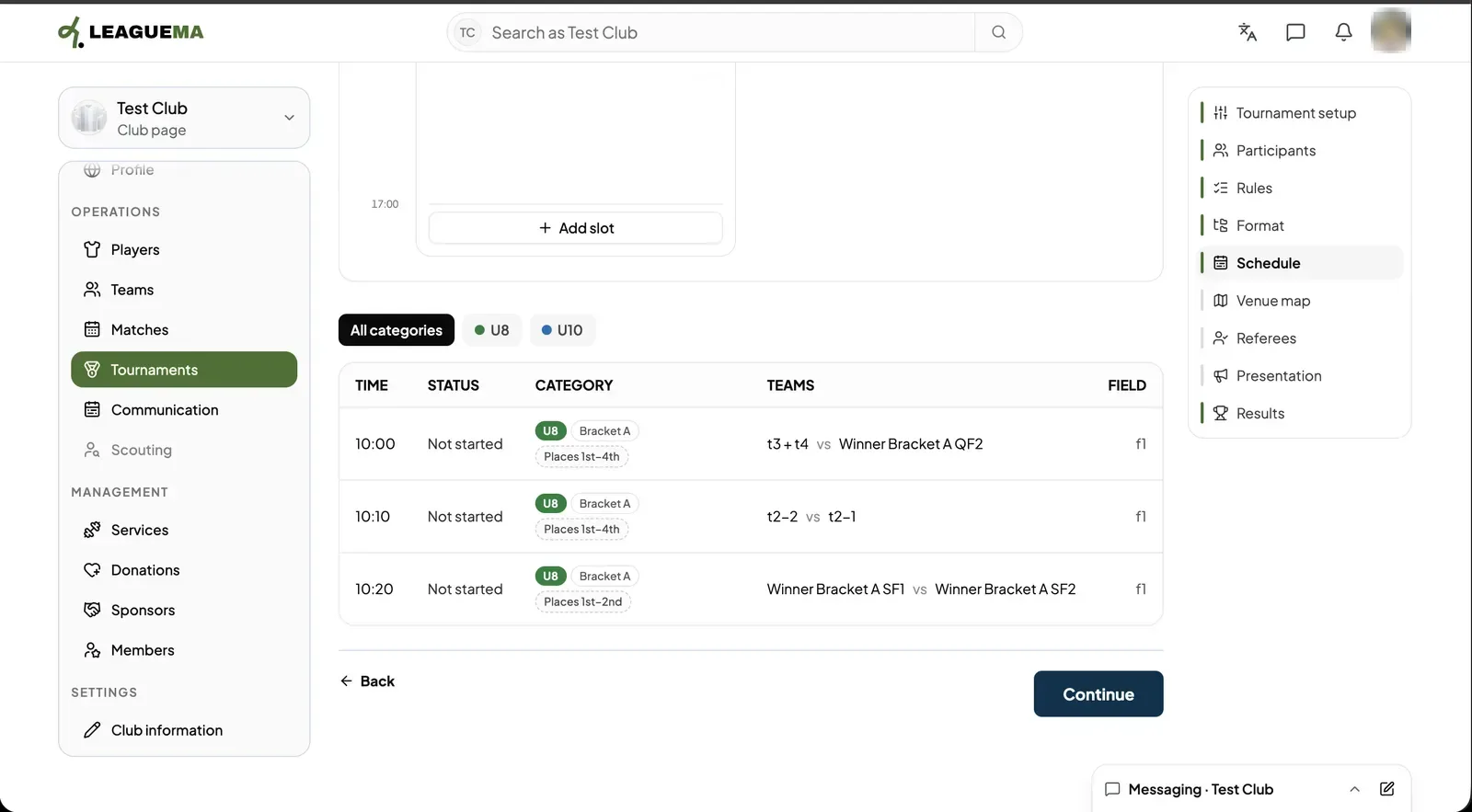
1. Opening Schedule Click “Schedule”. A schedule needs at least one field, so click “Add field” under “Tournament fields”.2. Adding a field Enter the field “Name” (required) and an optional “Location note”, such as the entrance it is near. Click “Add field”.3. Choosing what to schedule In “Schedule builder” open “Groups, brackets & single matches” and tick what to schedule. The list is grouped by category and has a search box.4. Generating the schedule Choose the “Playing fields”, the “Start time” and the “End time”. The builder says how many fixtures it will create. Click “Generate schedule”. “Clear schedule” removes what was generated.5. Adjusting on the calendar The matches appear on the calendar, one column per field. Drag a match to another time or field; overlapping matches turn orange. “Add slot” adds an empty time slot.6. Reviewing the list Below the calendar every match is listed with its time, status, category, teams and field. Filter by category with the pills above the table, then click “Continue”.