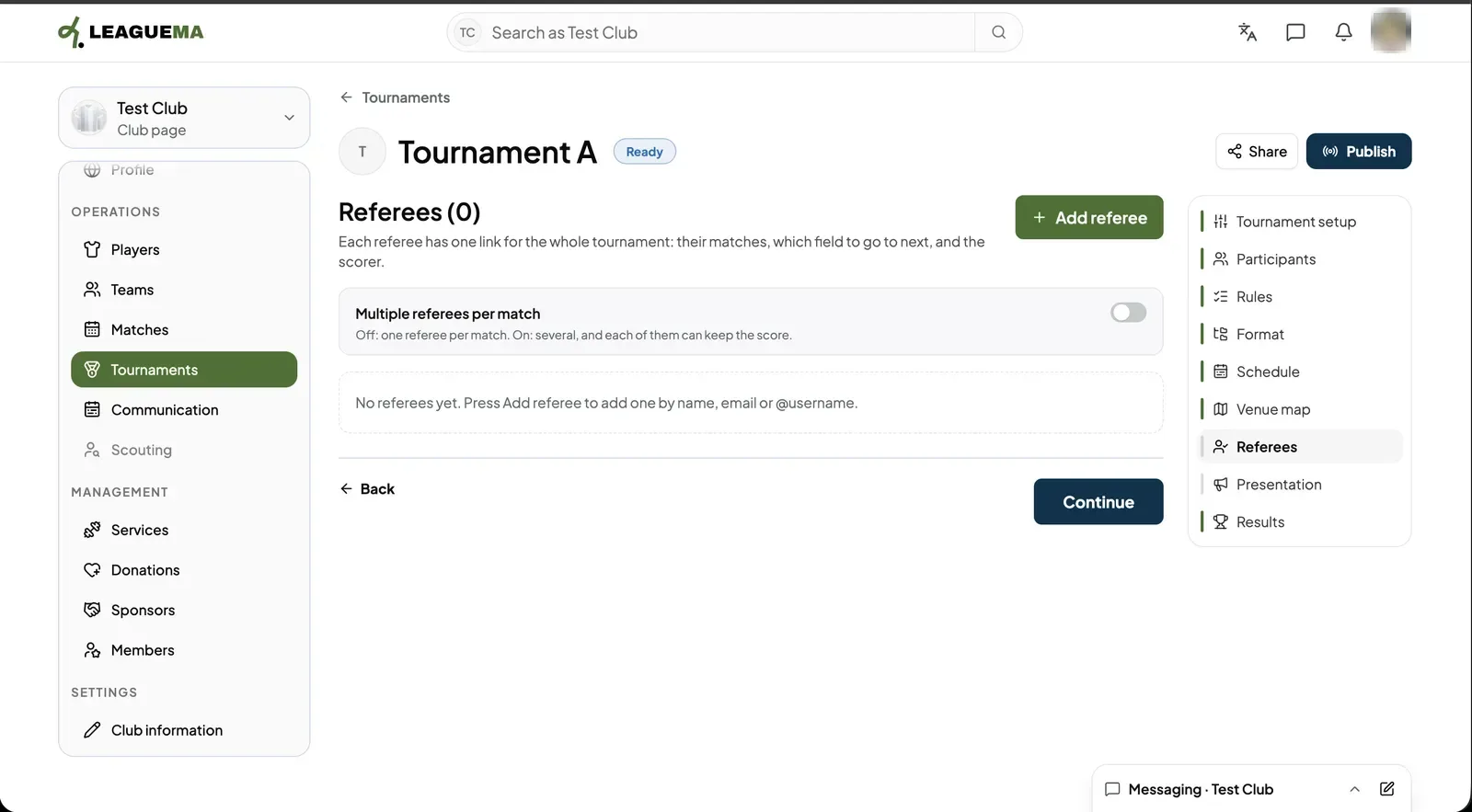
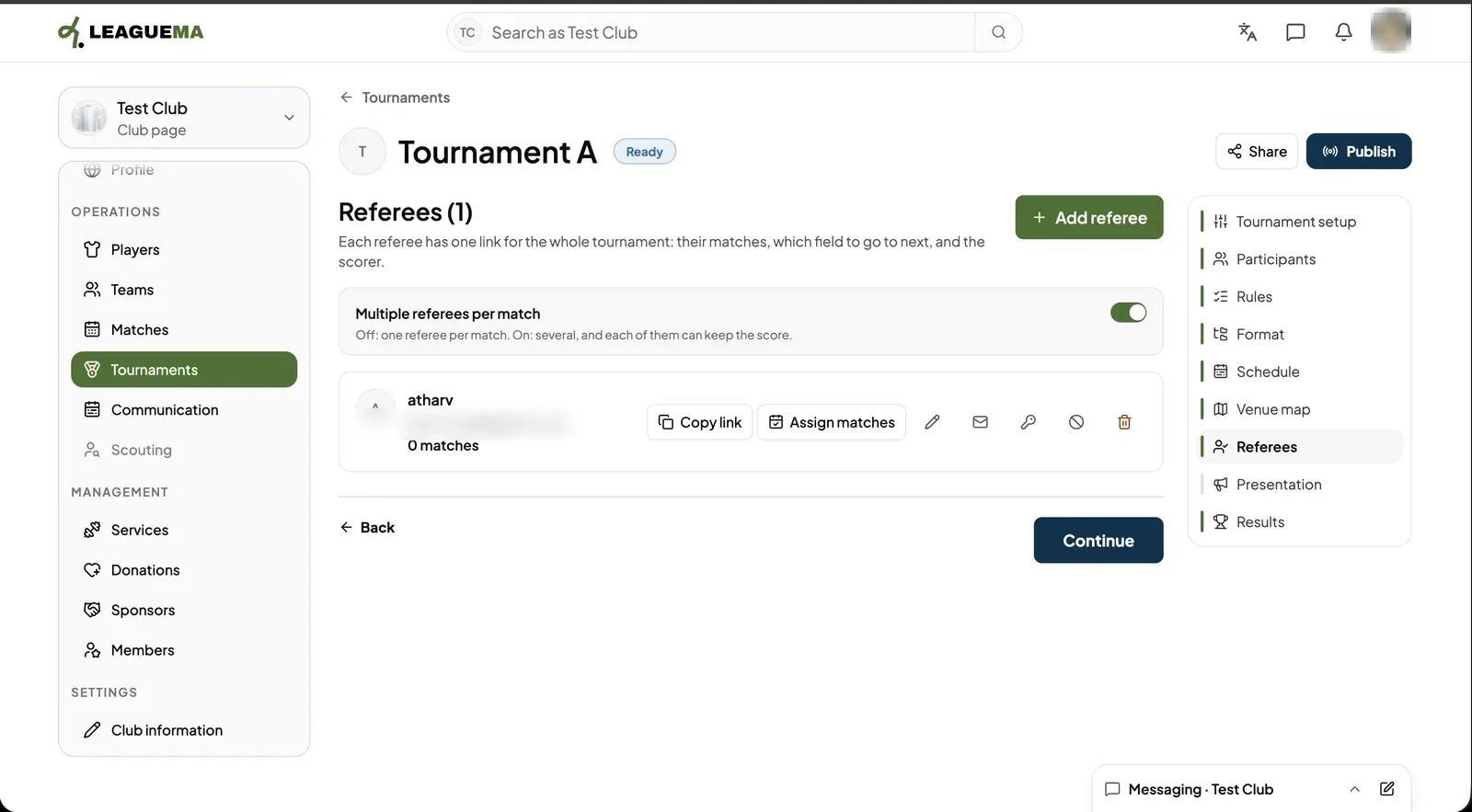
A referee is the person who runs a match. In LeagueMa each referee gets one personal link for the whole tournament, which shows their matches, the field to go to next and the scorer. You use this page to add referees, send or copy their links and give them matches.
Adding a referee
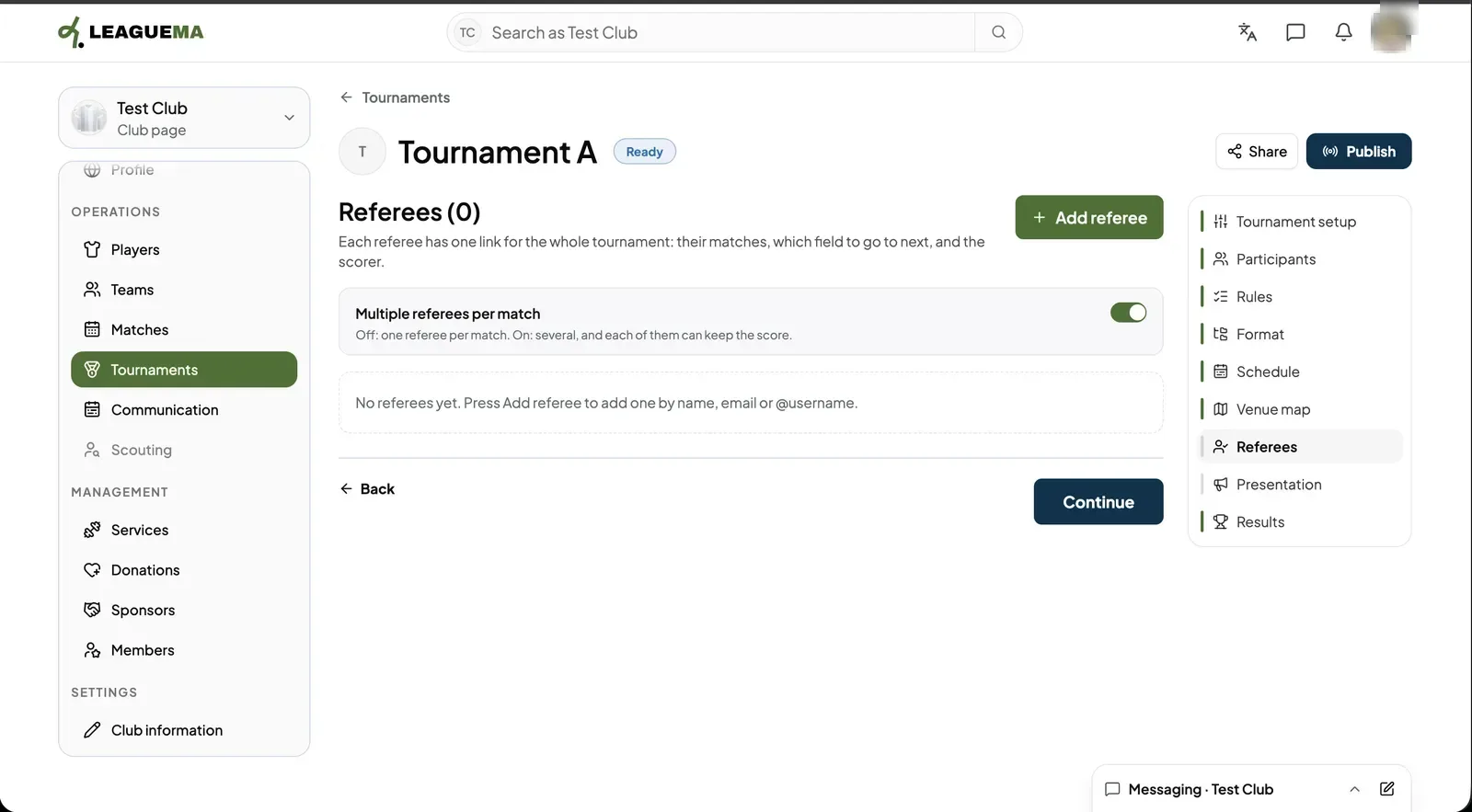
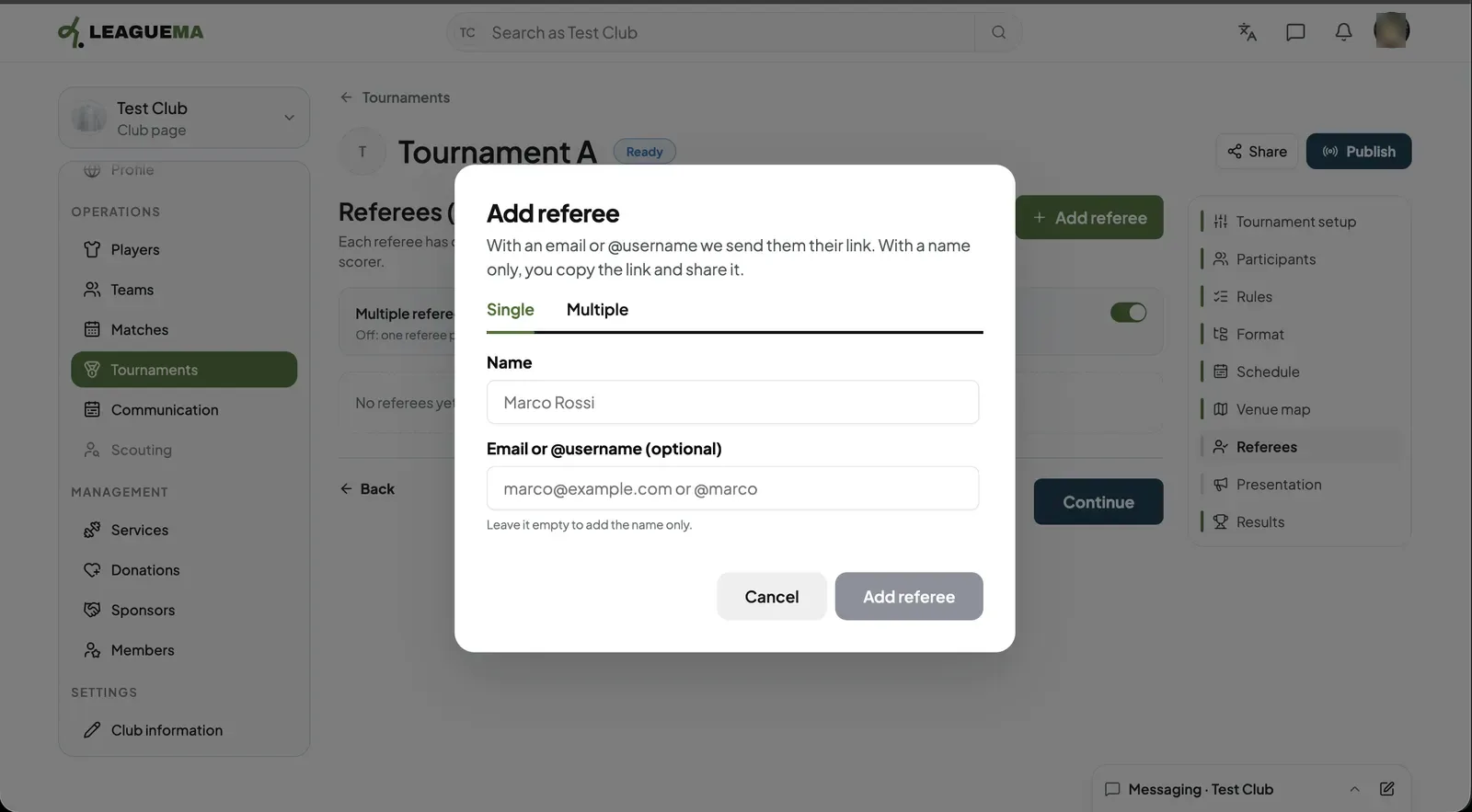
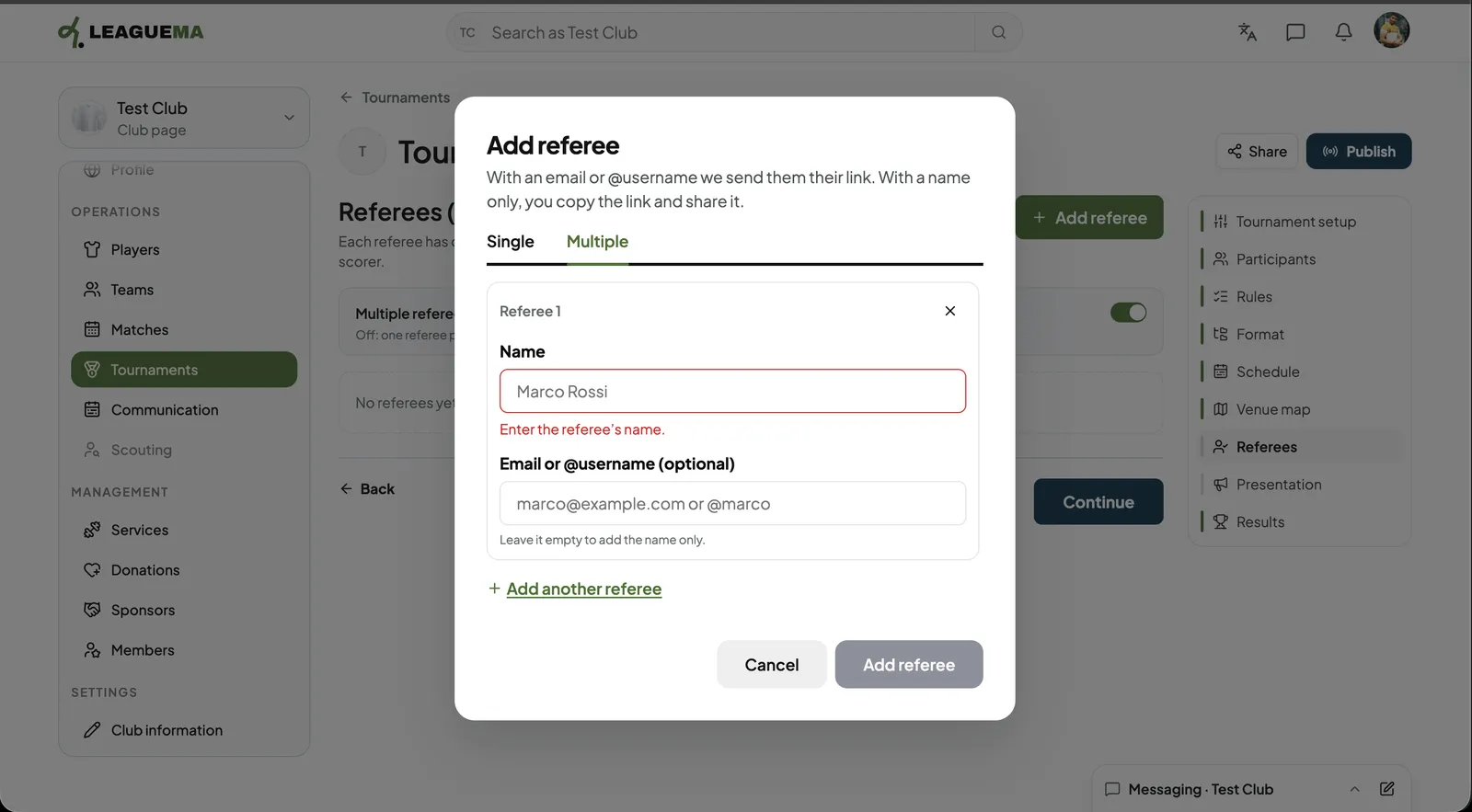
1. Opening Referees Click “Referees”. The title shows how many referees the tournament has.2. One or several referees per match Switch on “Multiple referees per match” if a match can have more than one referee. Each of them can then keep the score.3. Adding one referee Click “Add referee”. On the “Single” tab enter the “Name” and, optionally, an “Email or @username (optional)”. With an email or username LeagueMa sends them their link; with a name only, you copy the link and share it. Click “Add referee”.4. Adding several referees On the “Multiple” tab fill in one card per referee and click “Add another referee” for the next. Click “Add referee” when done.5. Result The referee is listed with their matches count. Click “Copy link” to share their link and “Assign matches” to give them matches.
Managing a referee
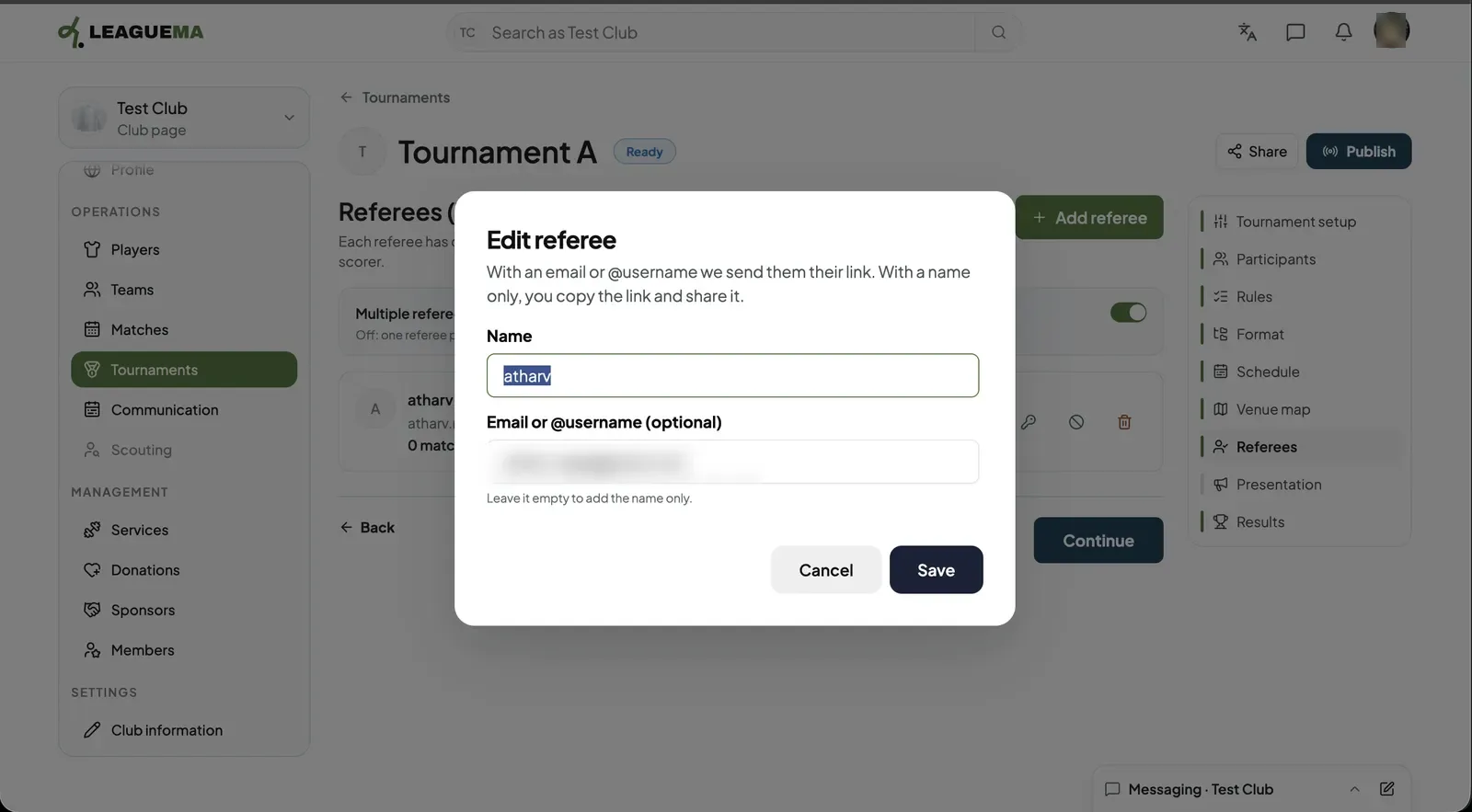
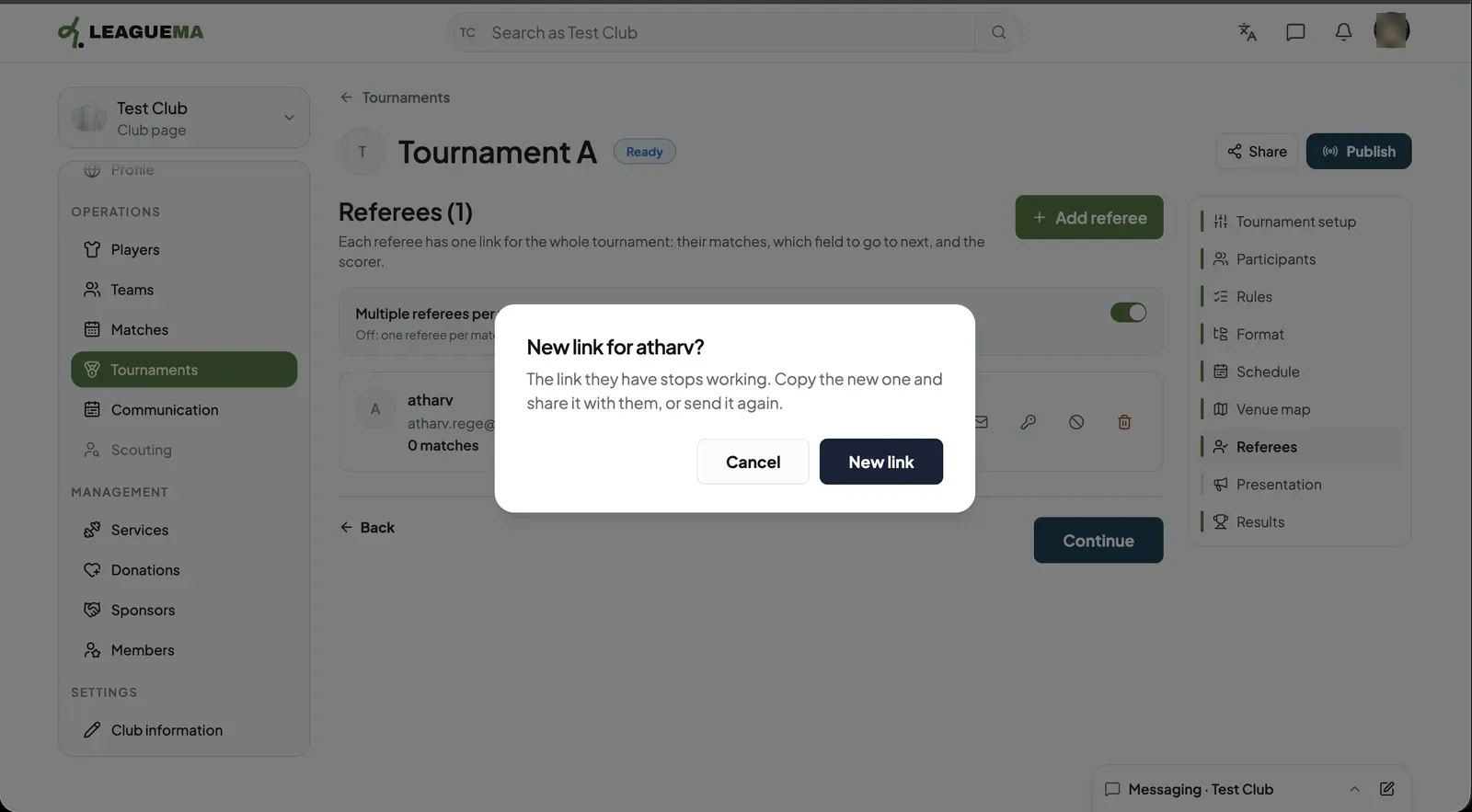
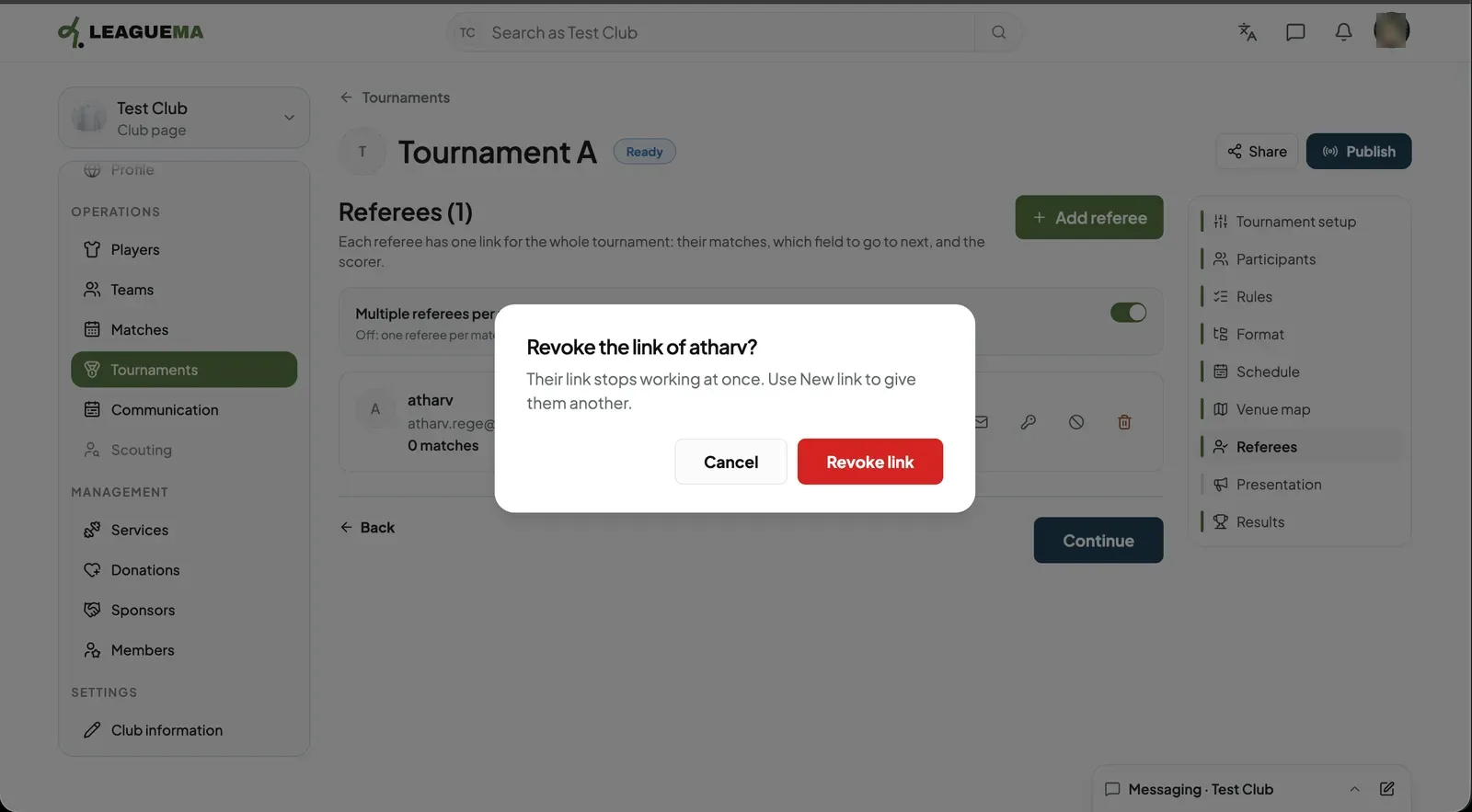
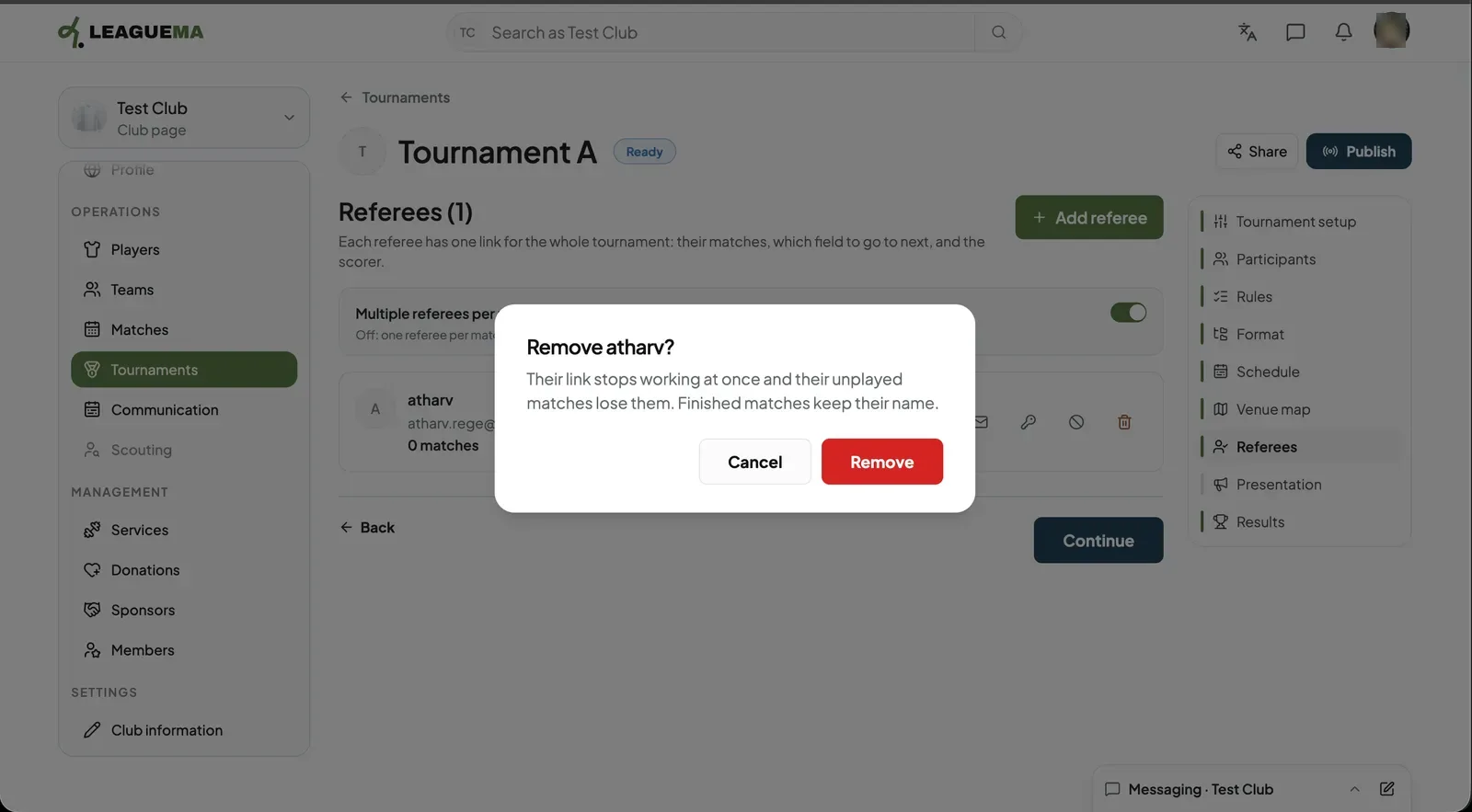
1. Editing Click the pencil, change the name or email and click “Save”.2. Giving a new link Click the key and then “New link”. The old link stops working; copy the new one or send it again.3. Revoking the link Click the block icon and then “Revoke link”. The link stops working at once. Use “New link” to give them another.4. Removing a referee Click the bin and then “Remove”. Their link stops working and their unplayed matches lose them. Finished matches keep their name.