Change your sports
What it is
The sport selector is the control in the sidebar that sets which sport the feed and lists show. You use it to switch sport quickly and to change the sports you chose during onboarding.
Changing sports
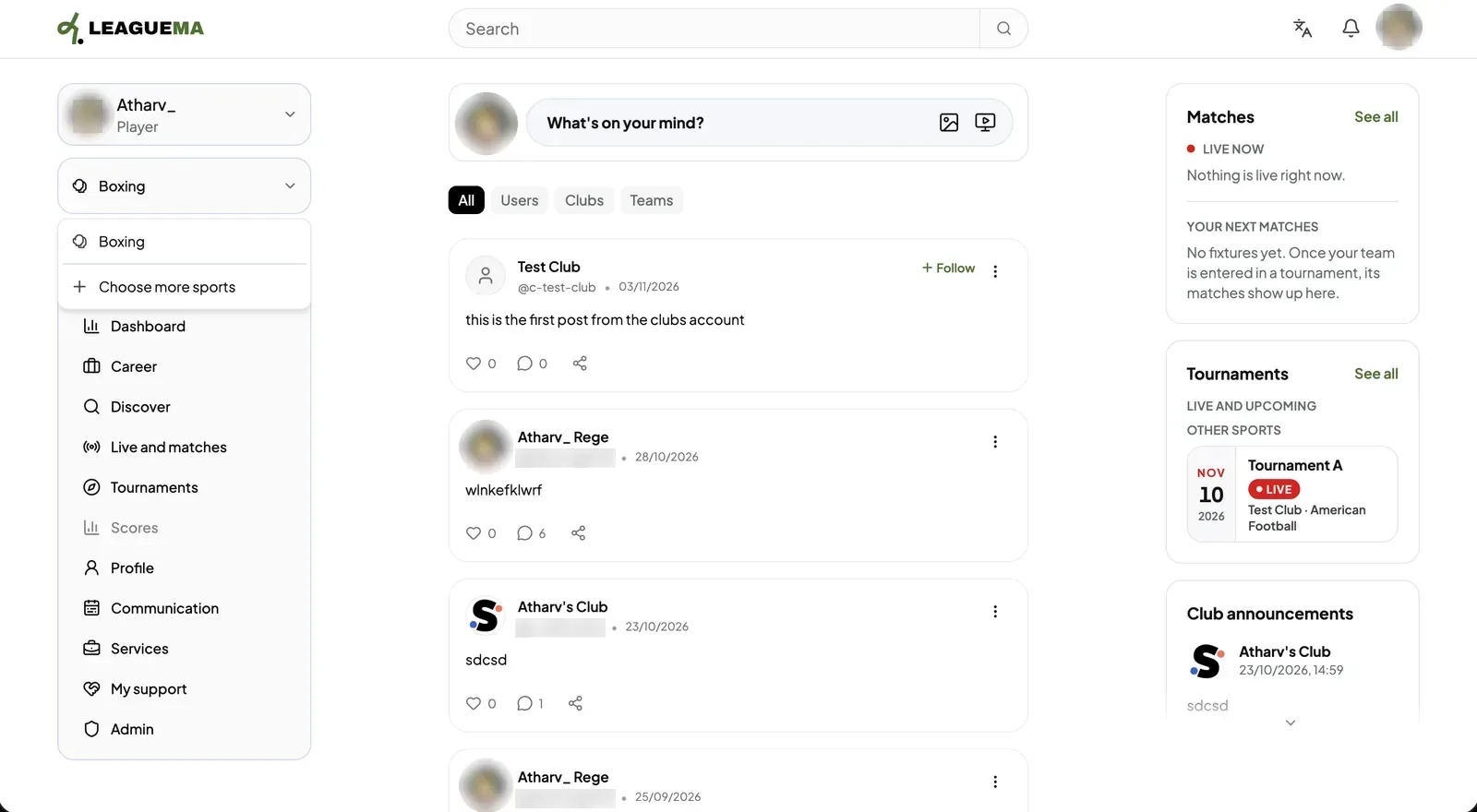
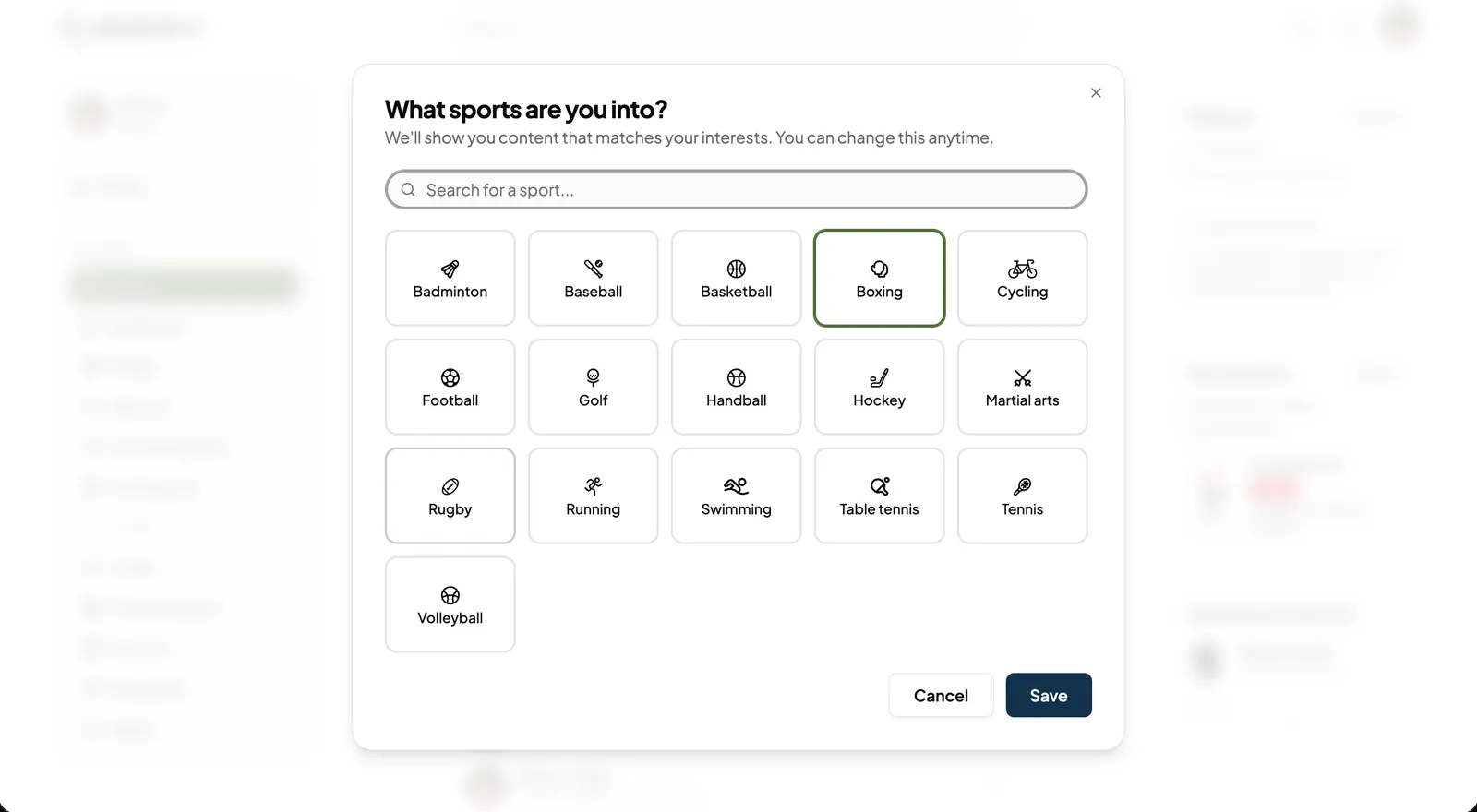
The sport selector is the control in the sidebar that sets which sport the feed and lists show. You use it to switch sport quickly and to change the sports you chose during onboarding.
Previous: Messages · Next: Switch accounts and edit settings