The player area is the set of personal pages in your sidebar: your public profile, your playing information, the communications your clubs send you and the donations you have made. You use it to manage how you appear and what clubs have sent you. Dashboard and Career appear only after player onboarding.
Pages
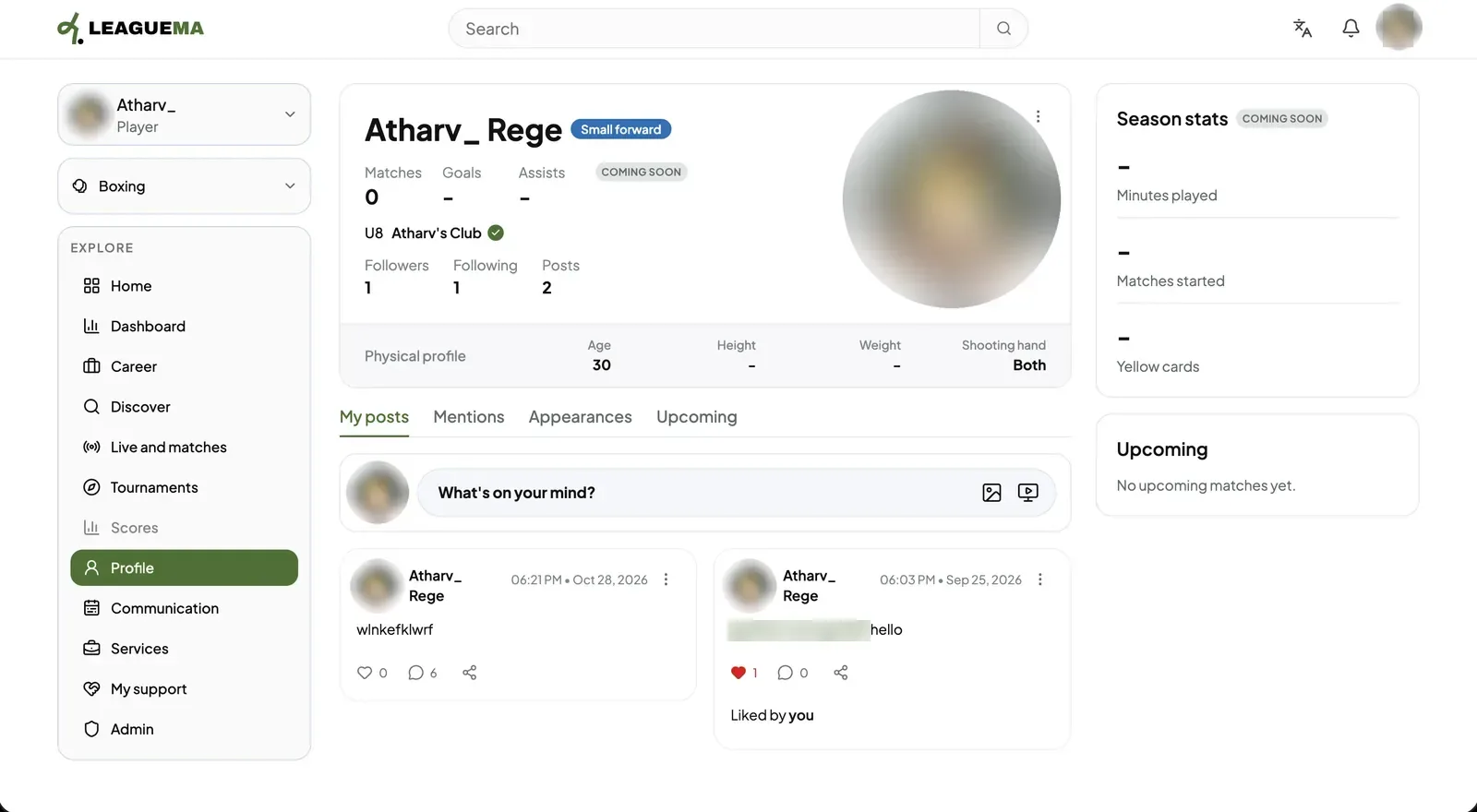
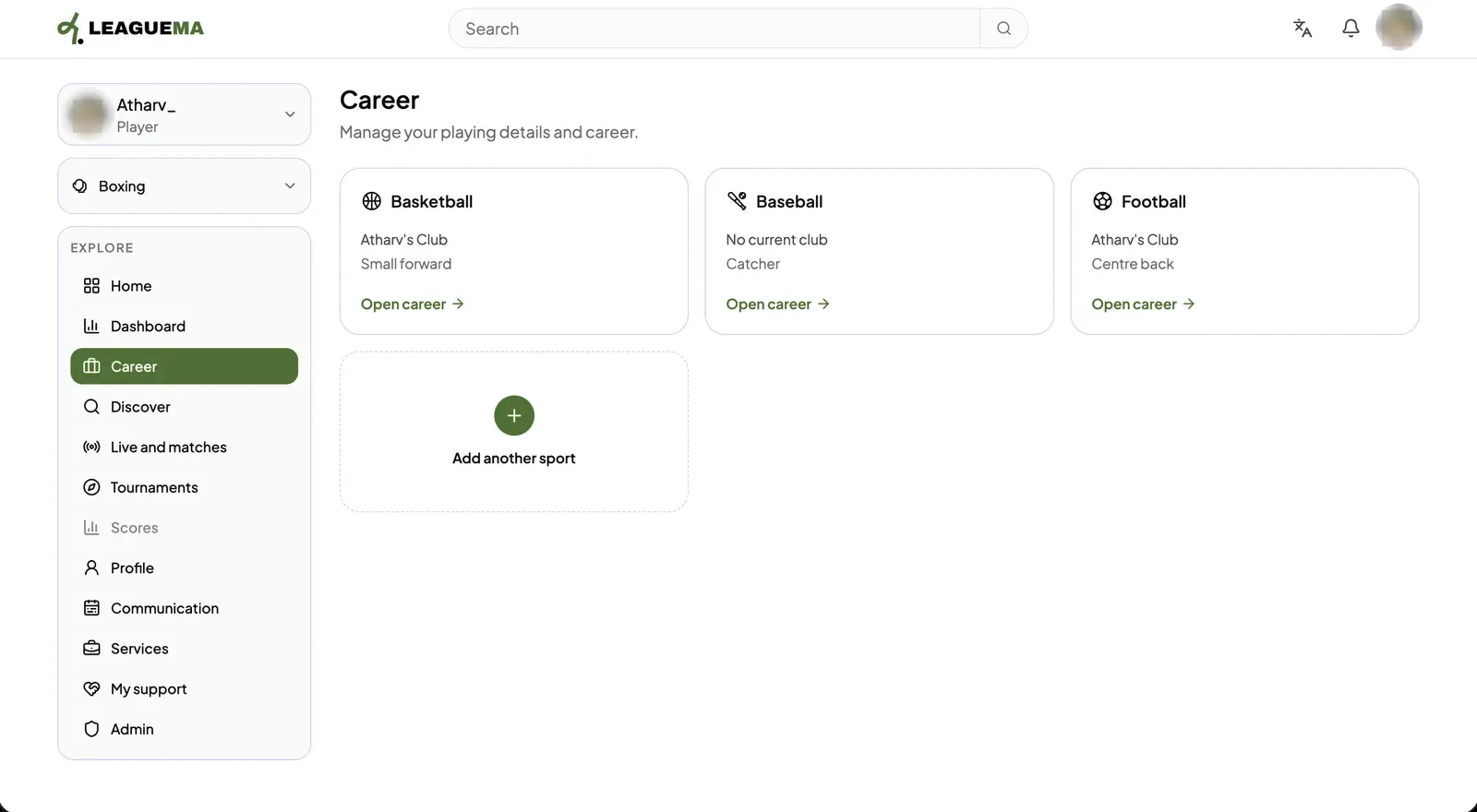
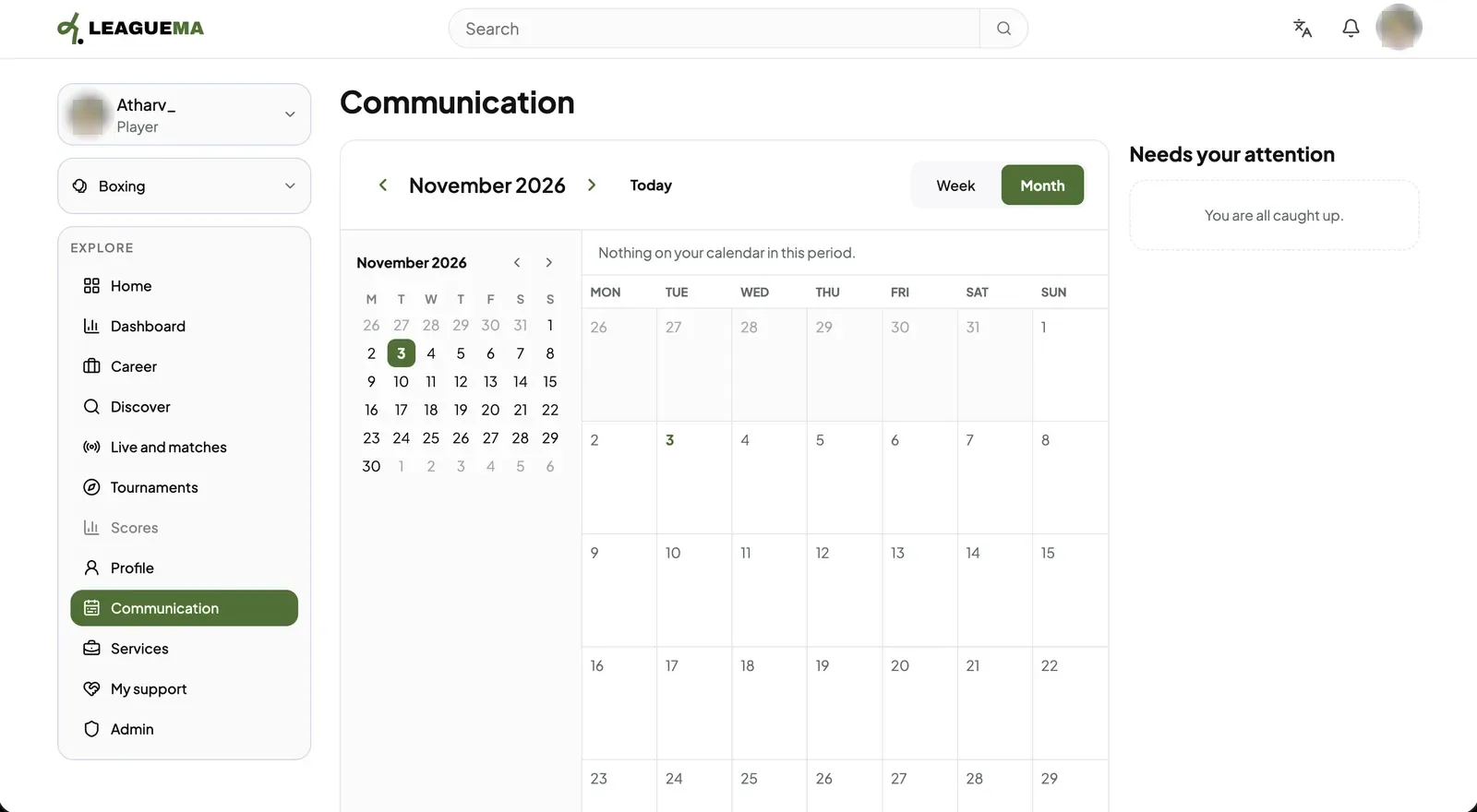
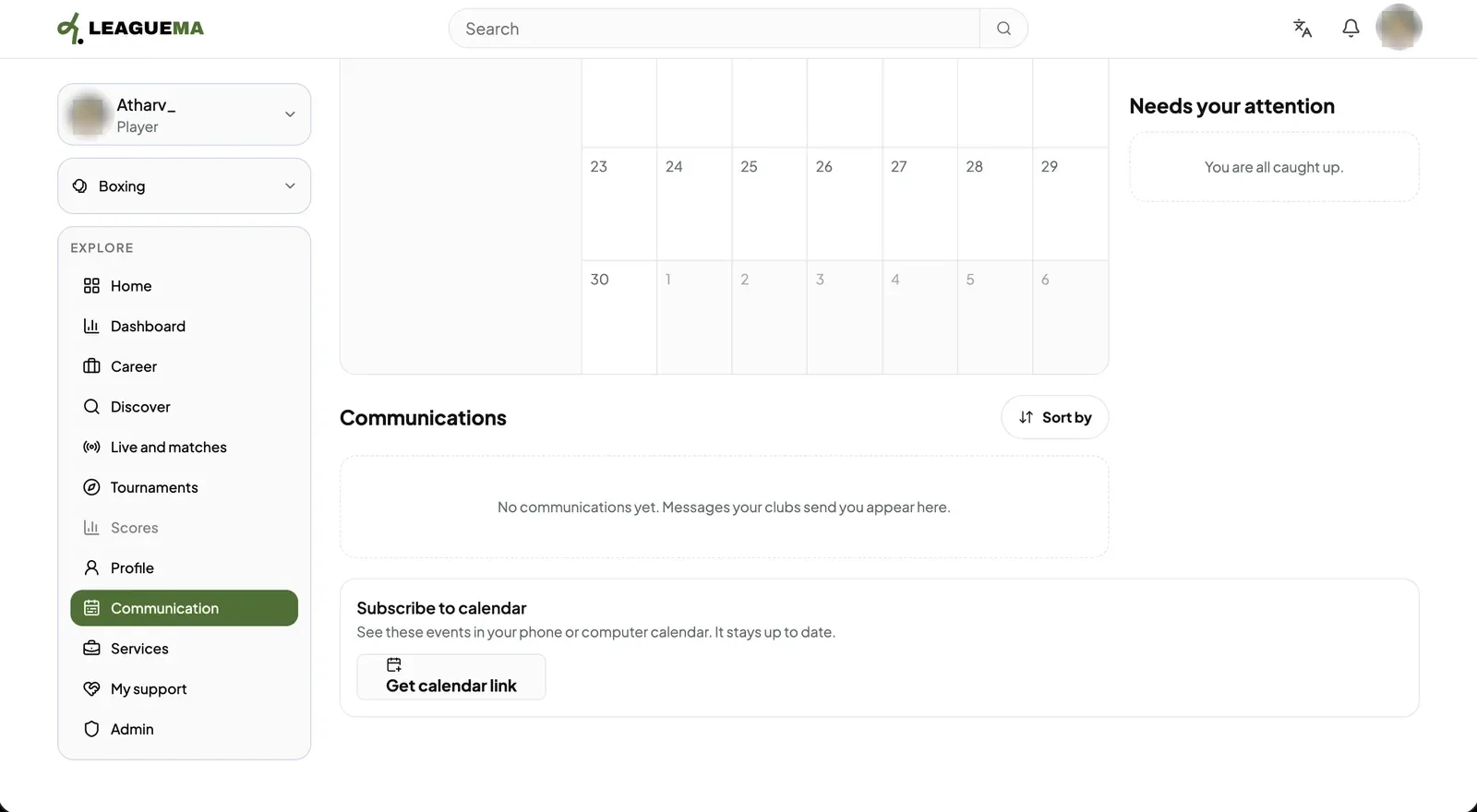
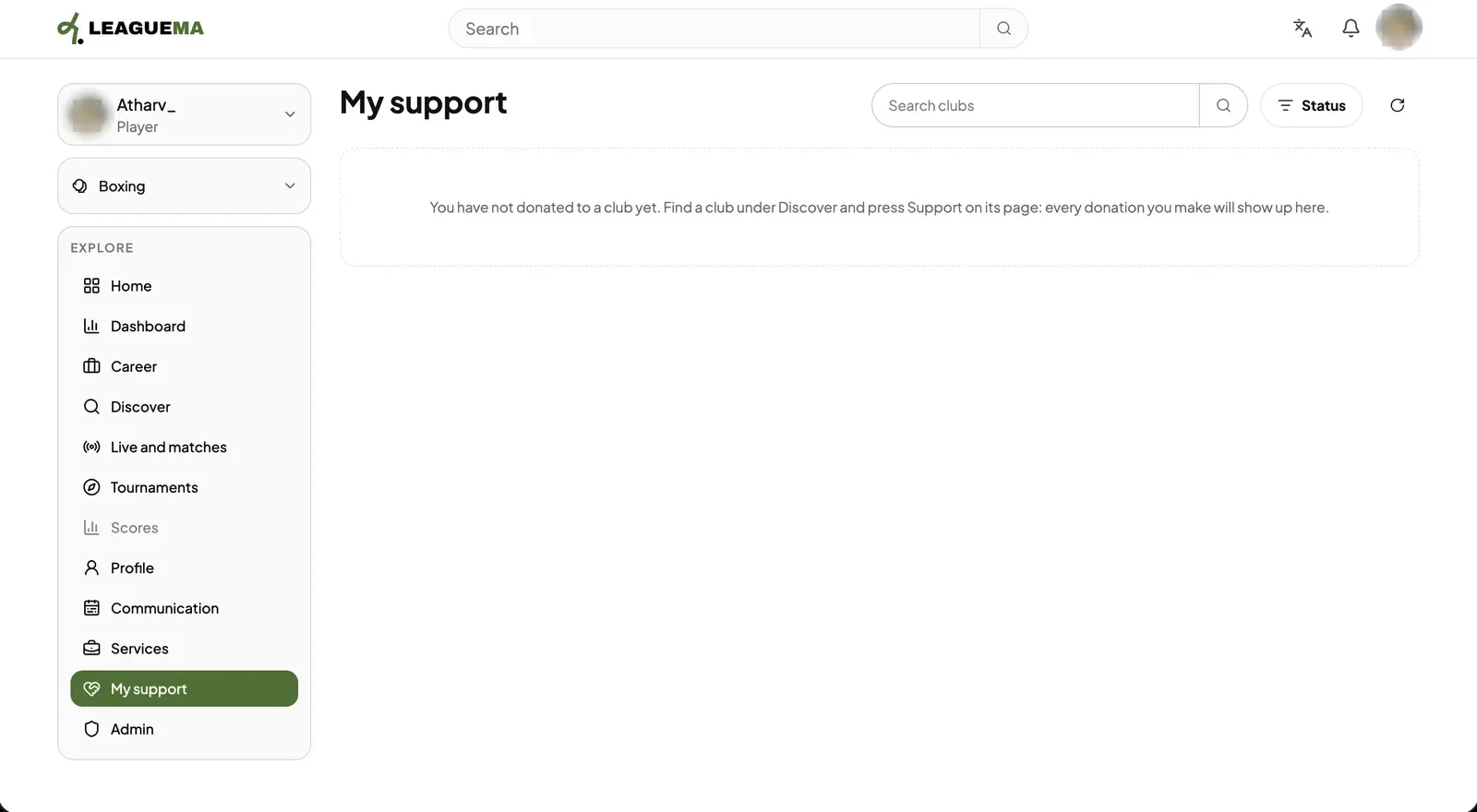
1. Profile Click “Profile” to view the public profile: role, matches, goals and assists, club, followers, physical profile and posts. The tabs list posts, mentions, attendance and upcoming matches.2. Dashboard Click “Dashboard” to view the next match, scheduled matches, active tournaments, club memberships, requested documents and recent club communications.3. Career Click “Career” to view each sport with its current club. To edit a sport, click “Open career”; to add a new one, click “Add another sport”.4. Communication calendar Click “Communication” to view club events by “Week” or “Month”. The “Needs your attention” panel lists items awaiting an answer.5. Communications and calendar link Below the calendar, club messages are listed with their polls and acknowledgements. Click “Get calendar link” to subscribe to the calendar from another application.6. My support Click “My support” to list the donations made to clubs, searchable by club and filterable by status.