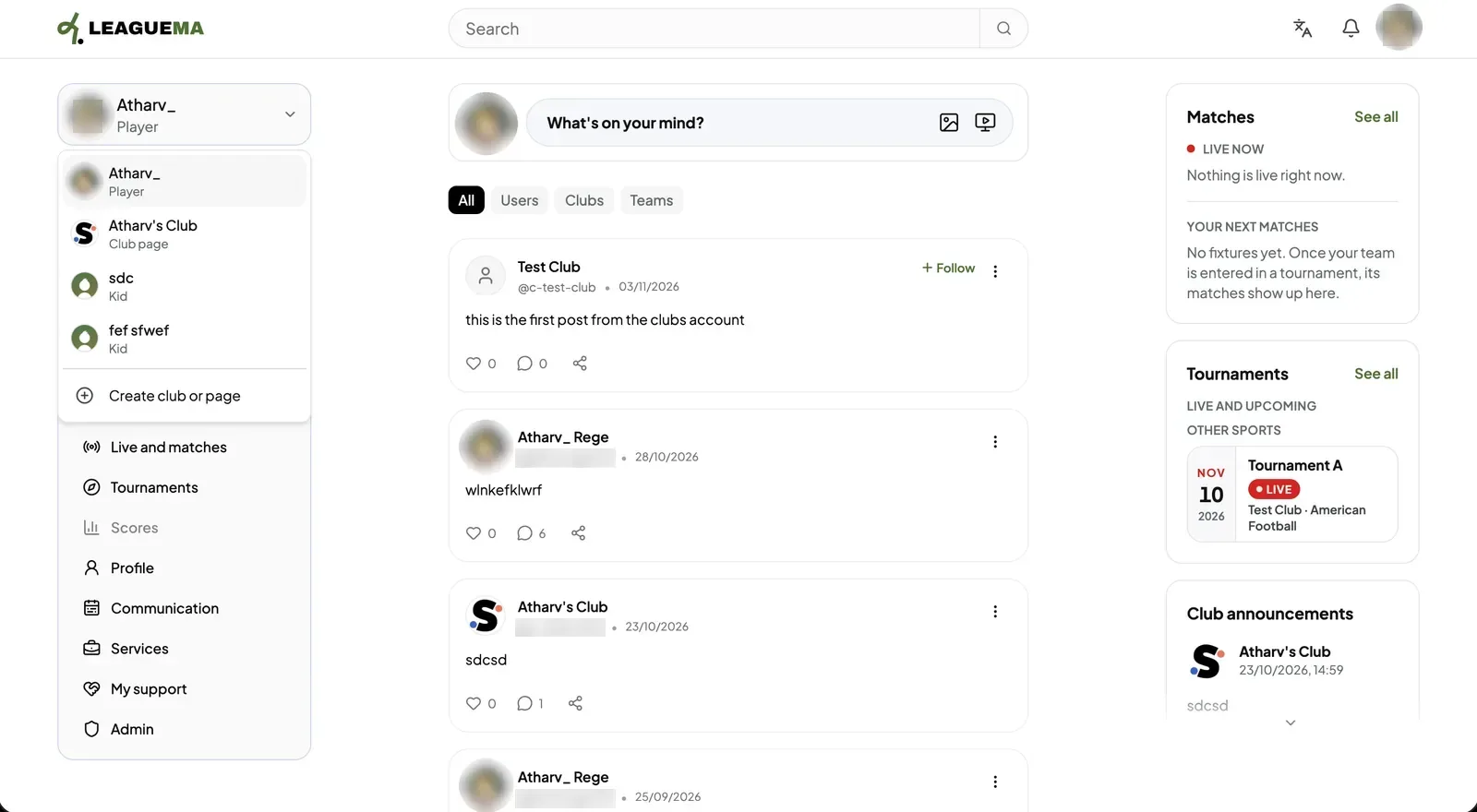
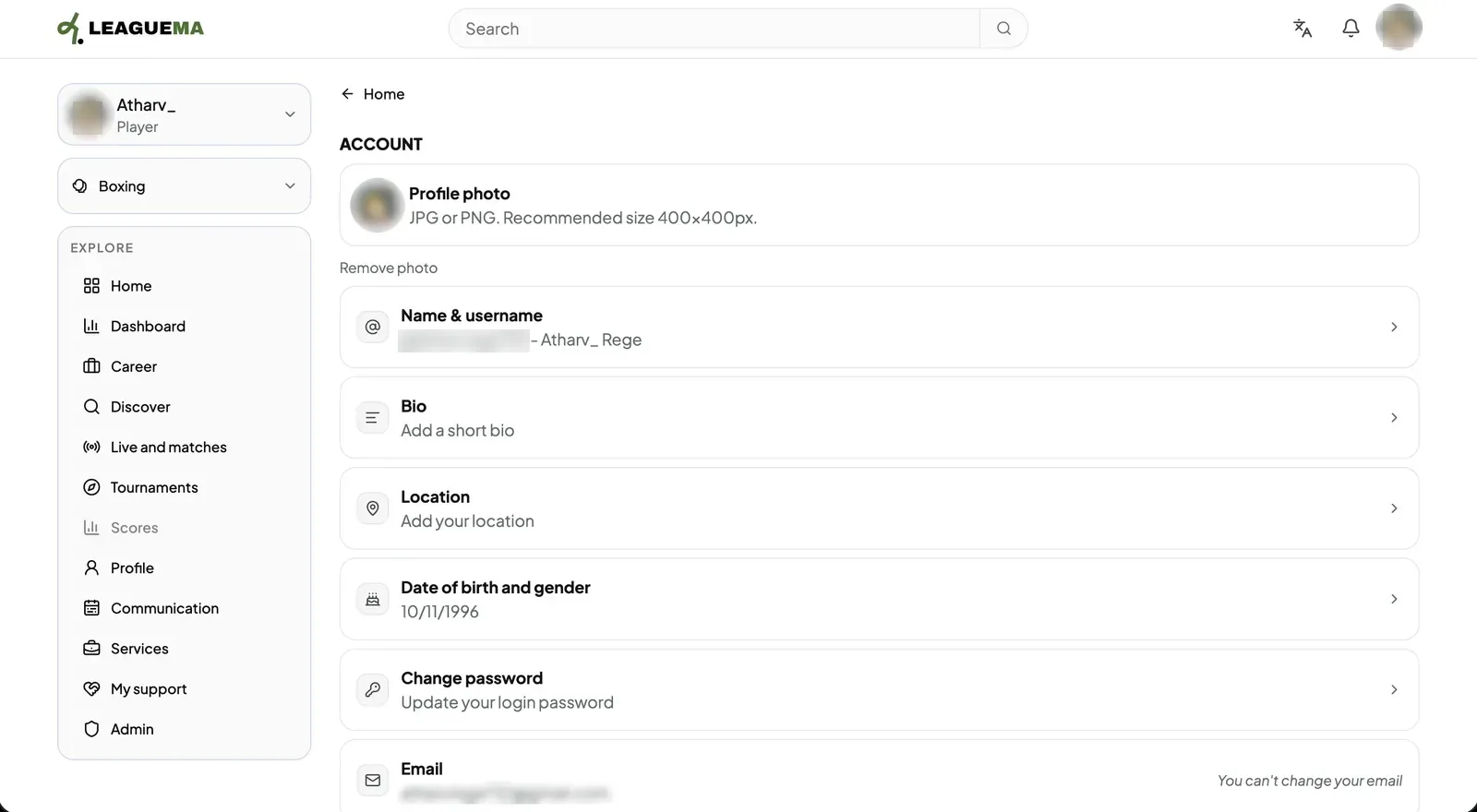
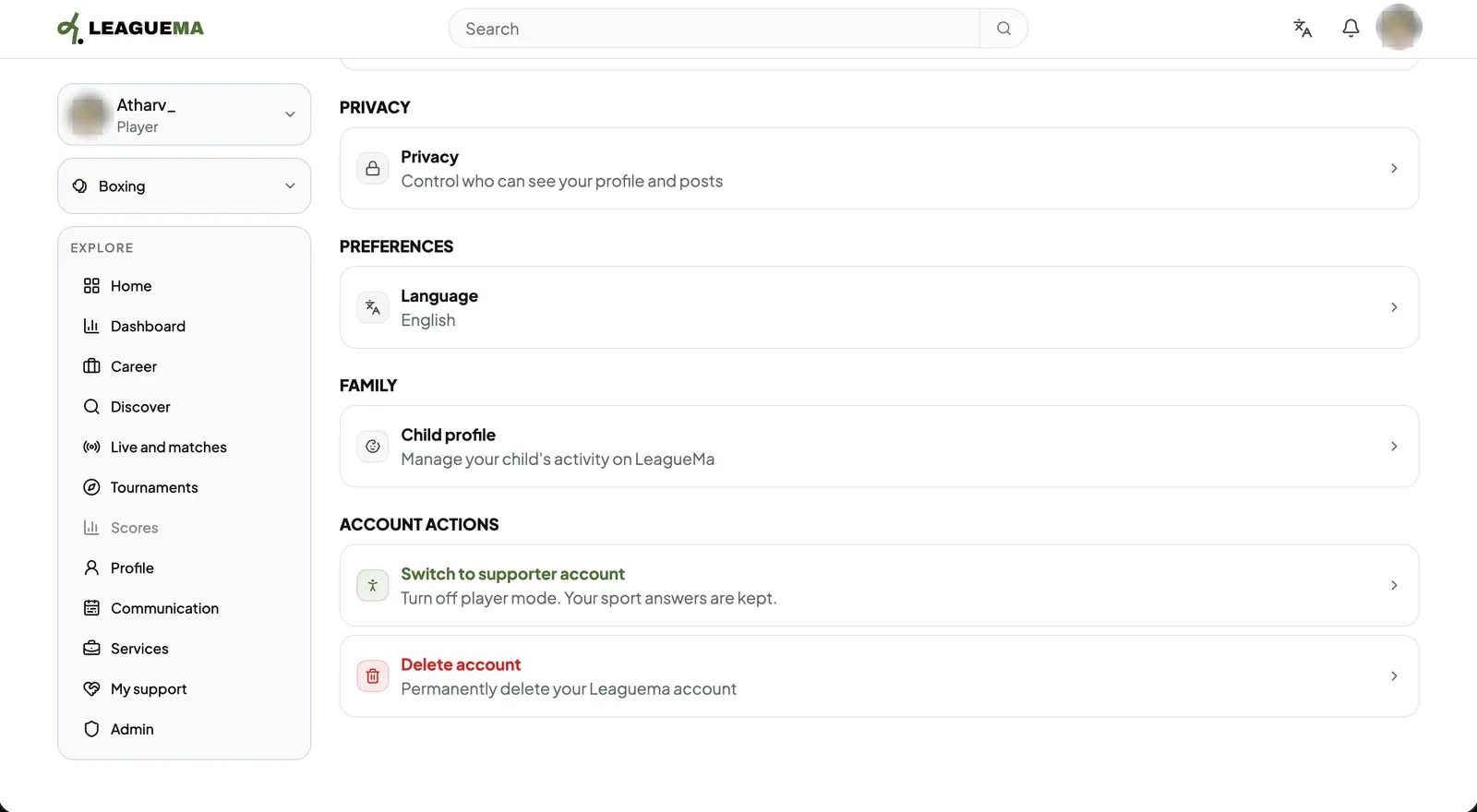
The account switcher moves you between your personal account, the clubs you manage and your children's profiles. Settings is where the account details, privacy, language and account actions live. You use them to act as the right identity and to manage your account.
Managing the account
1. Opening the account switcher Select the account name at the top of the sidebar. From there, you may choose a club page or a child profile, or click “Create club or page”.2. Editing account details Open “Profile & Settings” from the profile menu. Under “Account”, edit the profile photo, name and username, bio, location, date of birth and gender, and password.3. Privacy, language and account actions Further sections cover “Privacy”, “Language”, “Child profile”, “Switch to supporter account” and “Delete account”.