Record sponsors

What it is

Sponsors is the club's record of its sponsors. You use it to keep each sponsor's amount, dates and payment status in one place.

Adding a sponsor
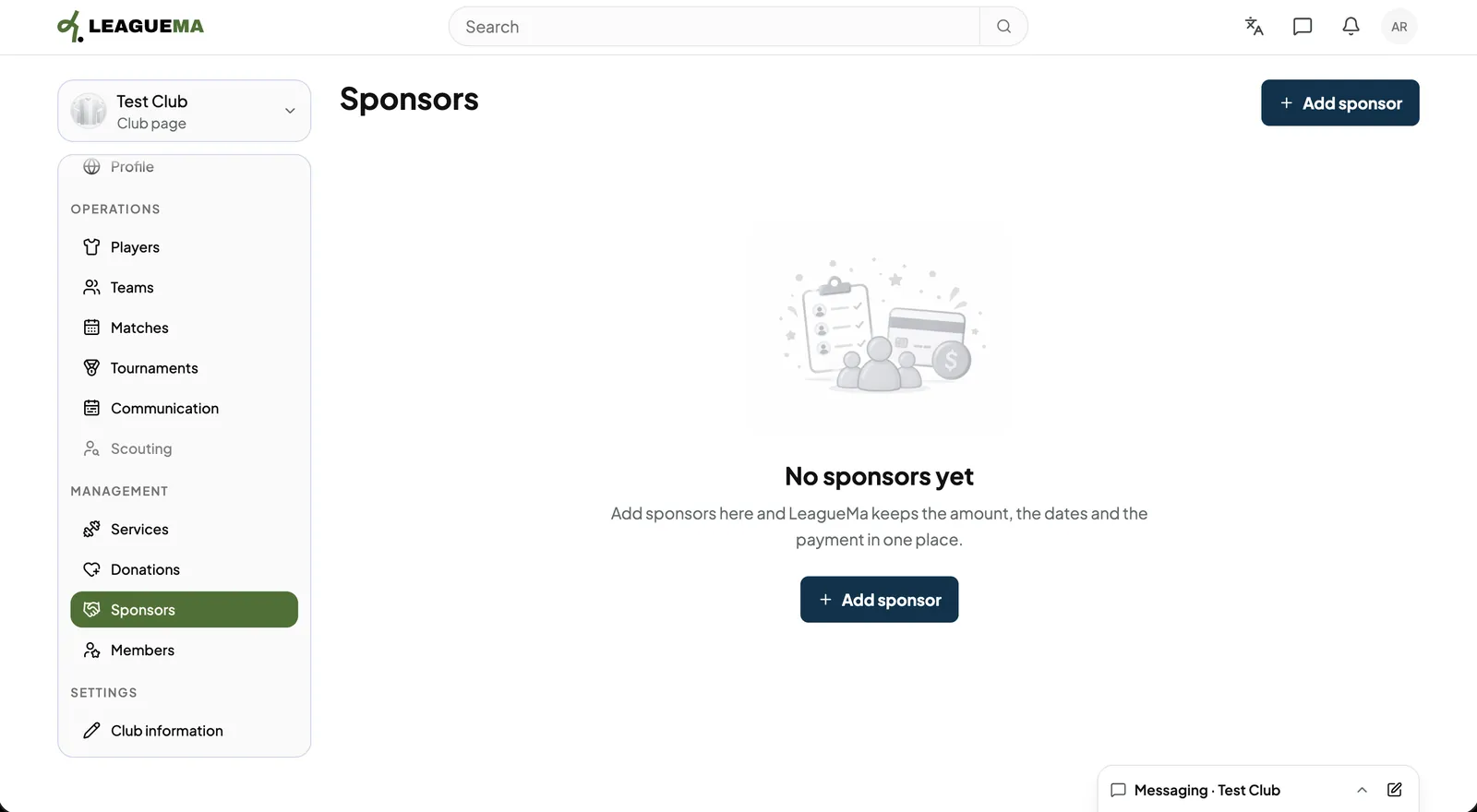
1. Opening Sponsors Click “Sponsors” and click “Add sponsor”.
Record sponsors: Opening Sponsors
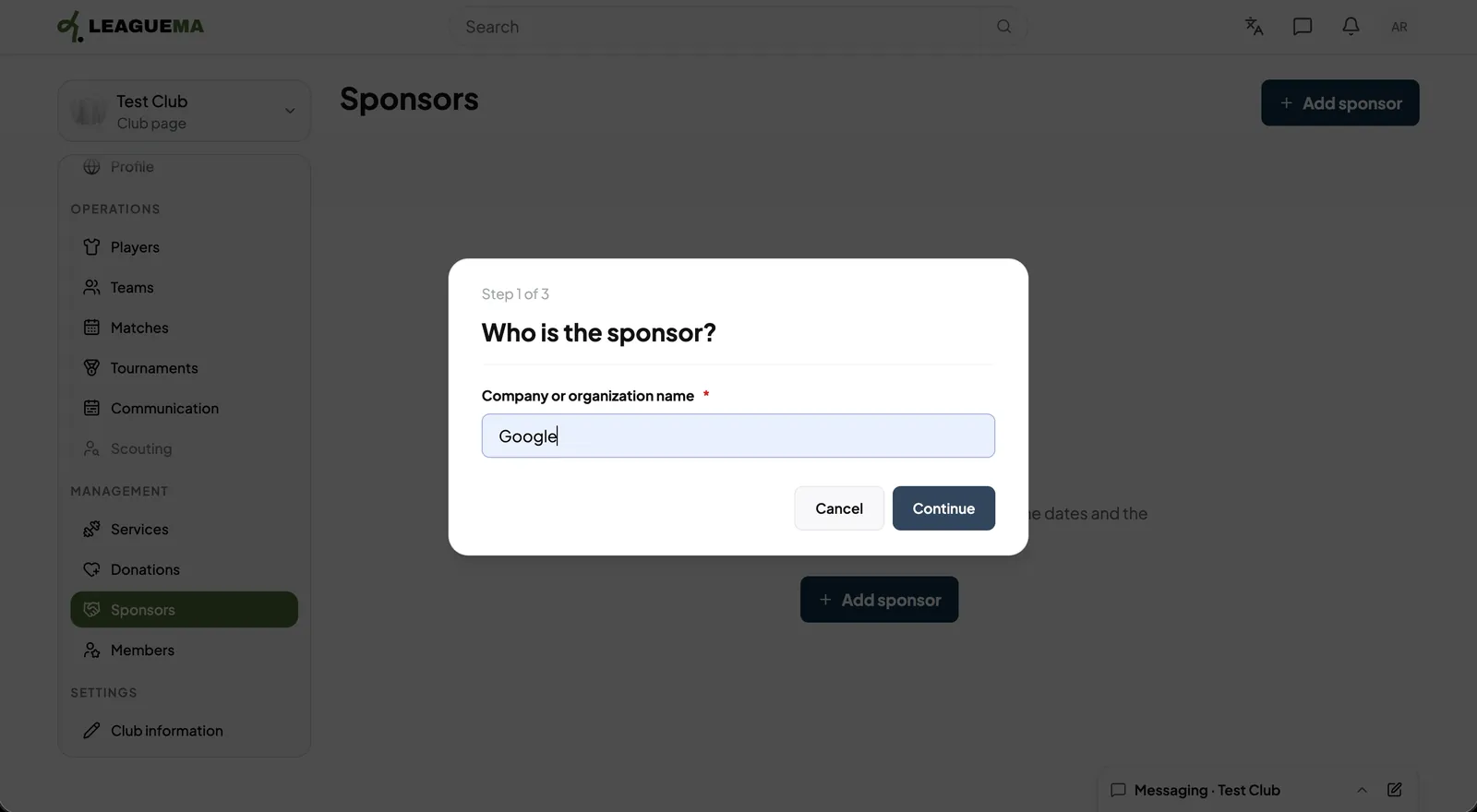
2. Naming the sponsor Enter the “Company or organisation name” and click “Continue”.
Record sponsors: Naming the sponsor
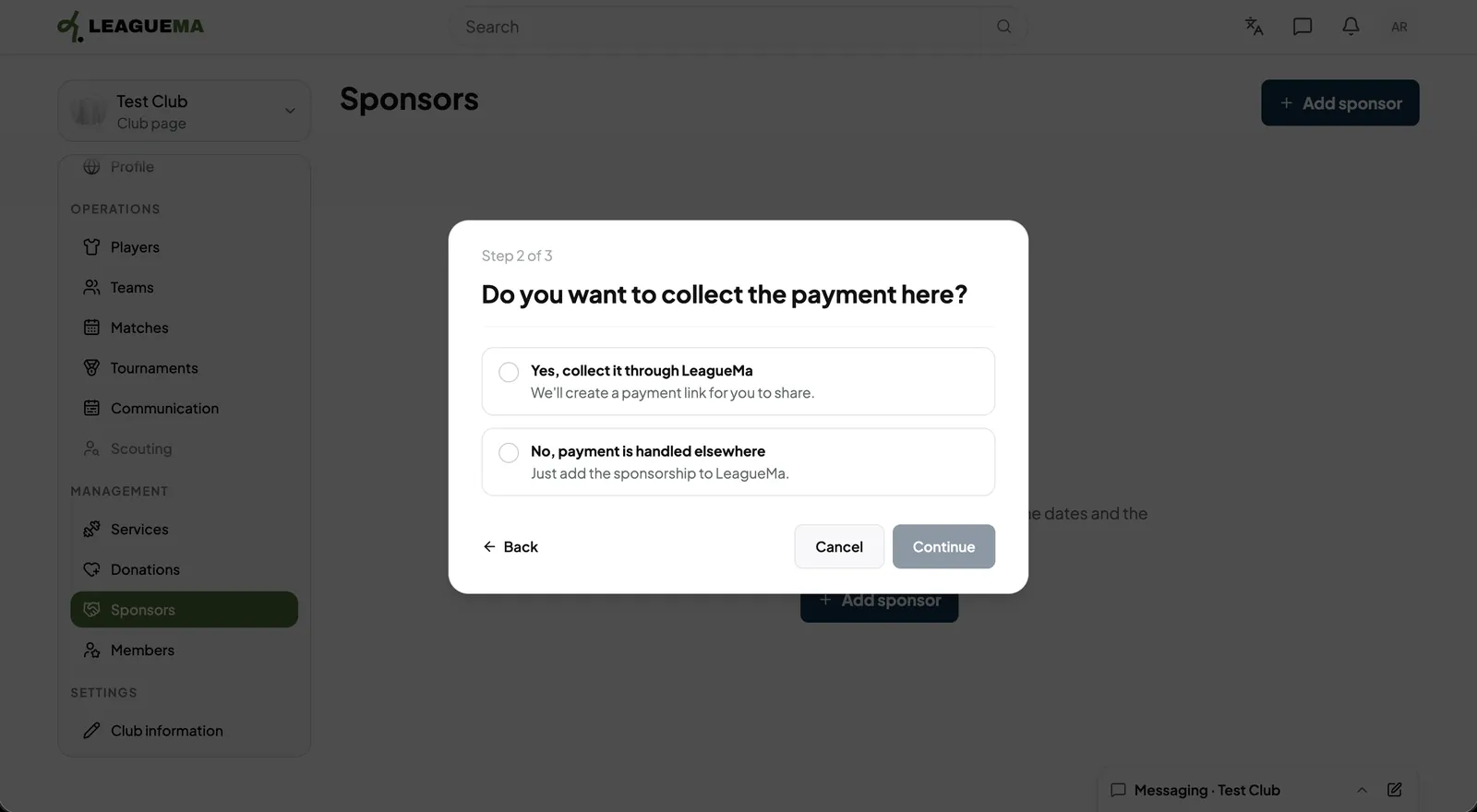
3. Choosing how payment is collected Select whether LeagueMa collects the payment through a shareable payment link, or the payment is handled elsewhere.
Record sponsors: Choosing how payment is collected
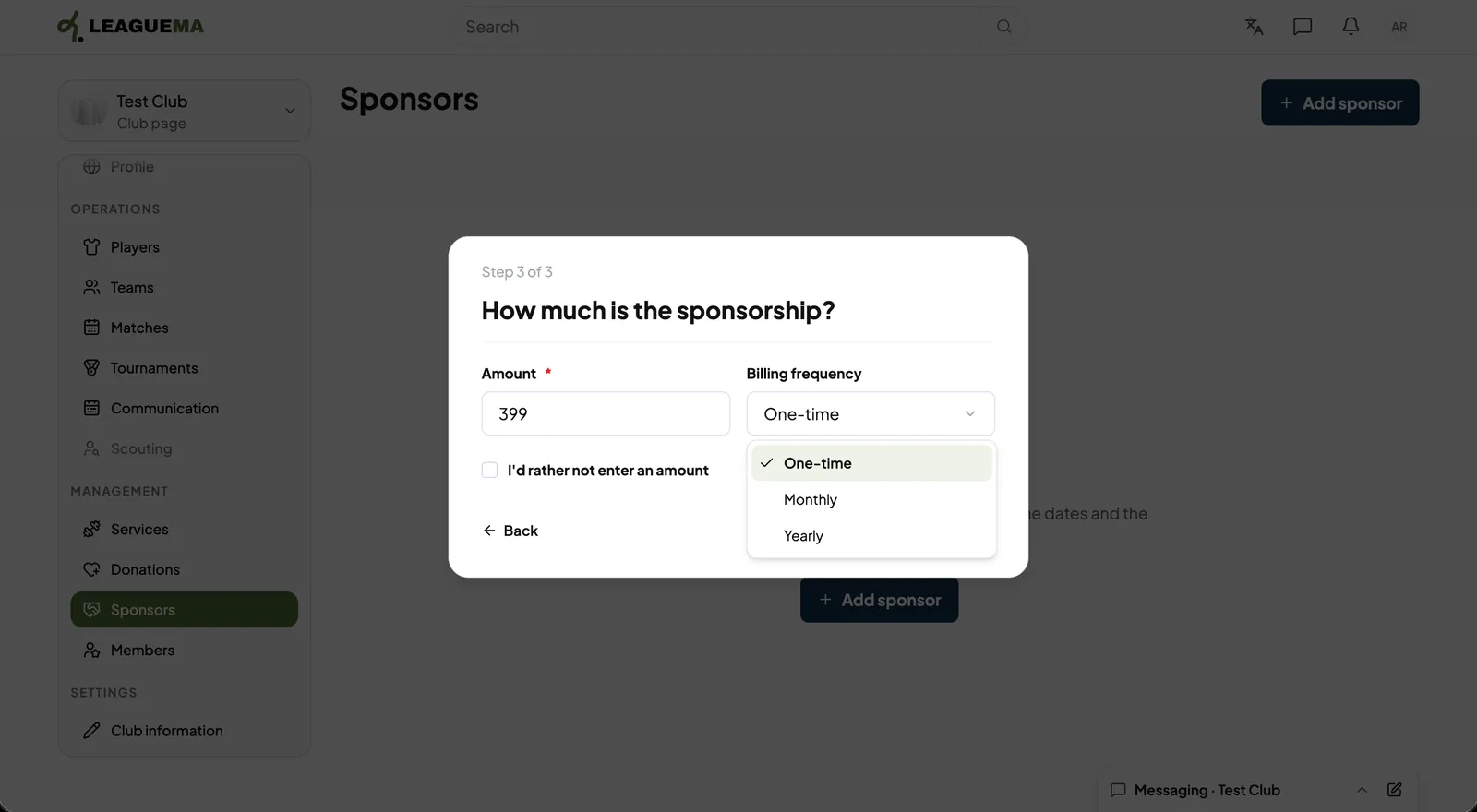
4. Entering the amount Enter the “Amount” and the billing frequency, or tick the option not to state an amount. Then, click “Add sponsor”, or “Skip”.
Record sponsors: Entering the amount
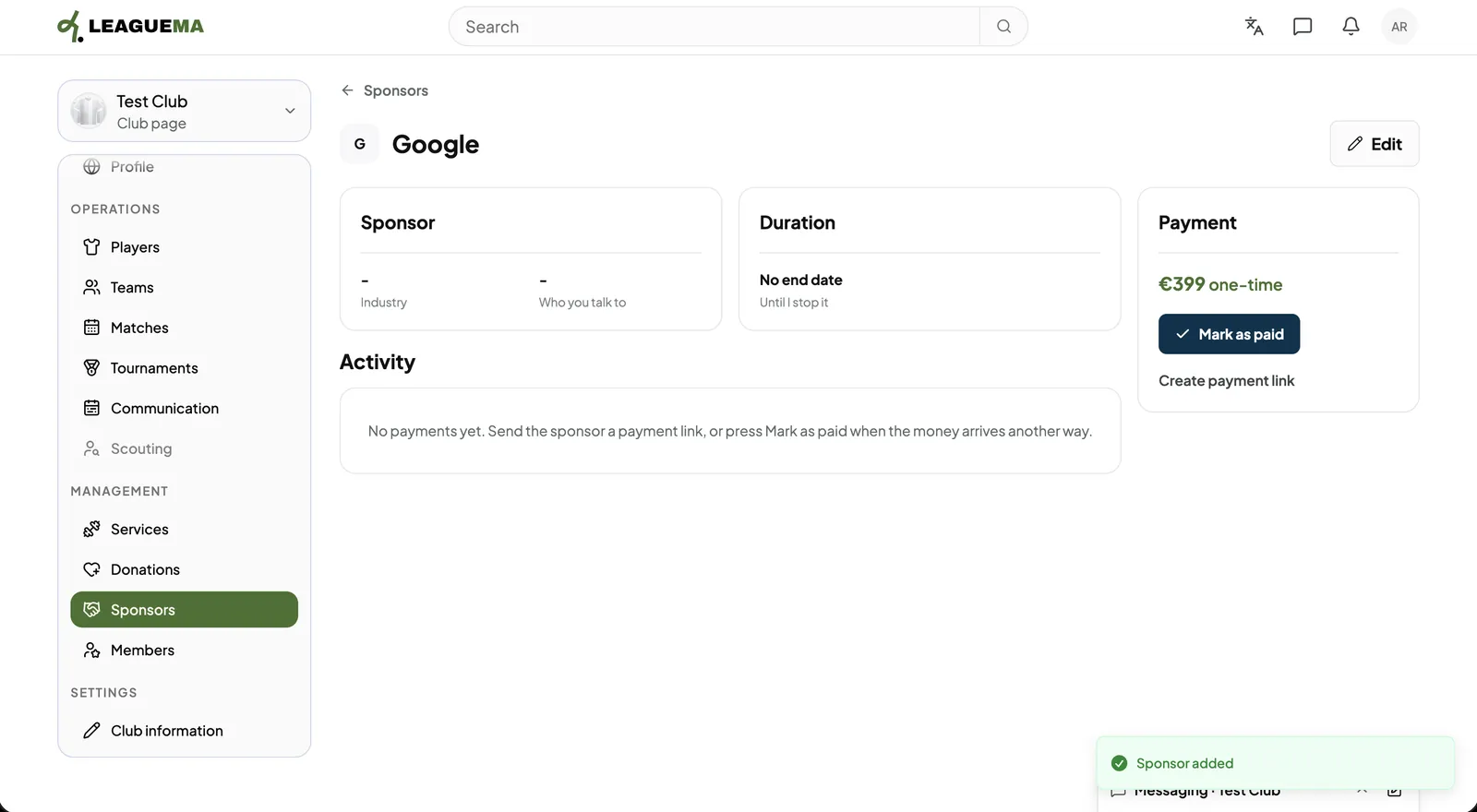
5. Reviewing the sponsor The sponsor page shows the sponsor, duration and payment. Click “Mark as paid” when the money arrives by other means.
Record sponsors: Reviewing the sponsor
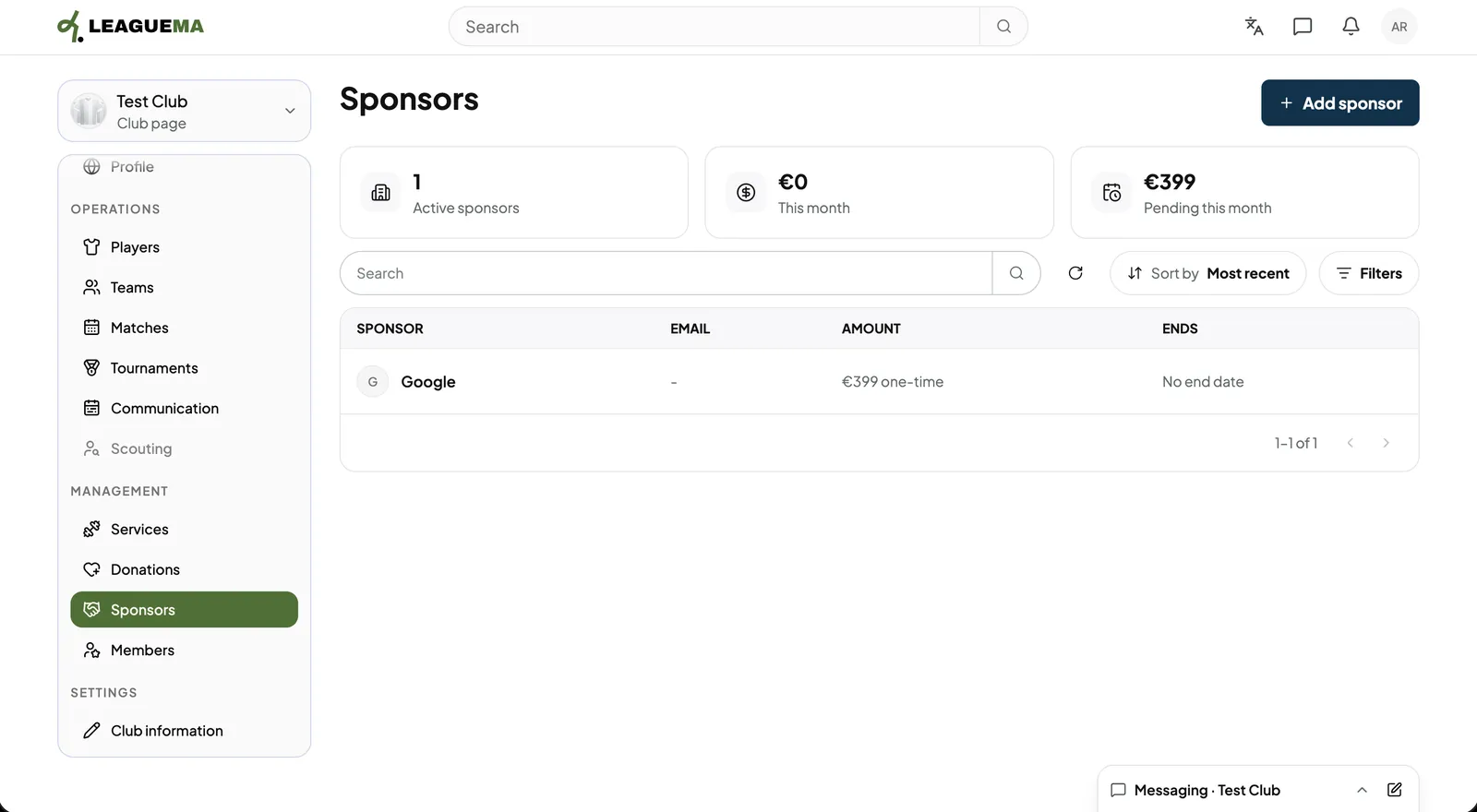
6. Reviewing the list The list shows active sponsors, the amount this month and the amount pending.
Record sponsors: Reviewing the list

Leggi in italiano

Related articles

Previous: Accept donations · Next: Invite club staff