Send messages as the club
What it is
Club messages are conversations held in the club's name, separate from your personal messages. You use them to speak for the club with players, parents and other clubs.
Starting a conversation
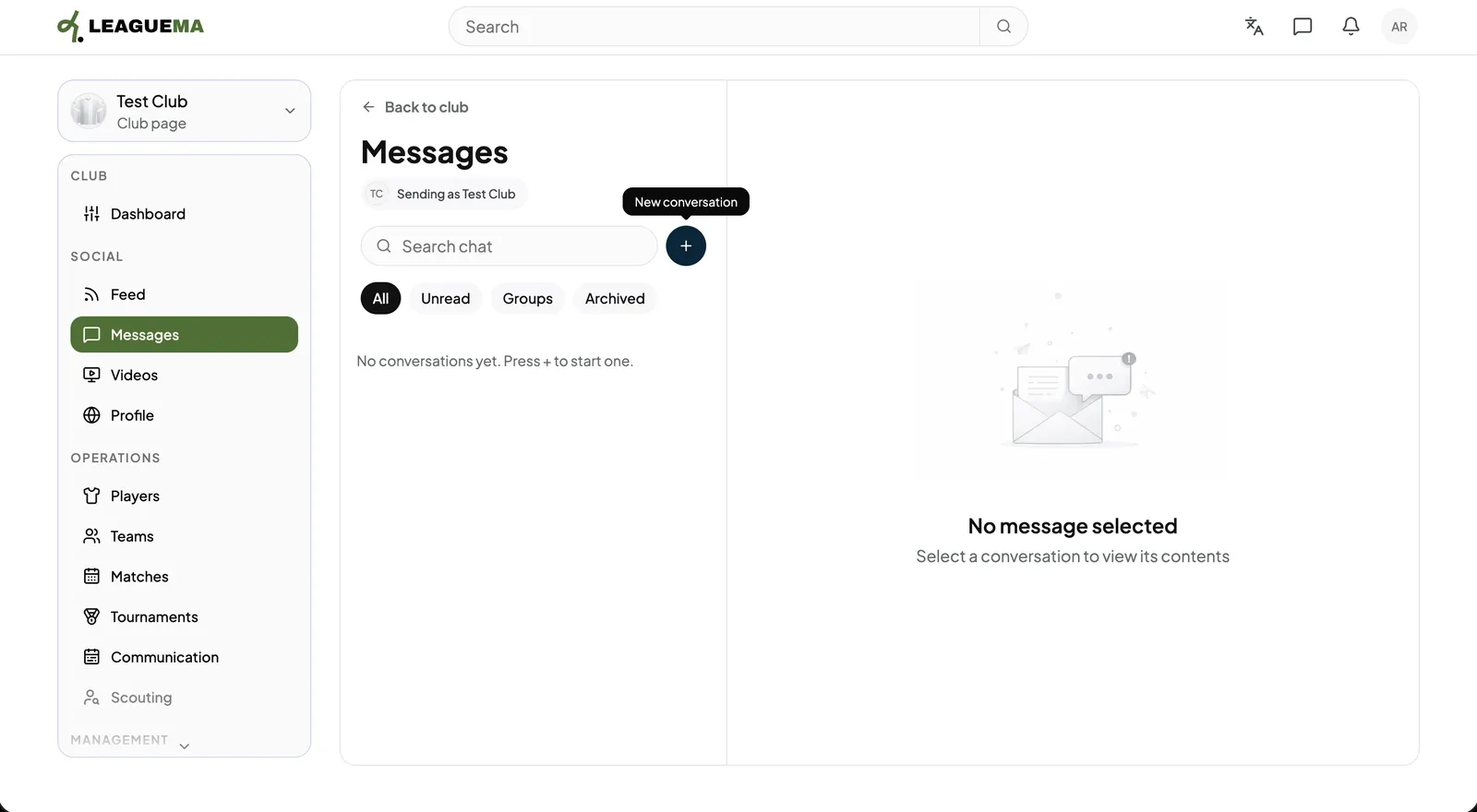
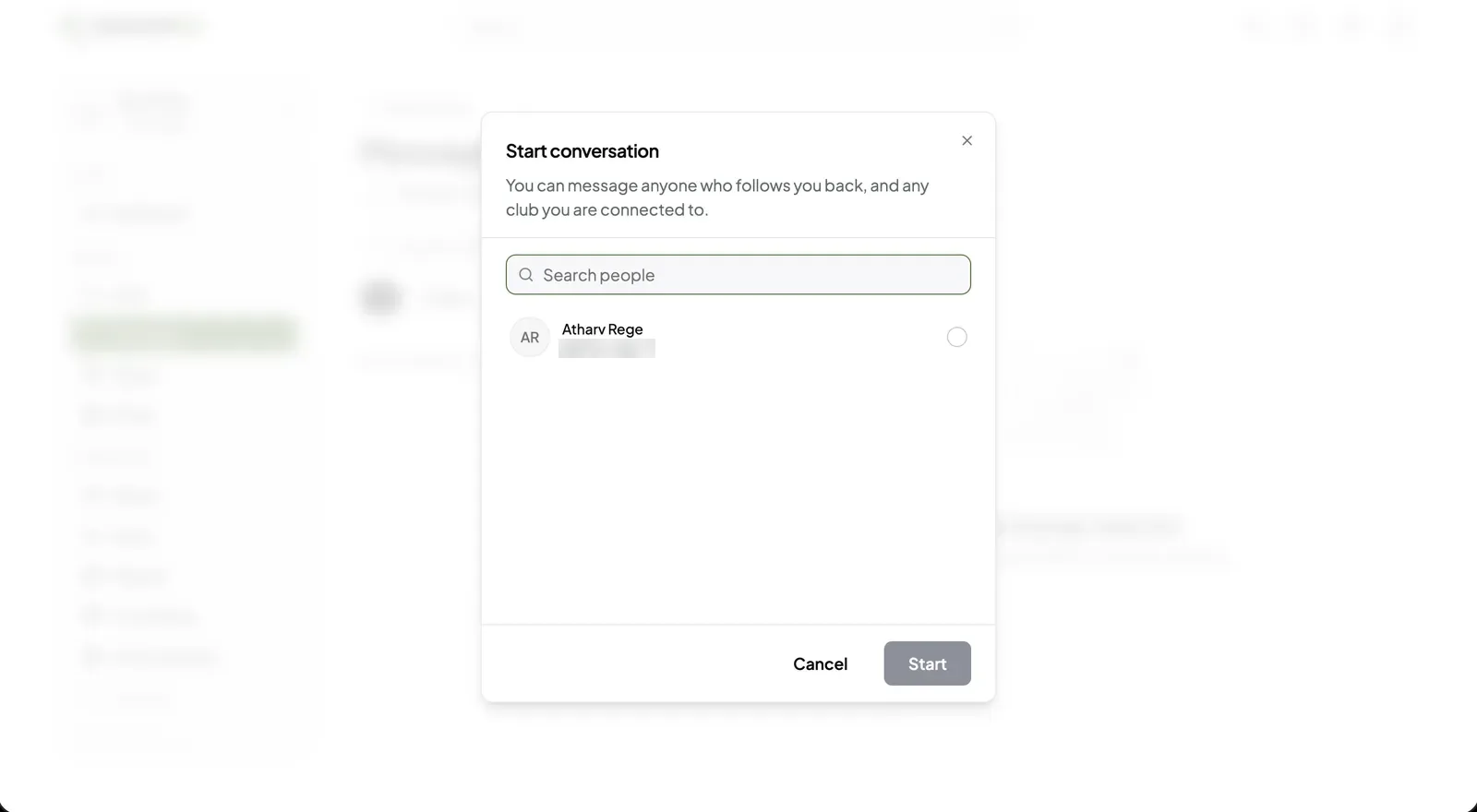
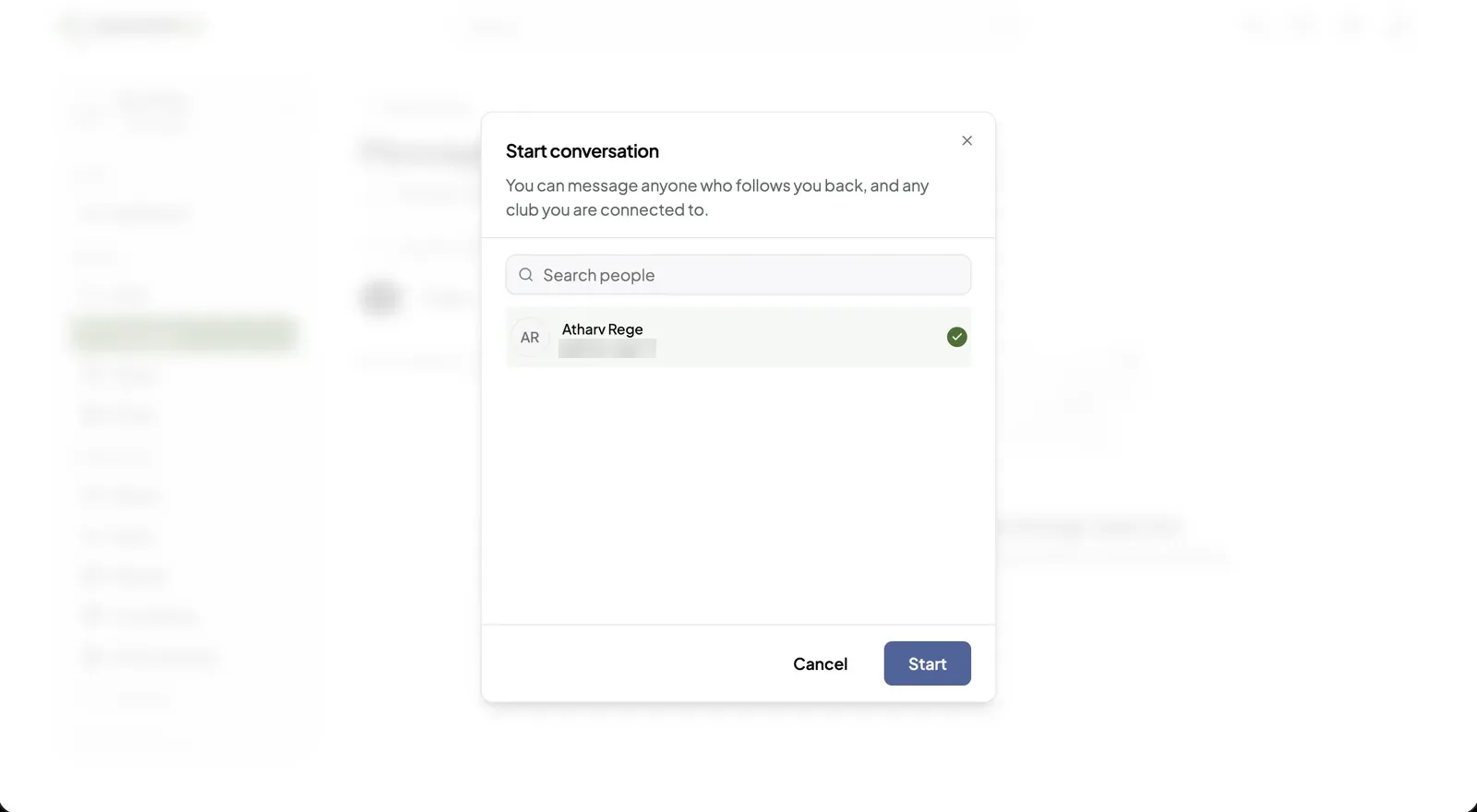
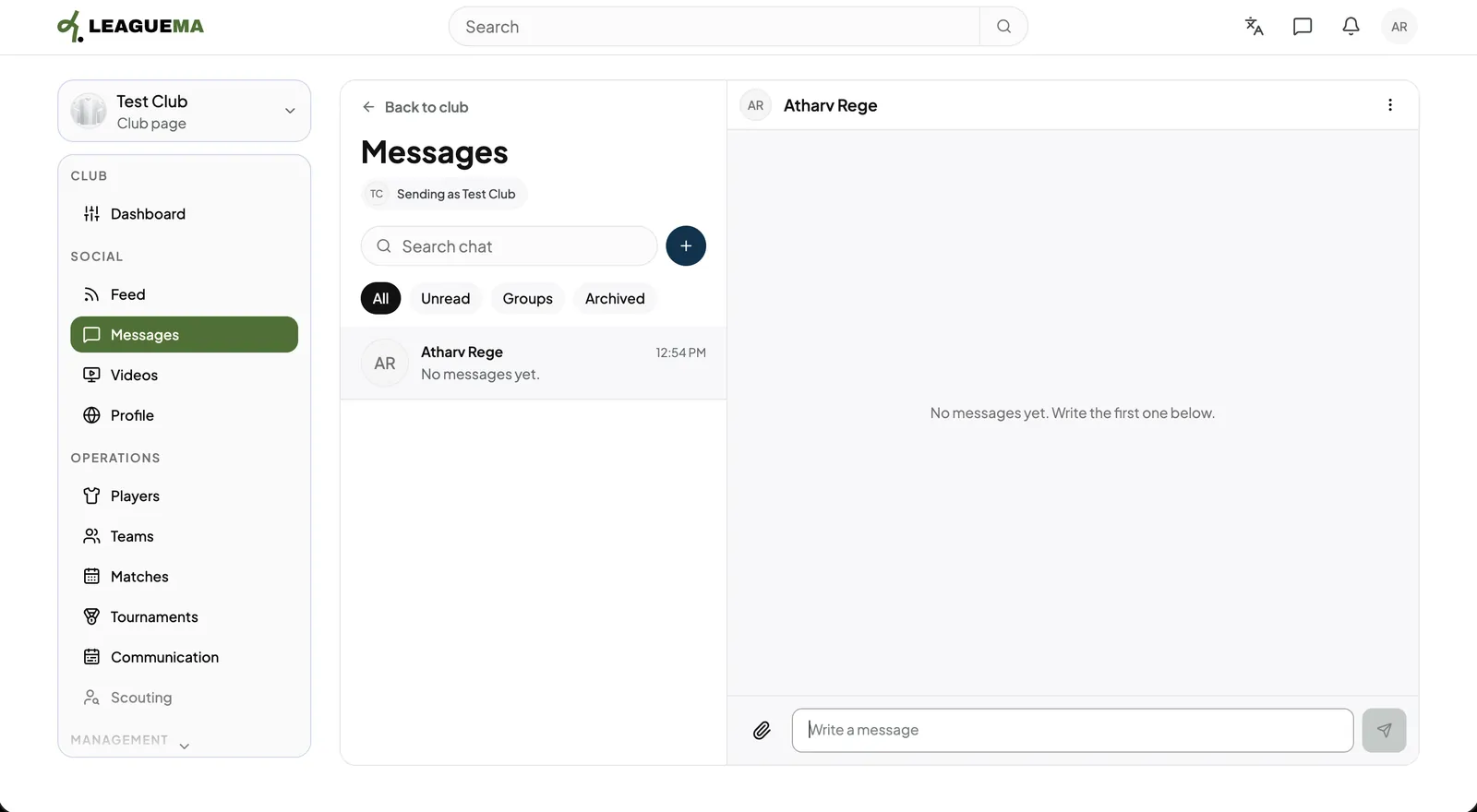
Club messages are conversations held in the club's name, separate from your personal messages. You use them to speak for the club with players, parents and other clubs.
Previous: Publish posts as the club · Next: Videos and the club profile