Manage service members

What it is

A service's Members tab is the list of everyone enrolled in it. You use it to check who has joined and to add a member yourself, for example after a payment taken in person.

Adding a member
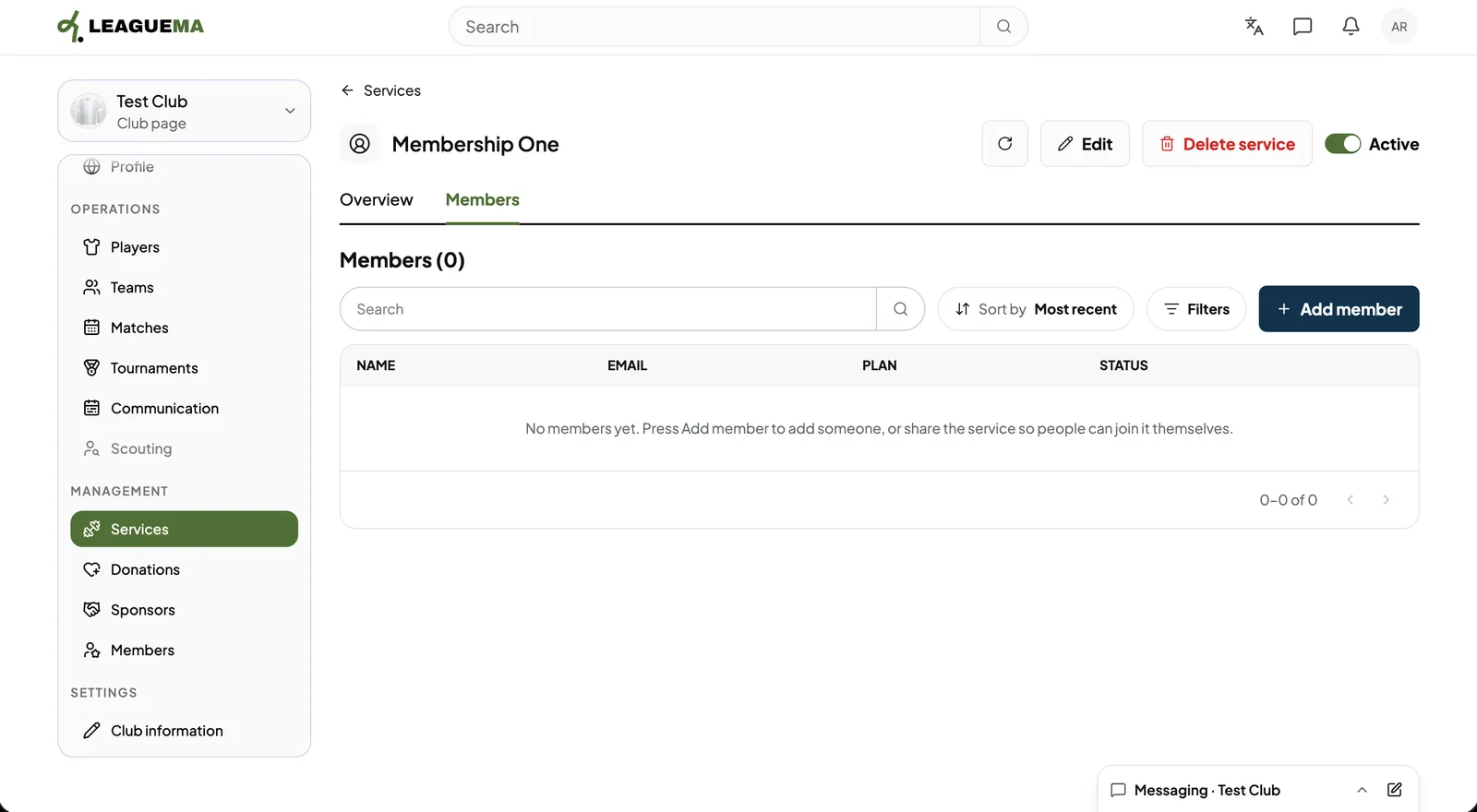
1. Opening Members Open the service, click the “Members” tab and click “Add member”.
Manage service members: Opening Members
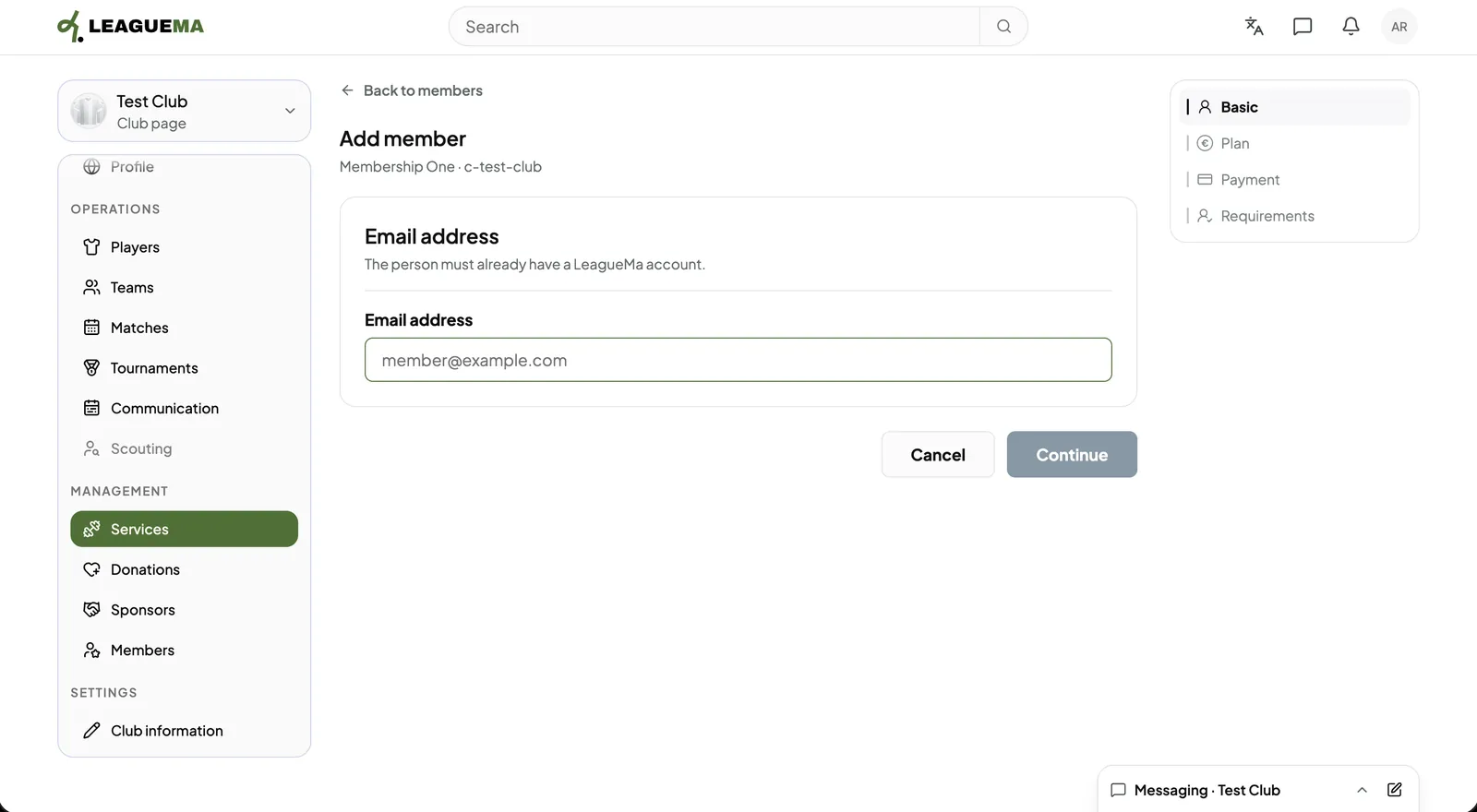
2. Entering the email address Enter the “Email address” of the member and click “Continue”.
Manage service members: Entering the email address
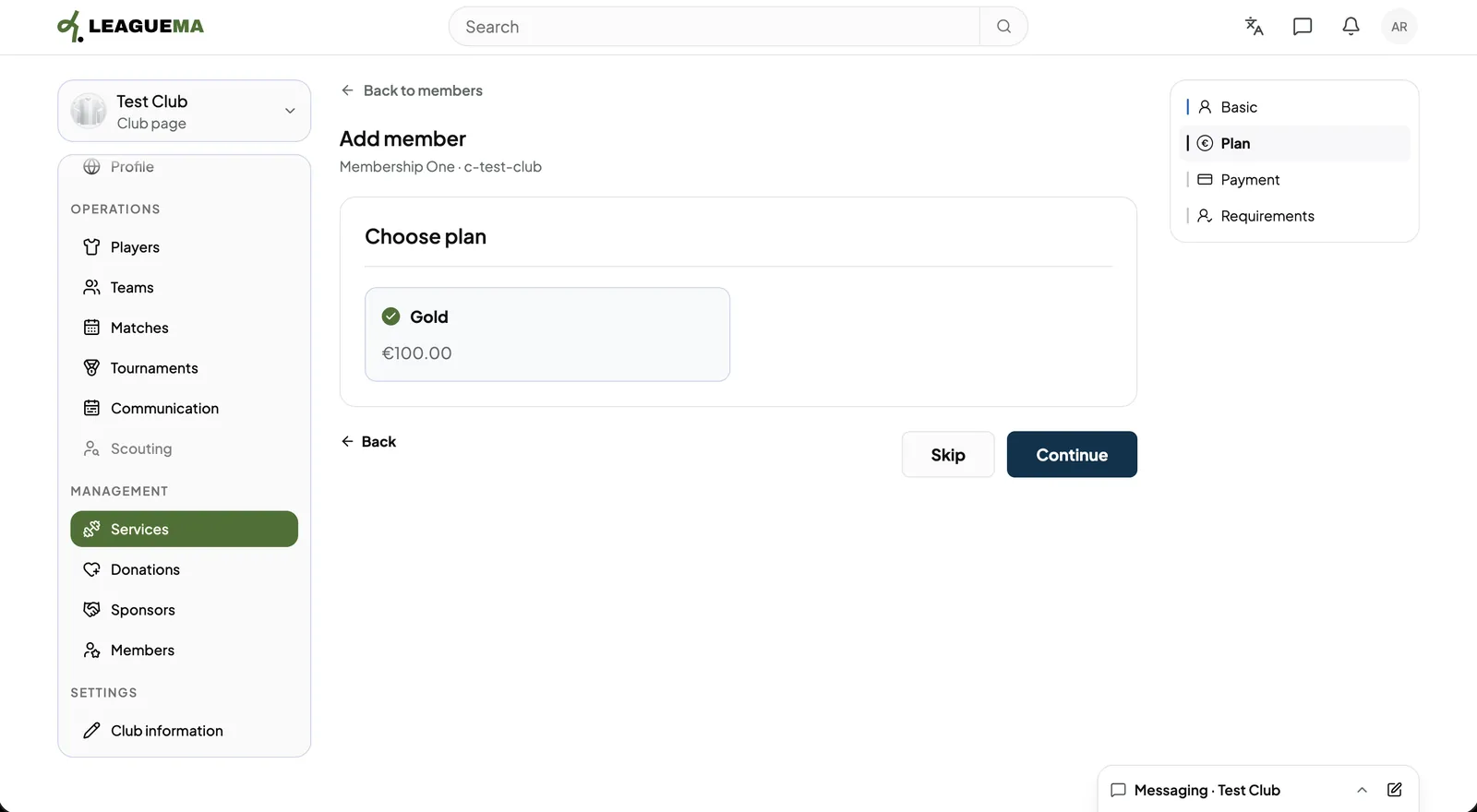
3. Choosing the plan Select the plan, or “Skip”.
Manage service members: Choosing the plan
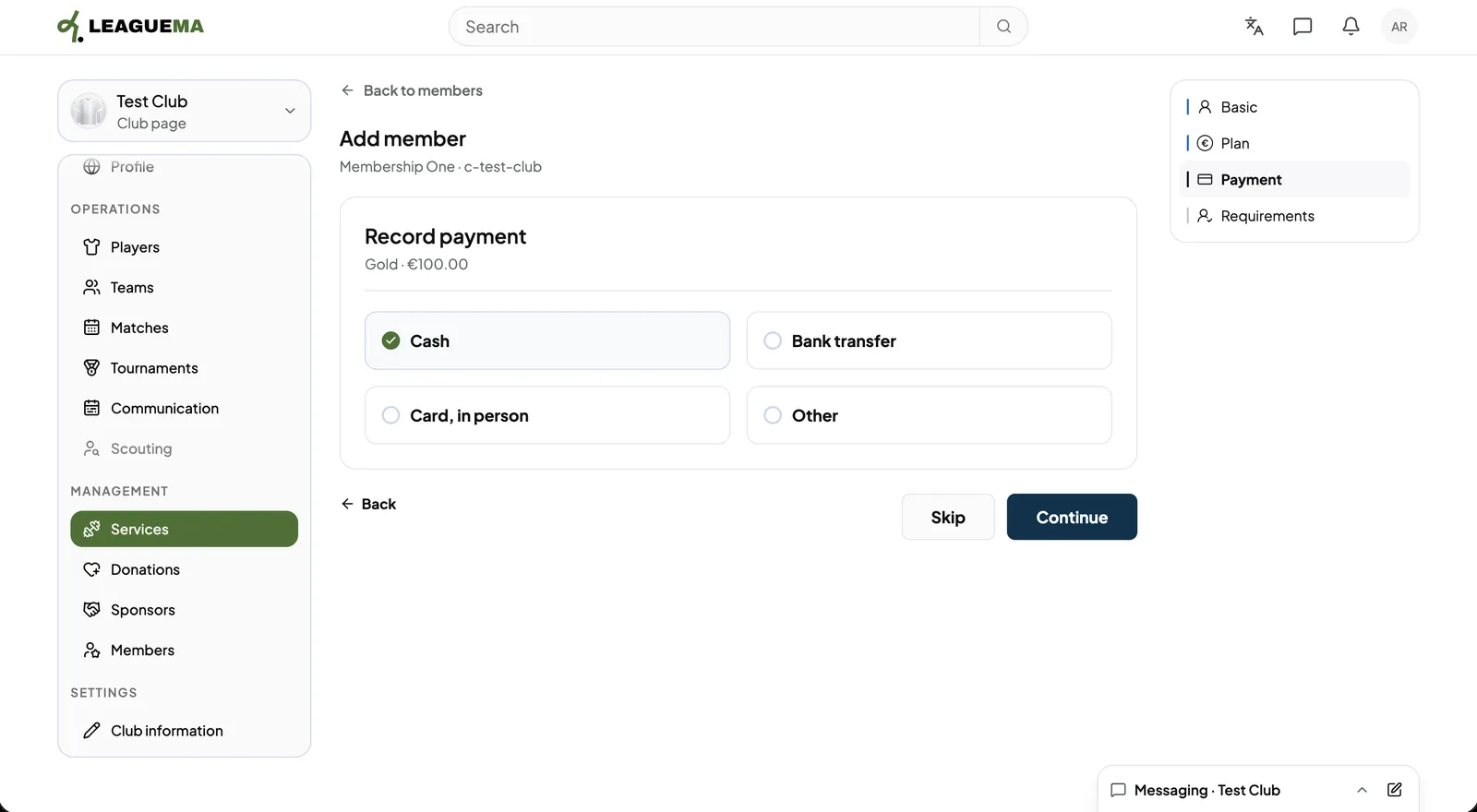
4. Recording the payment Under “Record payment”, click “Cash”, “Bank transfer”, “Card in person” or “Other”, or “Skip”.
Manage service members: Recording the payment
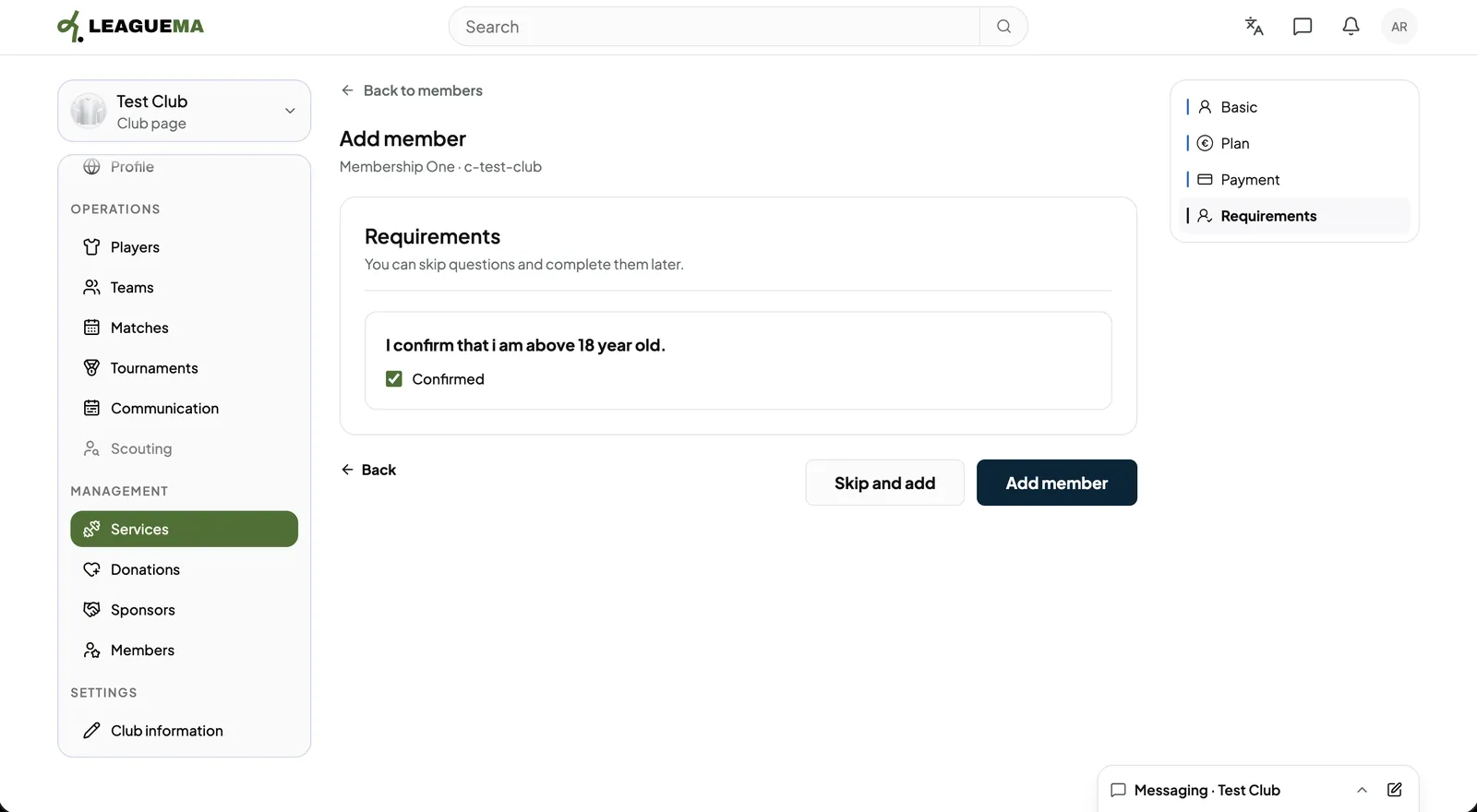
5. Confirming the requirements Mark the requirements the member has met and click “Add member”, or “Skip and add”.
Manage service members: Confirming the requirements
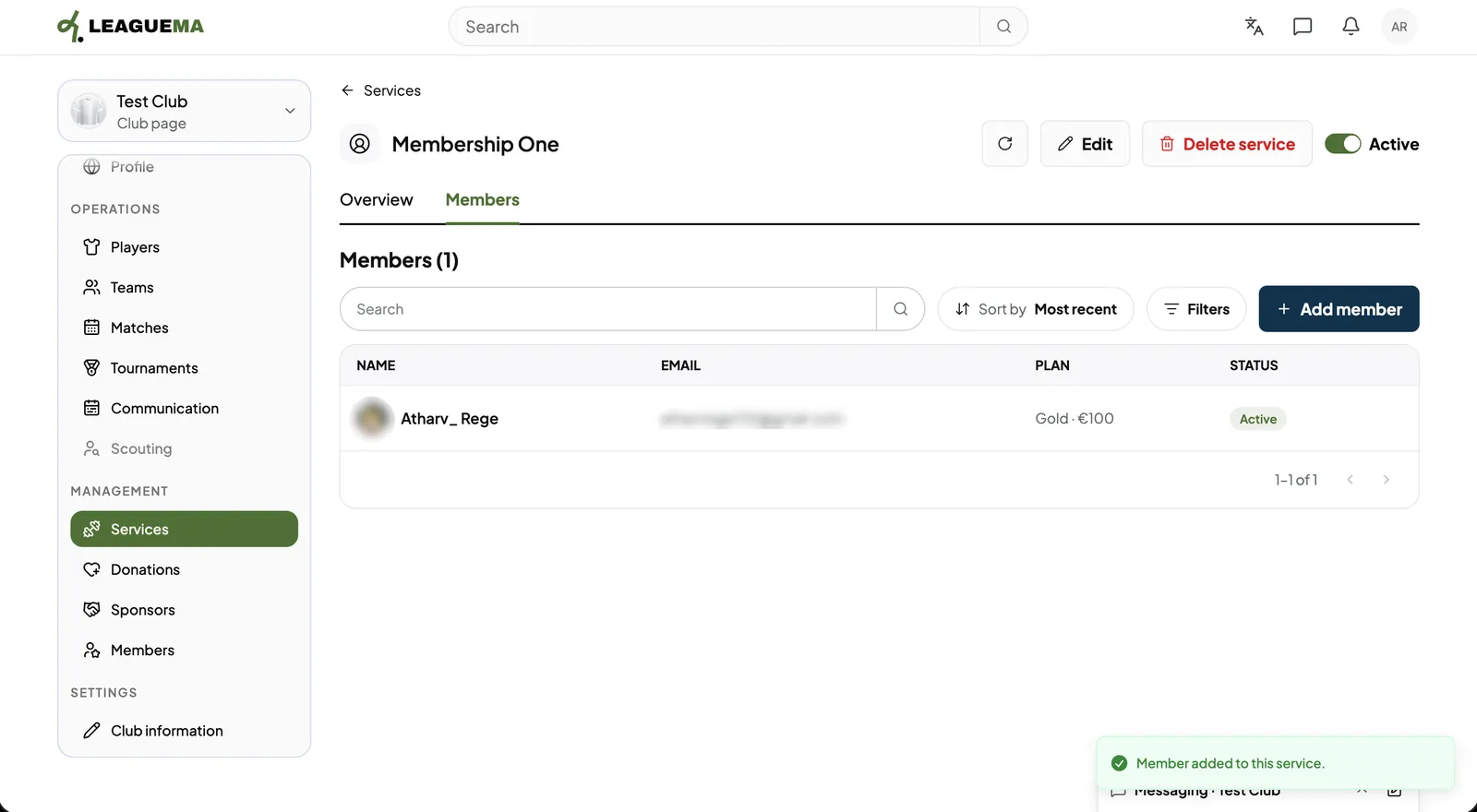
6. Result The member is listed with their plan and status.
Manage service members: Result

Editing a service

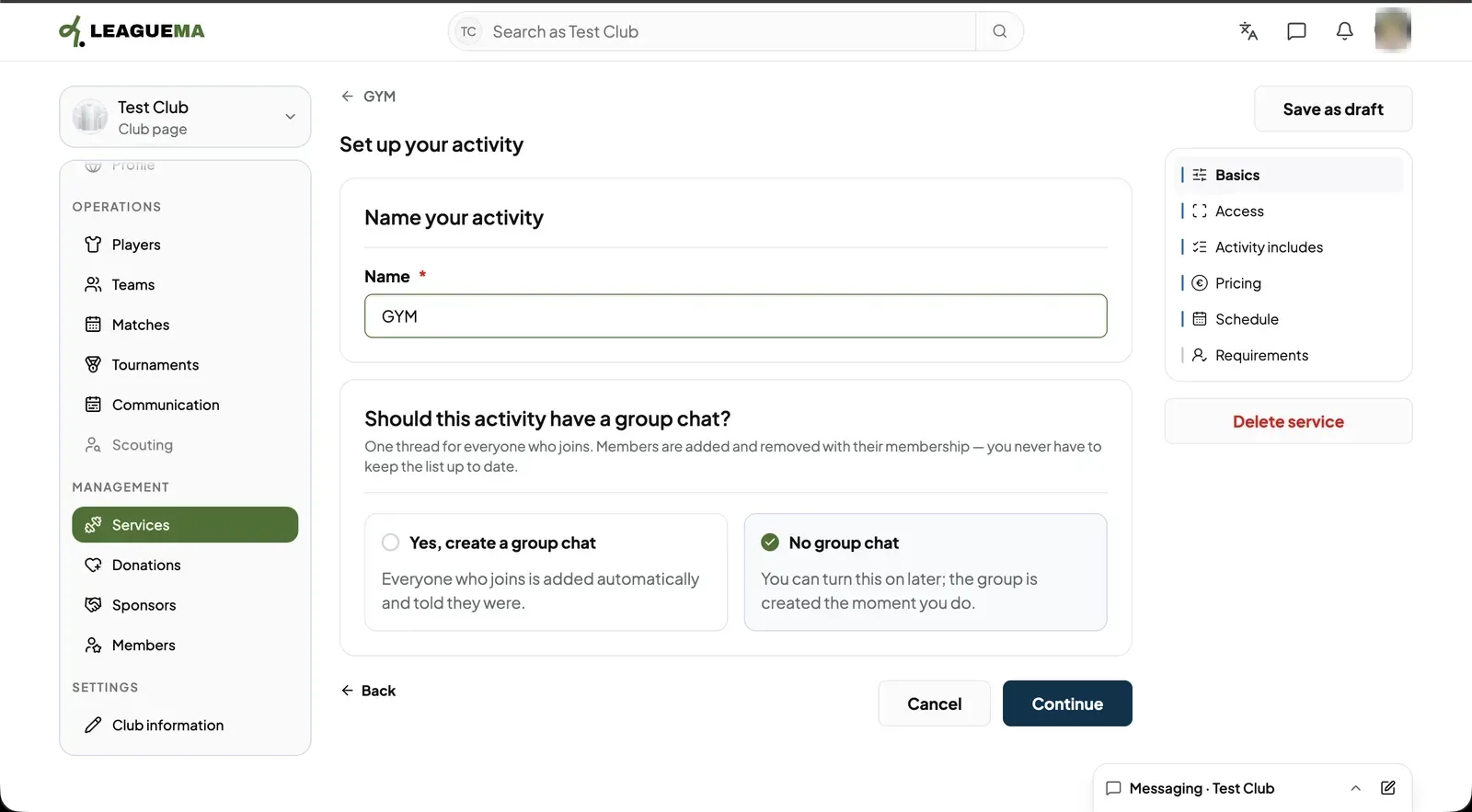
1. Editing the service Click “Edit” on the service page to change its details, then “Save”. “Delete service” removes it after confirmation.
Manage service members: Editing the service

Leggi in italiano

Related articles

Previous: Create an activity · Next: Accept donations