Privacy settings
What it is
Privacy settings are the rules for who can see and reach you. You use them to decide who sees your posts and player page, who may comment on your posts and who may @mention you.
Settings
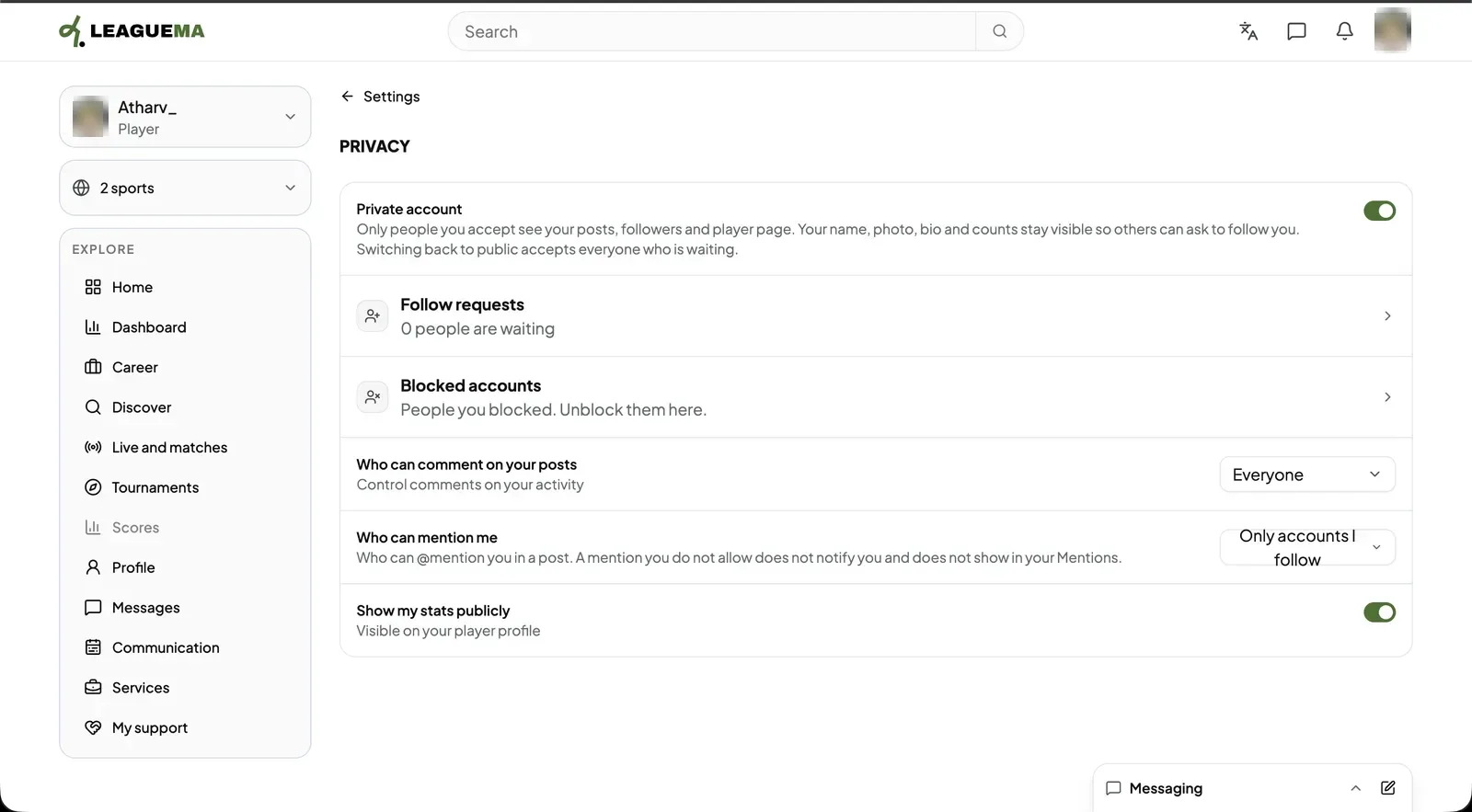
- “Private account”: only accepted followers see posts, followers and the player page. Name, photo, bio and counts stay visible so others can request to follow. A follow becomes a request the account holder accepts or declines.
- “Who can comment on your posts”: “Everyone”, “Followers only” or “No one”. The author can always comment; existing comments remain.
- Mentions: “Everyone” or “Only accounts I follow” may @mention the account.
- “Show my stats publicly”: shows or hides statistics on the player profile.
Removing a follower
In the followers list, click “Remove” beside a person. They are not notified; for a private account, posts are hidden from them immediately.