Create an account
What it is
Registration creates your personal LeagueMa account. You use the account to follow people and clubs, post, send messages, join club services and create a club. Without an account you can still browse public matches, tournaments and club pages, watch public broadcasts and donate to a club. Child profiles and clubs are added later from the personal account.
Registration process
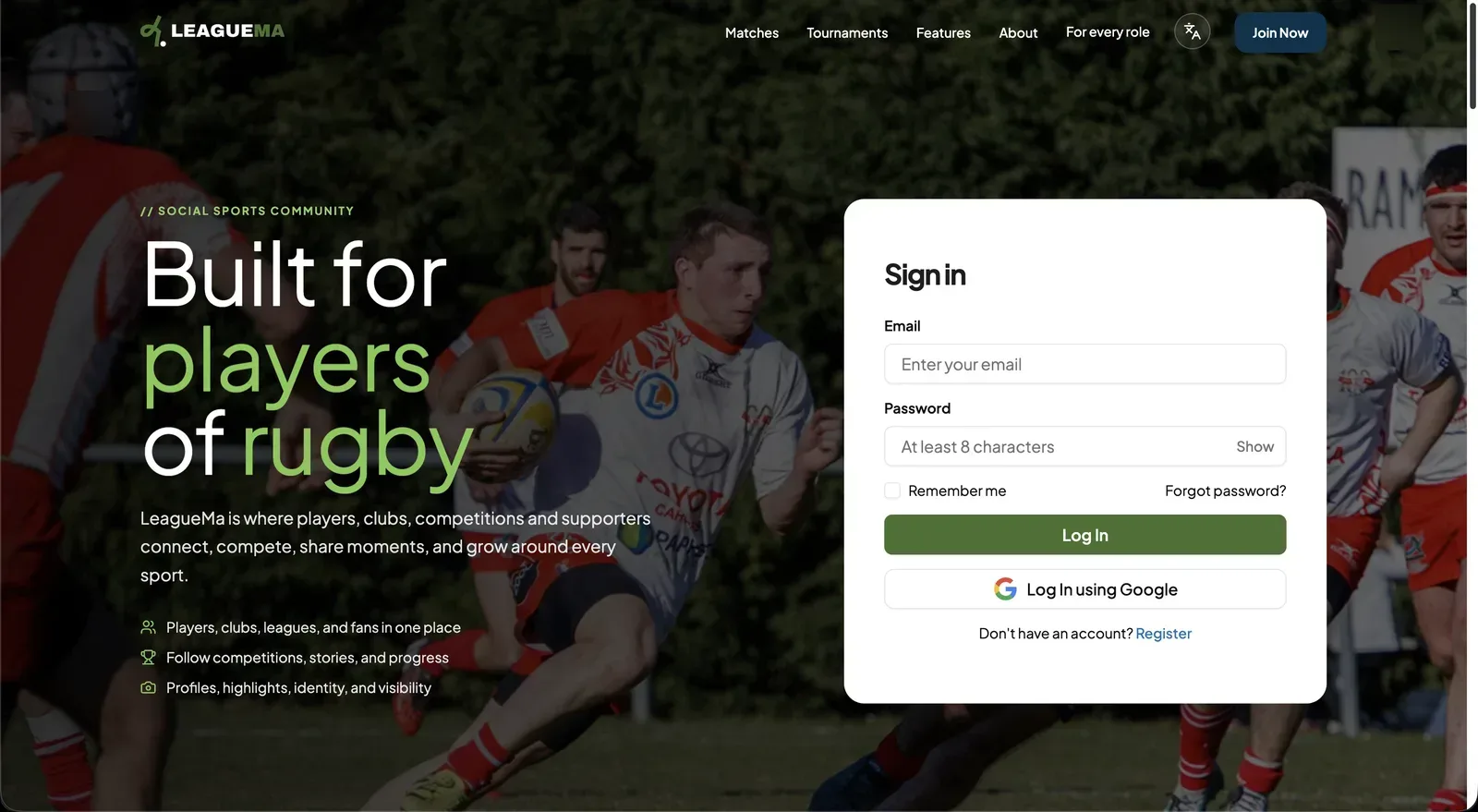
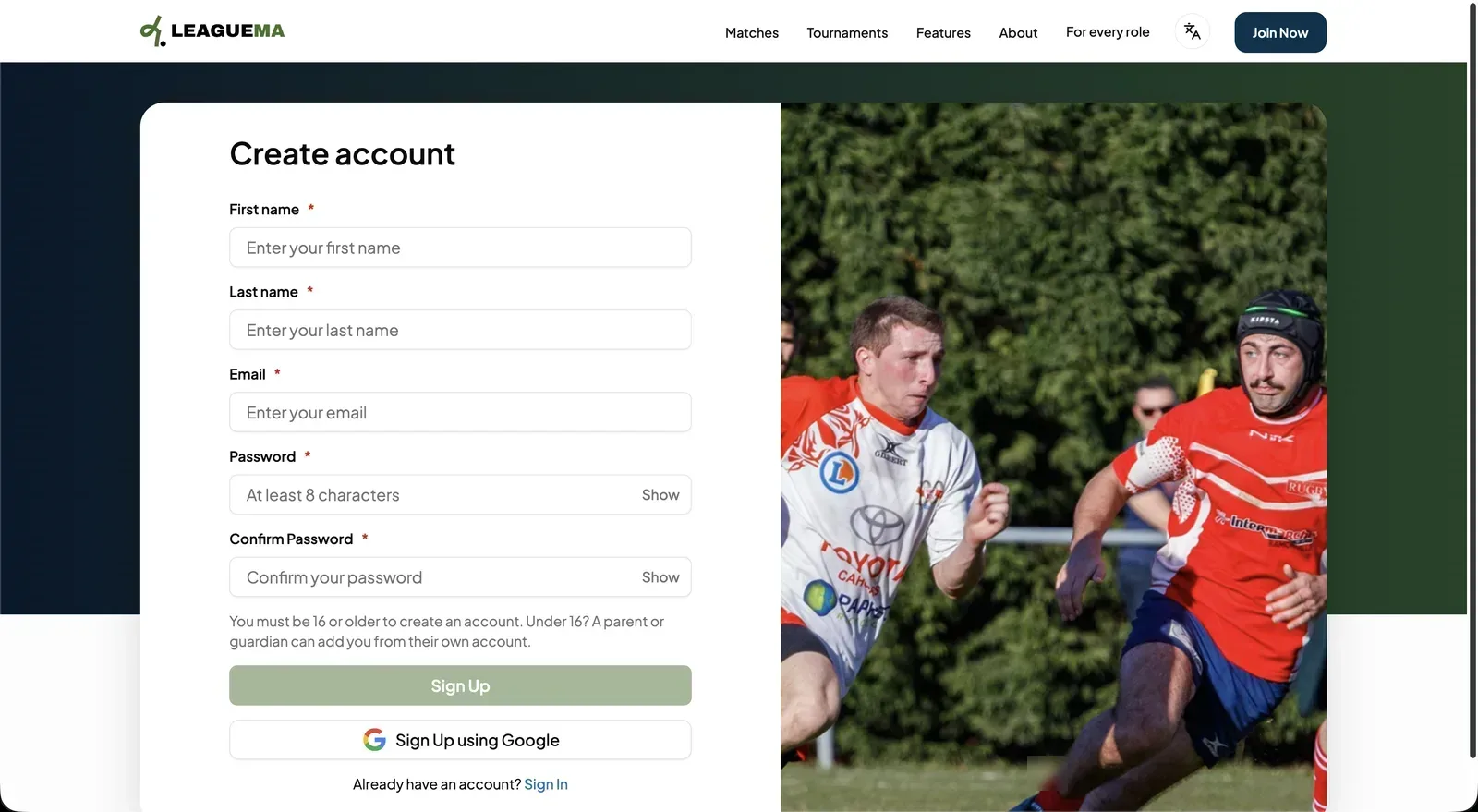
- “First name” and “Last name”.
- “Email”: the address used to sign in.
- “Password”: at least 8 characters. Click “Show” to display it.
- “Confirm Password”: must match the password.
Register with Google
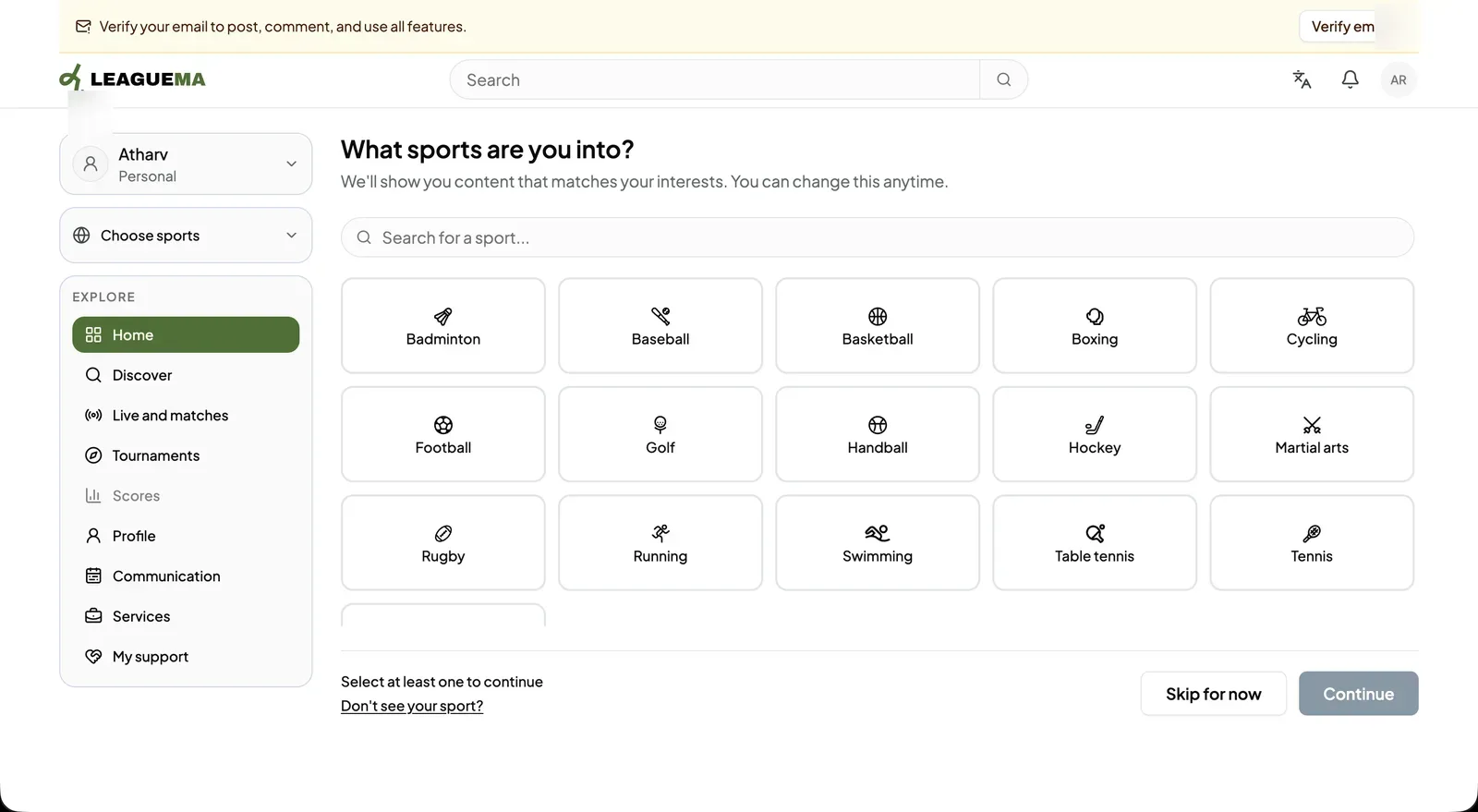
Click “Sign Up using Google” to register with a Google account instead of a password. After Google confirms the account, LeagueMa displays the same sports selection screen.
Email verification
Verification does not interrupt registration. Until the email address is verified, a banner at the top of every page states that posting, commenting and other features require verification. Click “Verify email” in the banner, then enter the 6-digit code sent to the address.
Result
The account exists and the user is signed in. Onboarding continues with the sports selection described in “Select your sports”.