Create teams
What it is
A team is a group of players in one category (for example U14). You use teams to enter matches and tournaments. Choosing several categories at once creates one team for each in a single step.
Creating a team
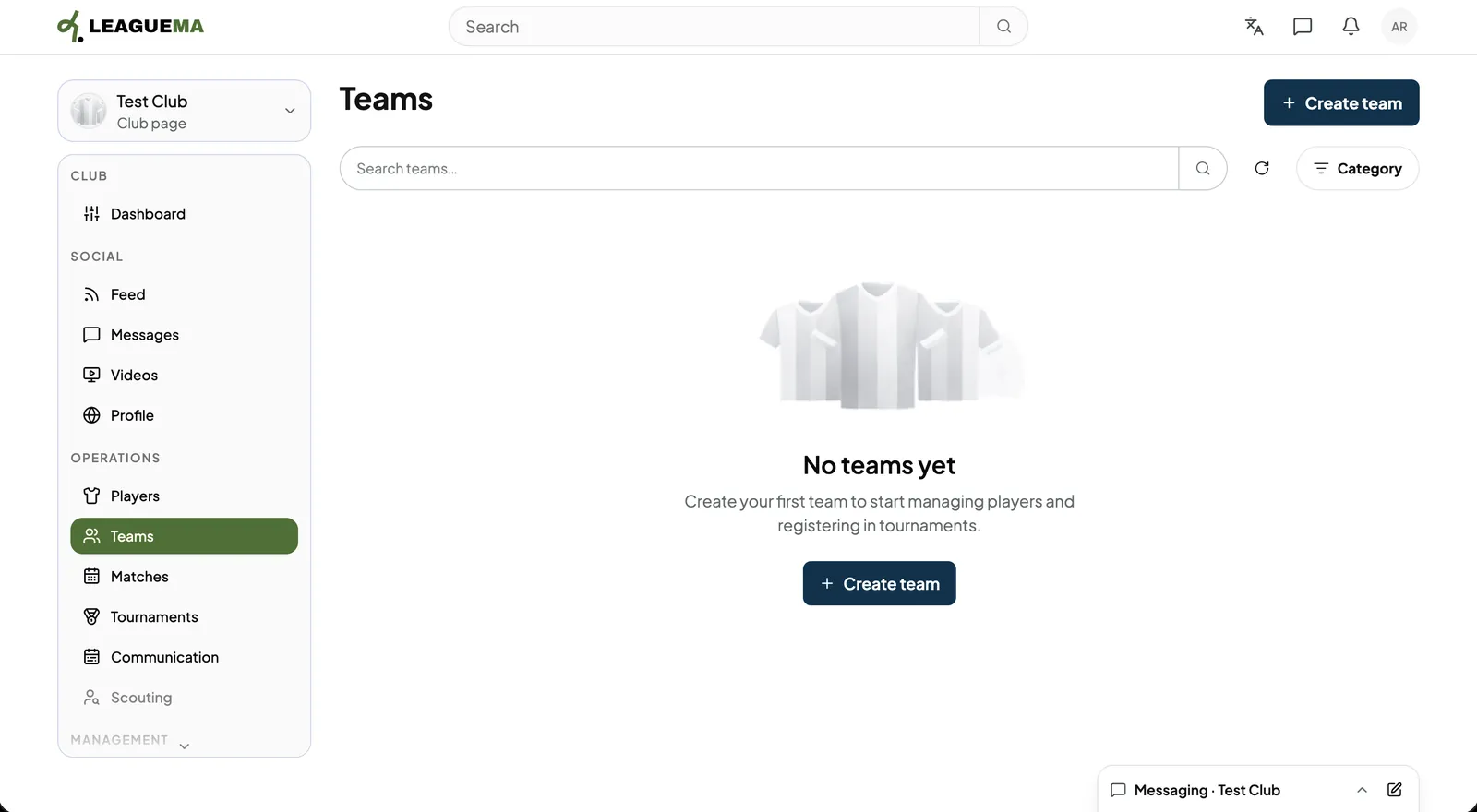
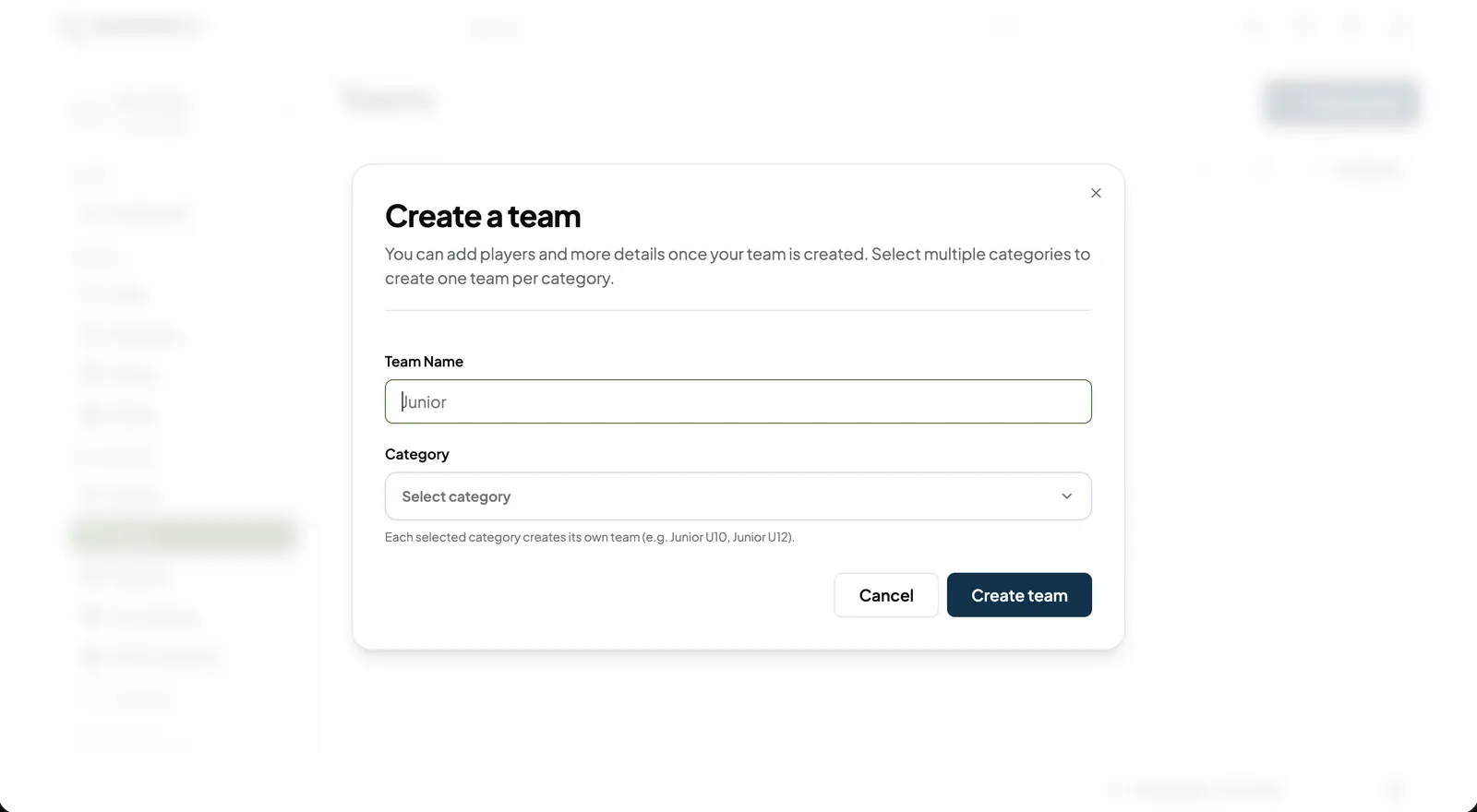
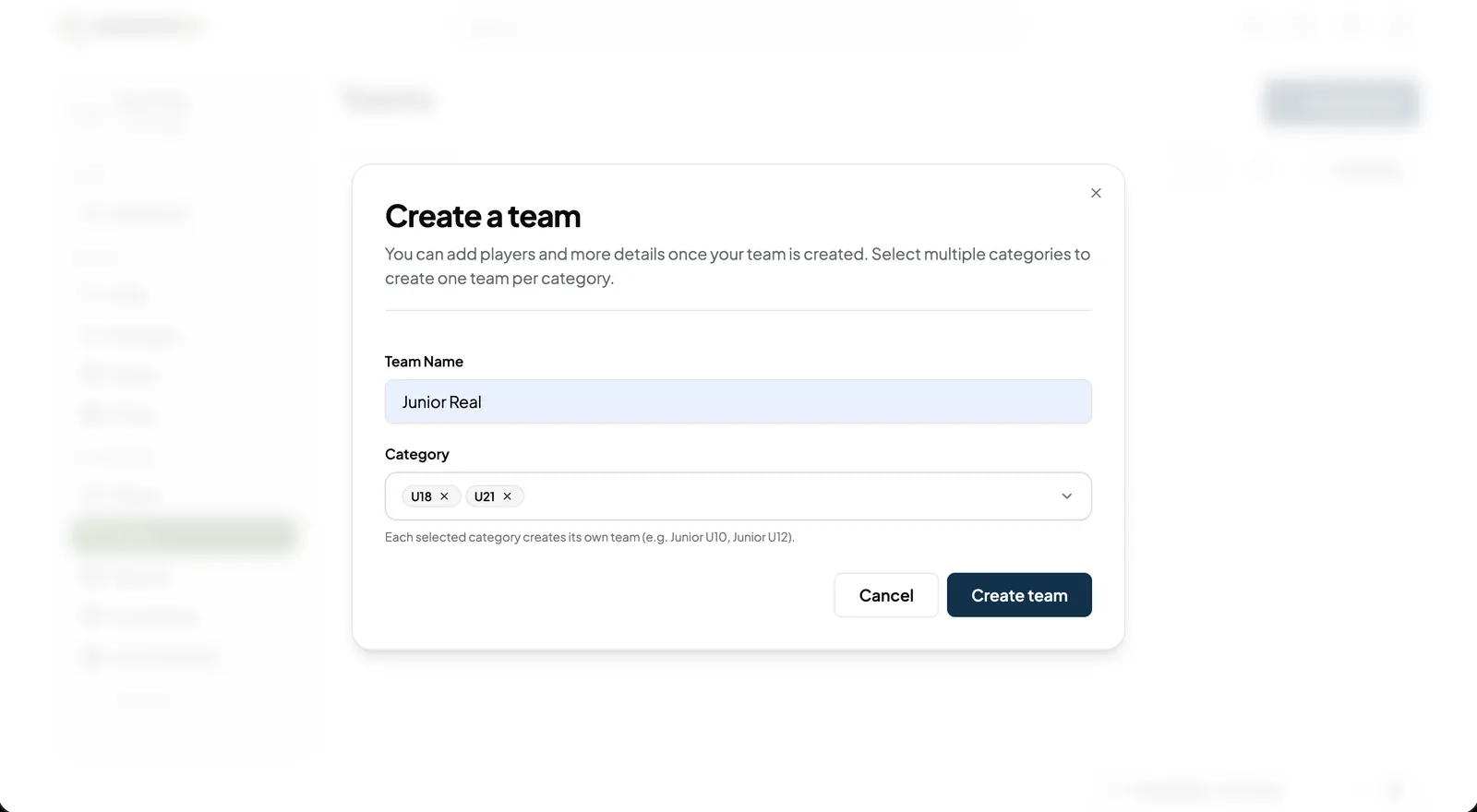
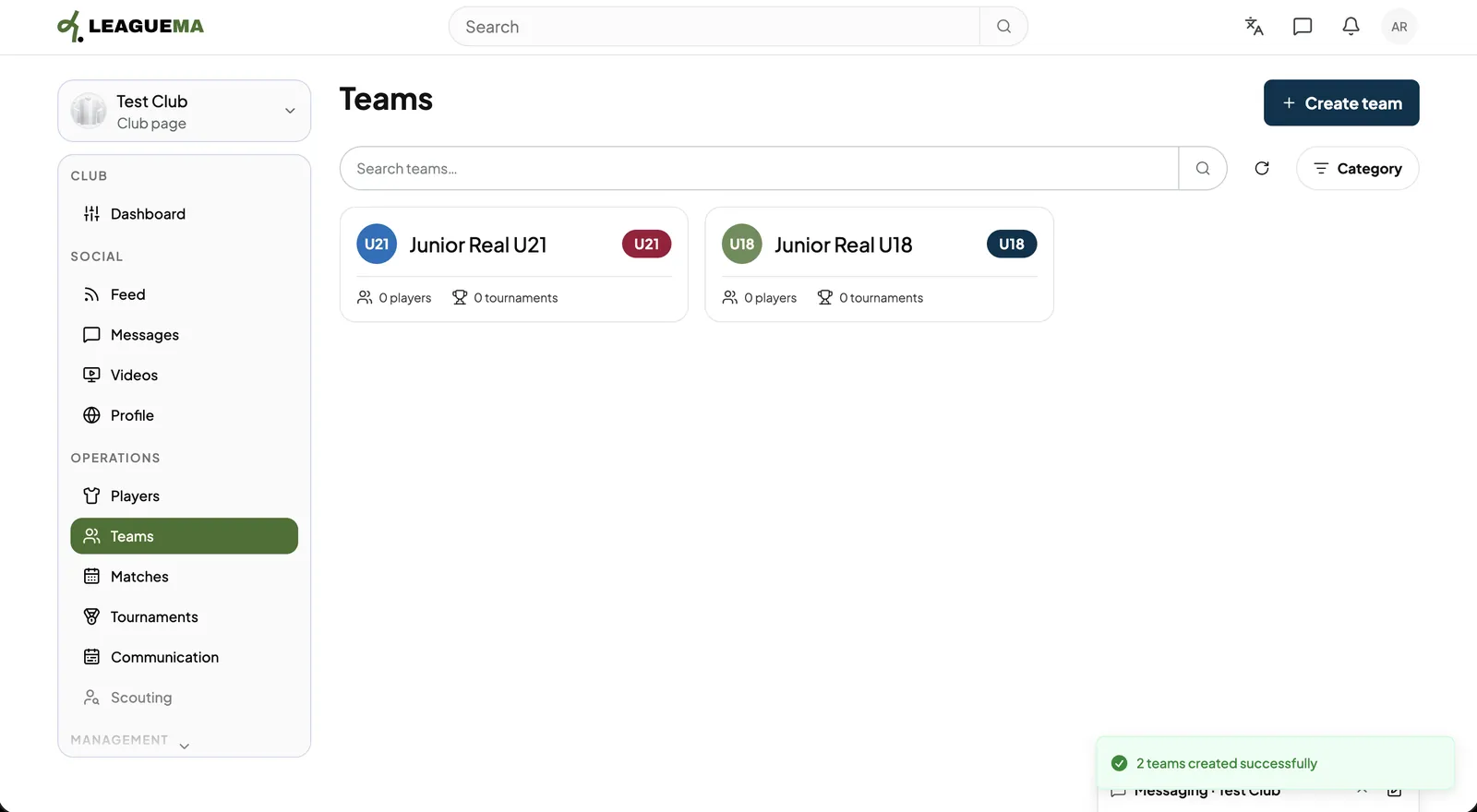
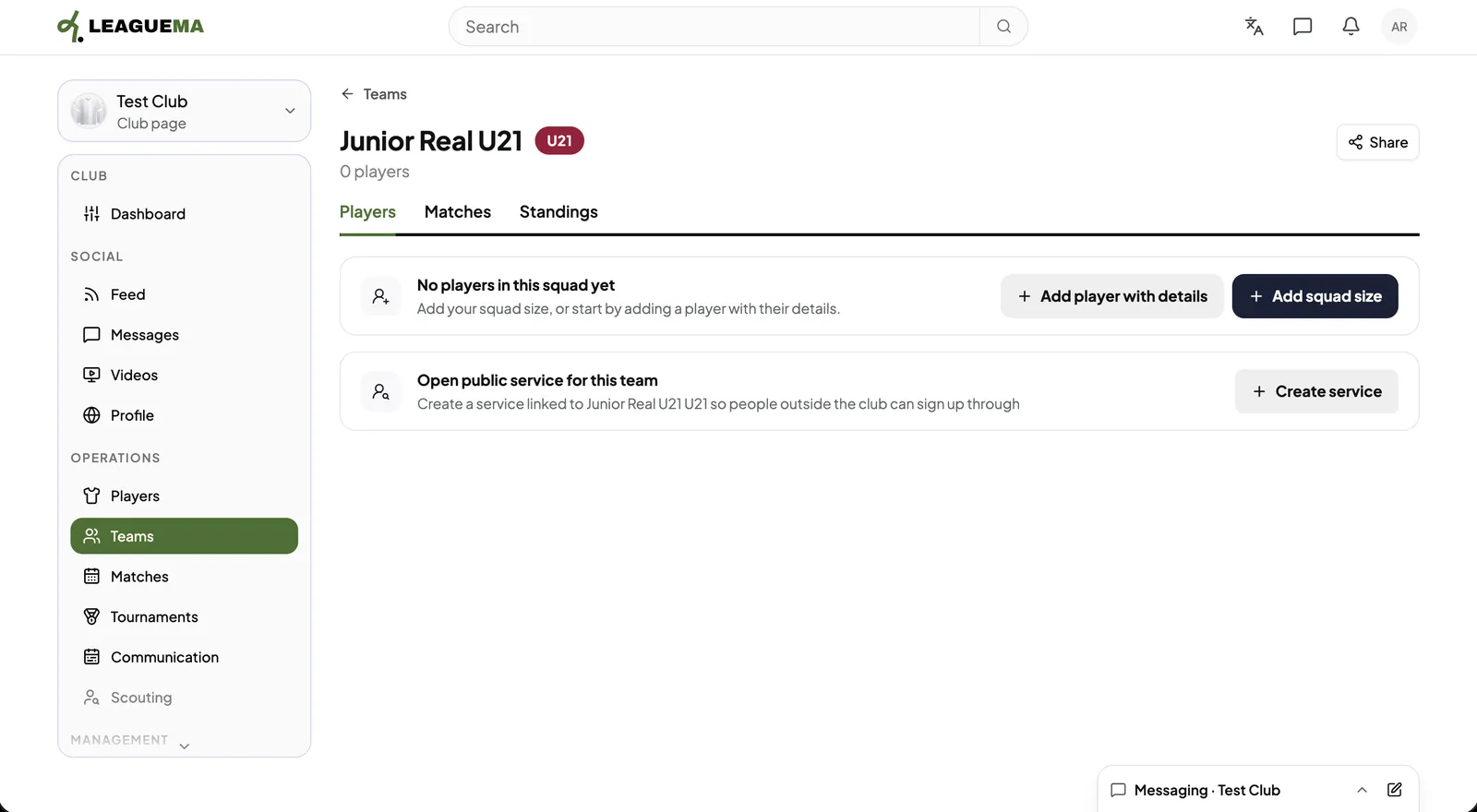
A team is a group of players in one category (for example U14). You use teams to enter matches and tournaments. Choosing several categories at once creates one team for each in a single step.
Previous: Invite players to the club · Next: Add players to a team