Messages
What it is
Messages is where your direct and group conversations live. You use it to talk to people, clubs and teams. A conversation can also be opened from the “Messaging” panel at the bottom right of every page.
Using messages
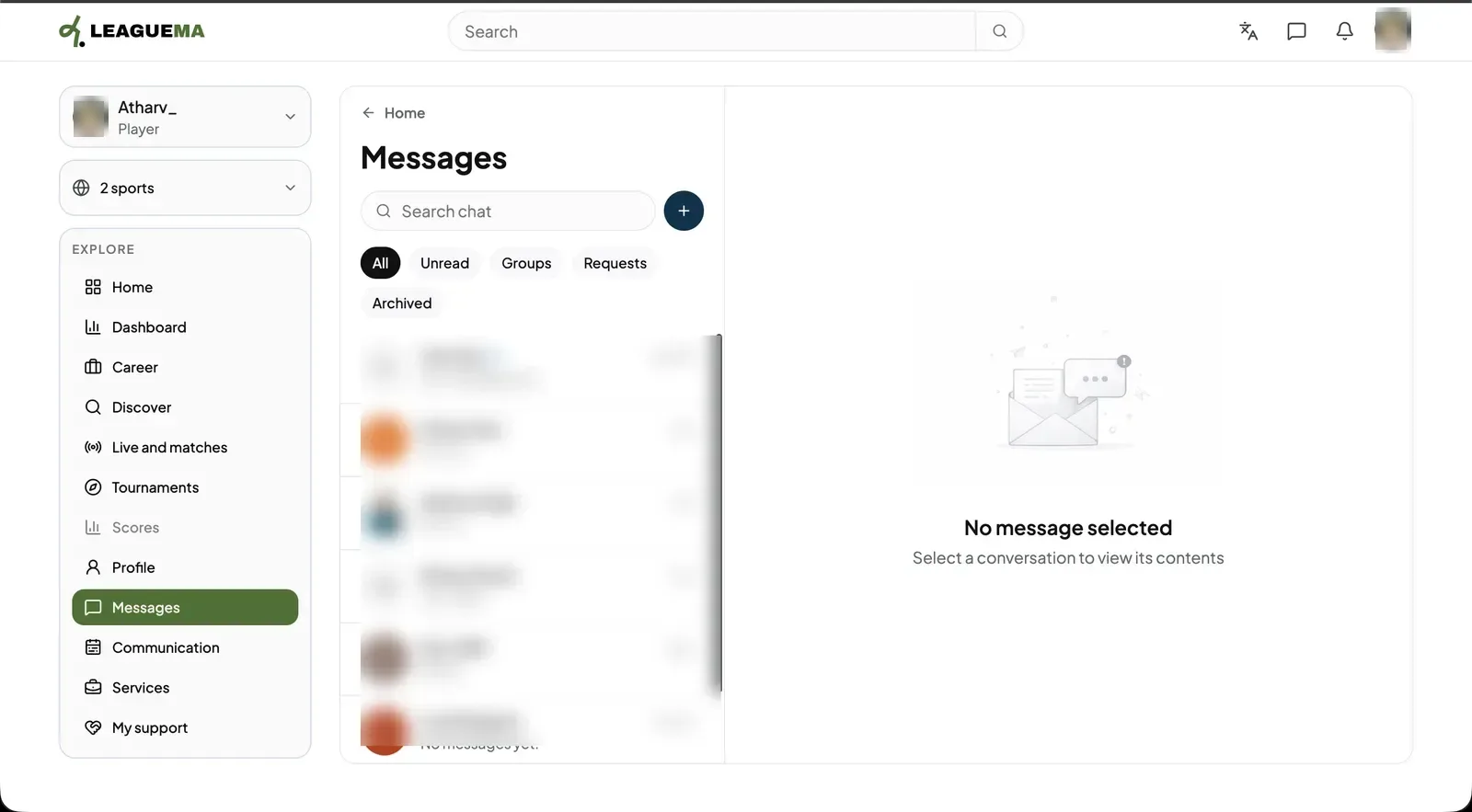
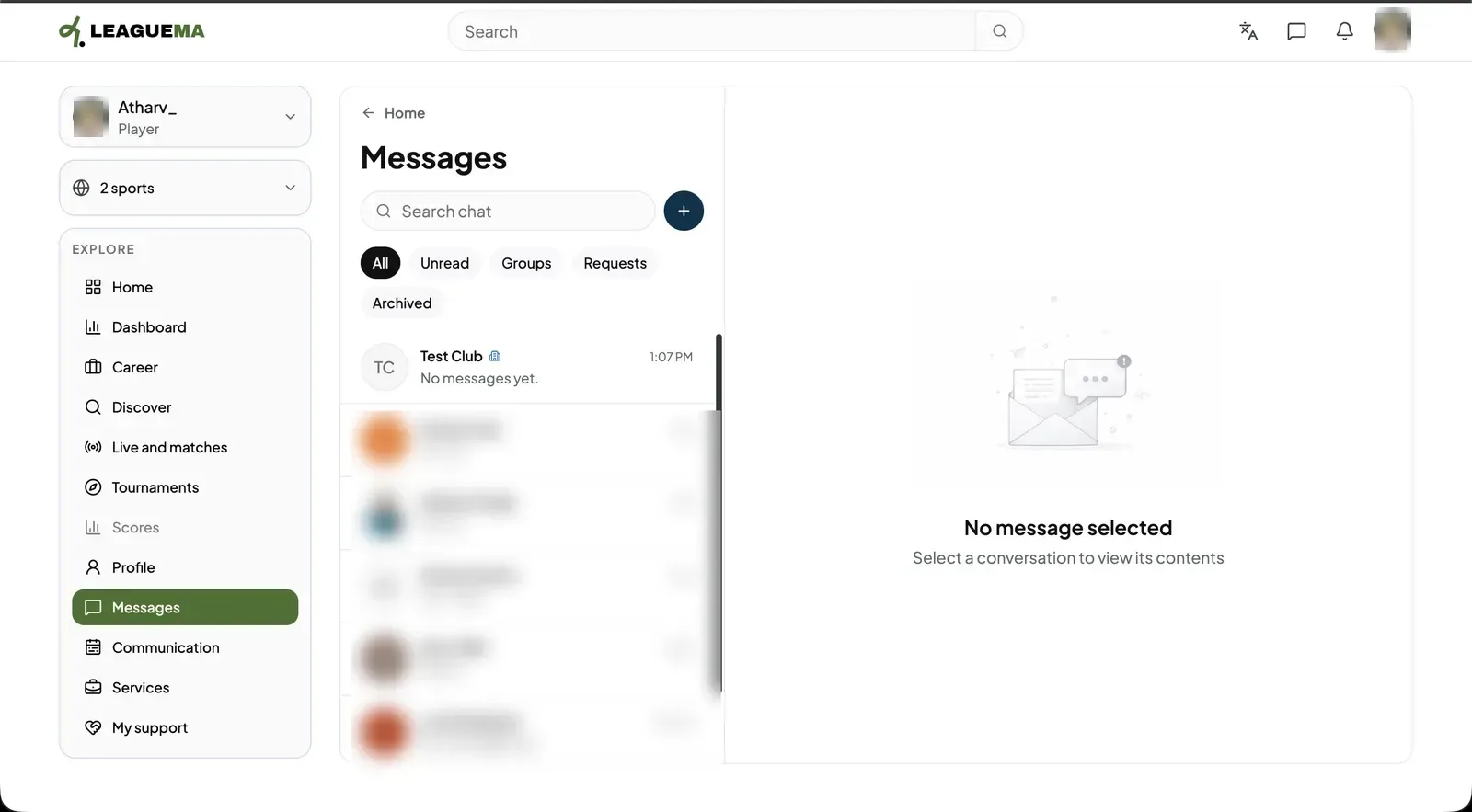
Messages is where your direct and group conversations live. You use it to talk to people, clubs and teams. A conversation can also be opened from the “Messaging” panel at the bottom right of every page.
Previous: Profile, player area and calendar · Next: Change your sports