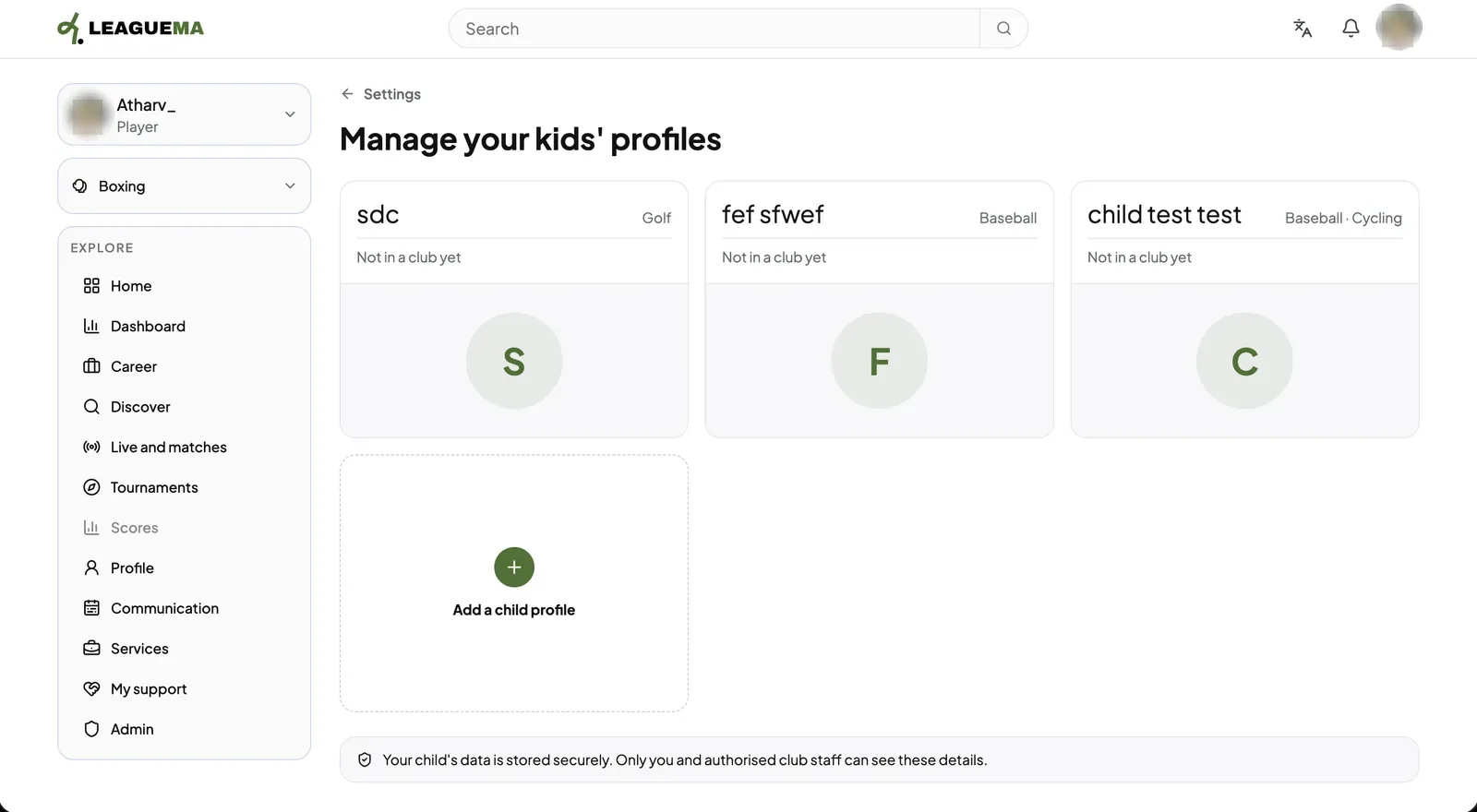
A child profile is a LeagueMa profile for a child under 16, who cannot hold an account. A parent or guardian creates and manages it from their own account. You use it so clubs can place the child on teams while the parent stays in control.
Adding a child
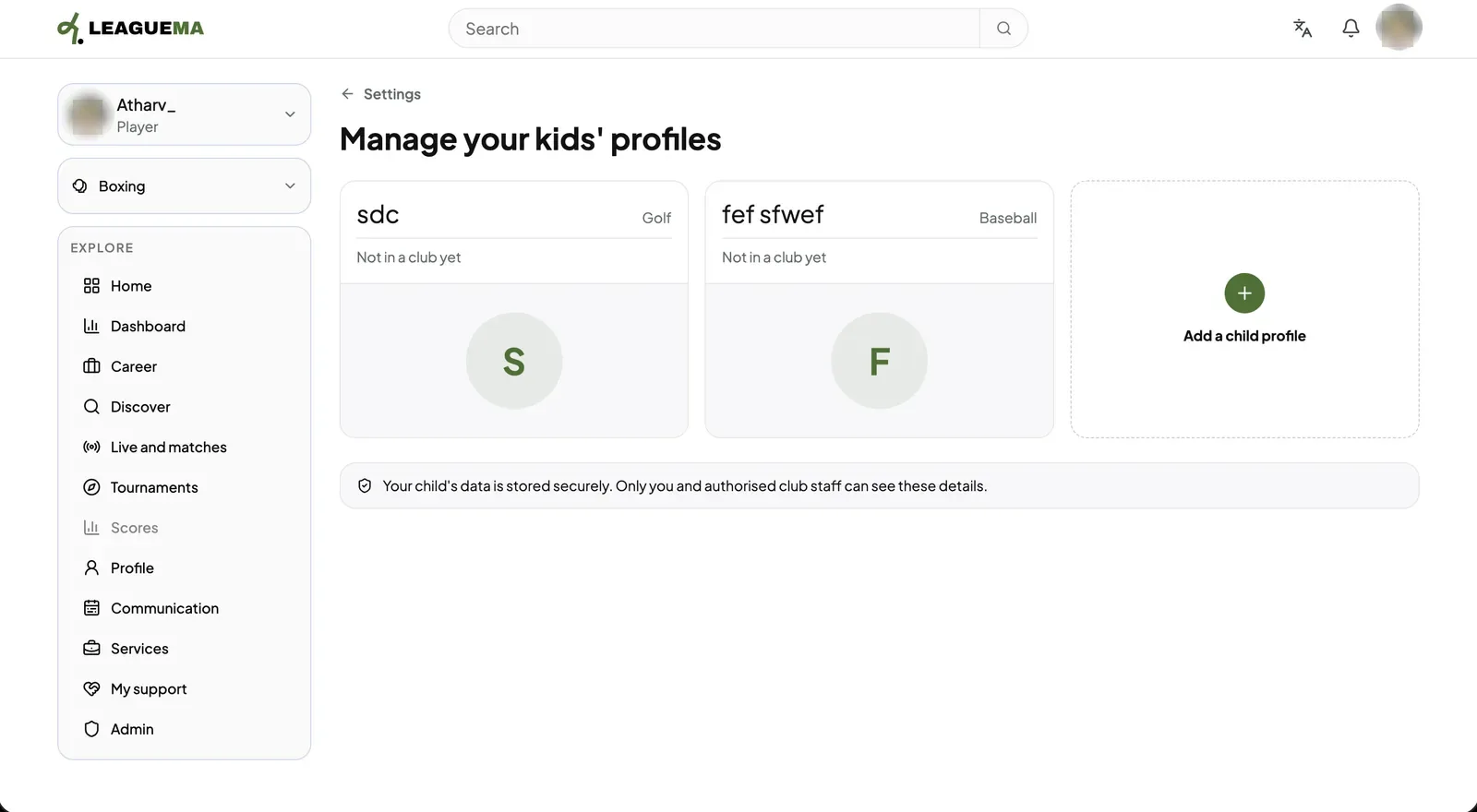
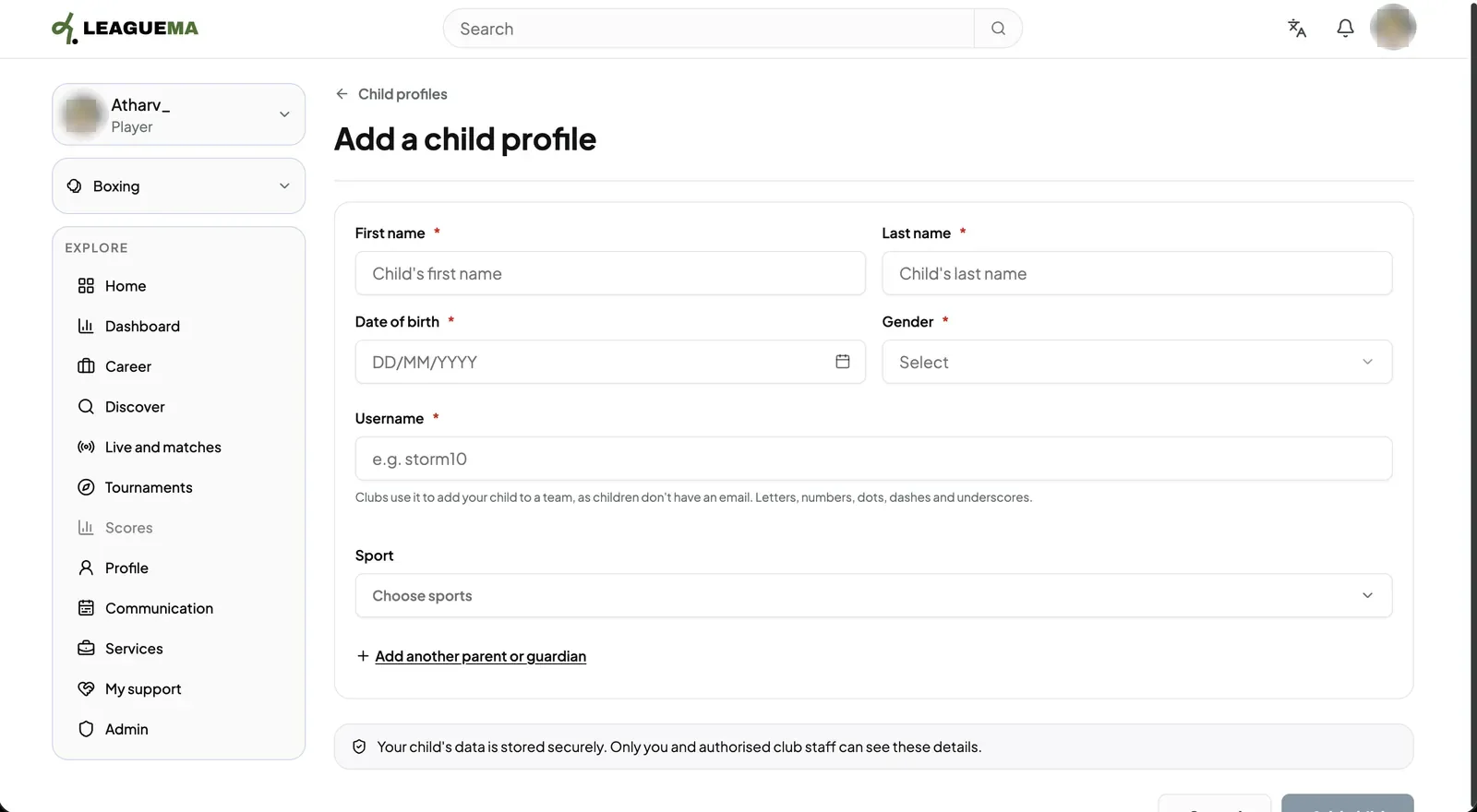
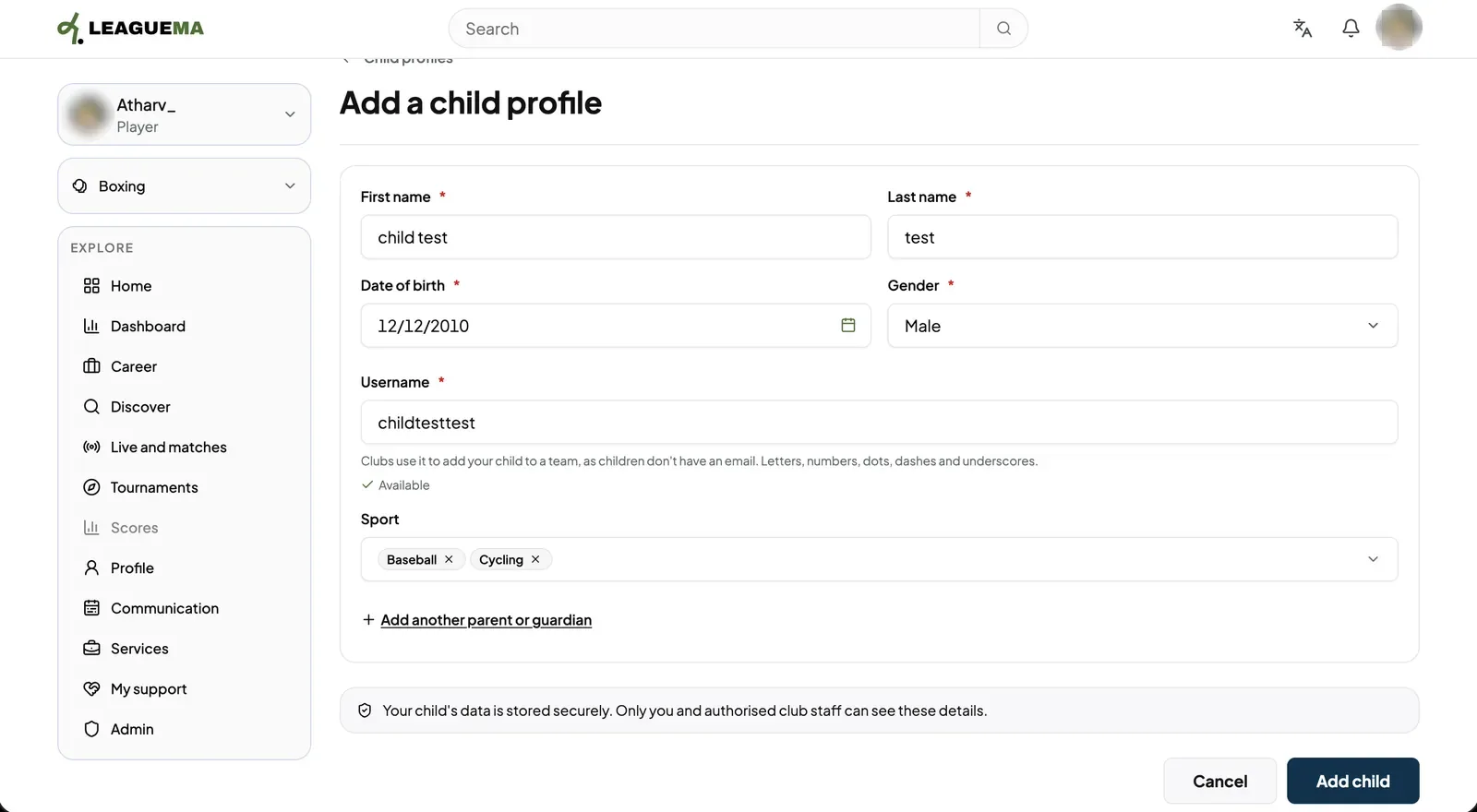
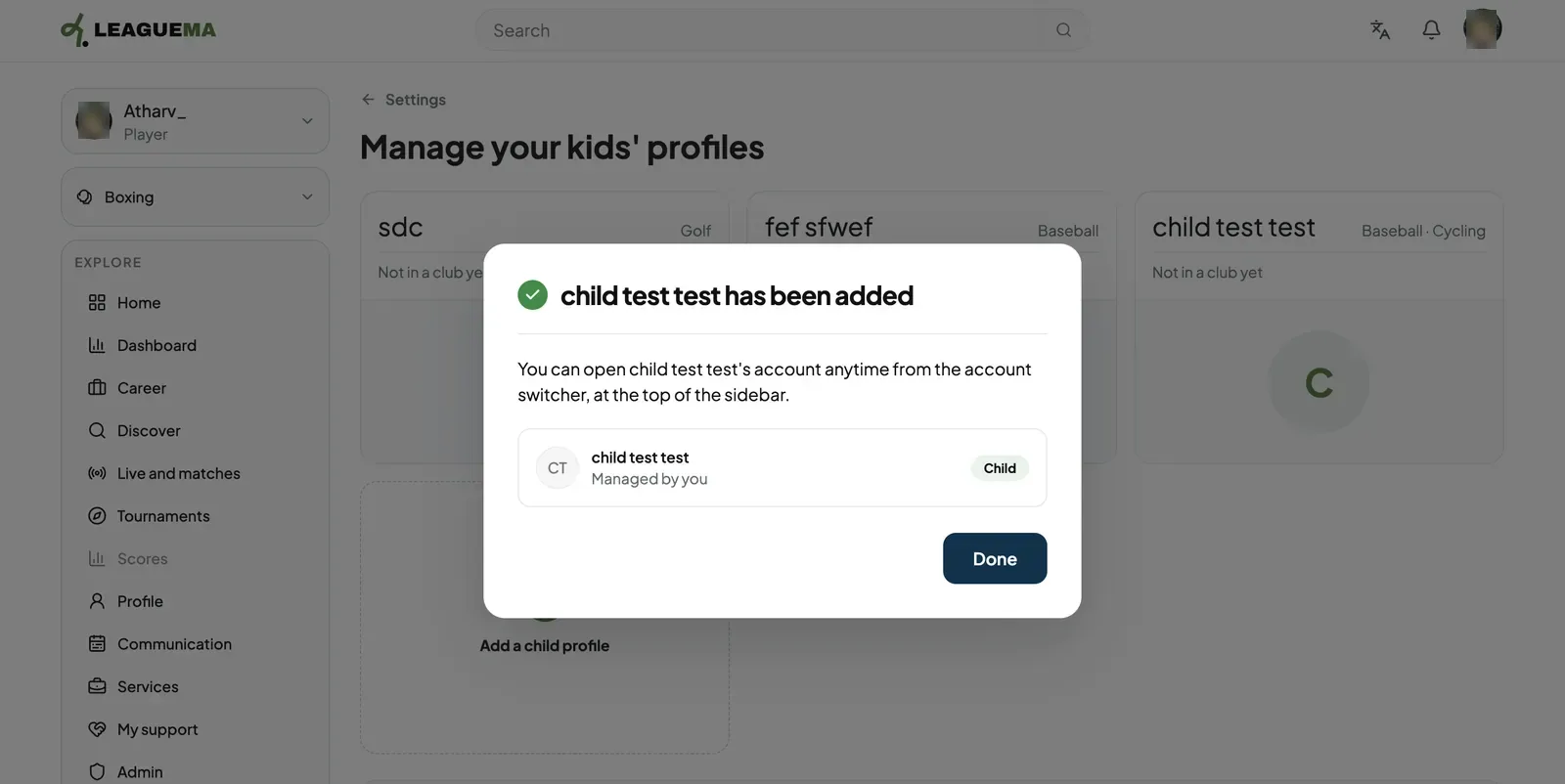
1. Opening the child profiles In Settings, open “Child profile” and click “Add a child profile”.2. Completing the form Enter first and last name, date of birth, gender, a username and the sport.3. Adding the child When the username shows as available, click “Add child”.4. Confirmation A confirmation states that the profile was added and can be opened from the account switcher. Click “Done”.5. Result The child appears in the list of children's profiles.